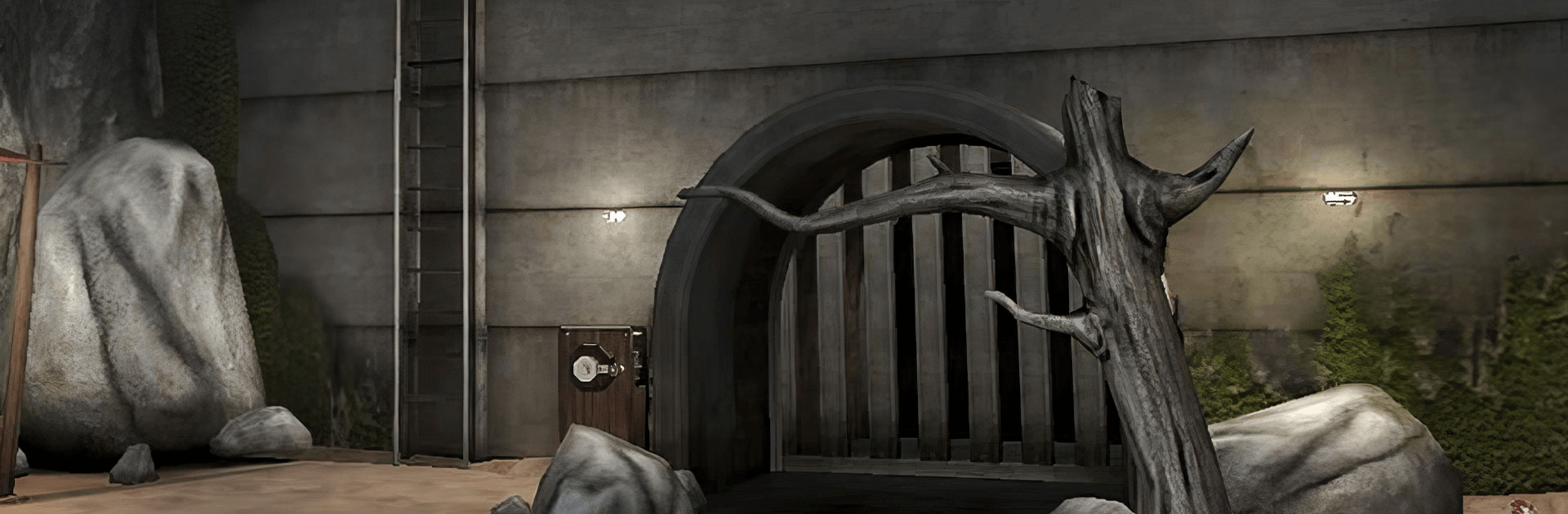
Evil Nun: Horror at School

Evil Nun: Horror at School

Arcade

| Keplerians Horror Games

Play on PC with BlueStacks or from our cloud

  • Overview
  • Game Features
  • How to Play

Page Modified On: October 07, 2026

Play Evil Nun: Horror at School on PC or Mac

Play Evil Nun: Horror at School by Keplerians Horror Games on PC or Mac with BlueStacks. Use a bigger screen, mouse and keyboard controls, and smoother performance while you play.

About the Game

Evil Nun: Horror at School drops you into Eagle’s Junior High after a “summer camp” invite goes wildly wrong. Sister Madeline is hunting you, and she’s not exactly the forgiving type. Expect a tense Arcade experience built around sneaking, solving clever problems, and piecing together creepy school secrets while you search for a way out. Prefer playing on a bigger screen? It runs smoothly on BlueStacks with crisp visuals and comfortable controls.

Game Features

  • Relentless antagonist: Sister Madeline prowls the halls, reacts to noise, and forces you to think fast or find a new hiding spot—every step matters.
  • Puzzles and mini-games: From combination locks to quirky contraptions, use logic and observation to unlock routes, access items, and keep moving.
  • Multiple escape plans: There’s more than one way out—experiment with different strategies to uncover alternate endings and smarter shortcuts.
  • Big, interconnected school: Classrooms, workshops, vents, and a shadowy laundry room hide useful tools and clues if you’re brave enough to explore.
  • Secrets and lore: Track down notes and odd artifacts to learn what’s really going on—yes, that mysterious blue‑handed boy is part of the story.
  • Adjustable challenge: Pick Ghost Mode to explore safely or ramp it up with tougher difficulties that make every sound and mistake count.
  • Smart progression: Find keys, codes, and special items that open new paths, reward curiosity, and encourage replays.
  • Customization options: Unlock new weapons, decorate parts of the school, and collect skins for the nun to tweak the vibe to your liking.
  • Atmosphere you can hear: Footsteps, doors, and distant clanks aren’t just scary—they’re clues. Headphones make tracking her feel razor-sharp.
  • Built for repeat runs: Try fresh routes, master faster solves, and push yourself with stricter modes until you’ve seen every secret.

Get ready for a buttery smooth, high-performance gaming action only on BlueStacks.

Game Features

Enhancements

  • Macros
  • Multi Instance
  • Multi Instance Sync
  • Script
  • Enhancements
Macros

Macros

Automate the predictable in Evil Nun: Horror at School and transform your gameplay with Macros. Get access to inventive Macros in the BlueStacks Macro Community
Multi Instance

Multi Instance

Play Evil Nun: Horror at School on one window. And chat with your friend on the other. Press CTRL + Shift + 8 to open the Multi-Instance Manager. And start creating fresh instances or clone an existing one.
Multi Instance Sync

Multi Instance Sync

Play Evil Nun: Horror at School with the power of Multi-Instance Sync. Replicate what you are doing on the main instance on all other instances. Level up faster, play more.
Script

Script

Script your way to gaming glory in Evil Nun: Horror at School with BlueStacks Script. Write and run a set of commands to automate repeated tasks. Trigger the command by assigning it to any key.
Read More

How to Download and Play Evil Nun: Horror at School on PC or Mac

  • Download and install BlueStacks on your PC or Mac

  • Complete Google sign-in to access the Play Store, or do it later

  • Look for Evil Nun: Horror at School in the search bar at the top right corner

  • Click to install Evil Nun: Horror at School from the search results

  • Complete Google sign-in (if you skipped step 2) to install Evil Nun: Horror at School

  • Click the Evil Nun: Horror at School icon on the home screen to start playing

video
Watch Video

Minimum System Requirements

With BlueStacks 5, you can get started on a PC that fulfills the following requirements.

  • Operating System

    Microsoft Windows 7 or above, macOS 11 (Big Sur) or above

  • Processor

    Intel, AMD or Apple Silicon Processor

  • RAM

    at least 4GB

  • HDD

    10GB Free Disk Space

Note:

* You must be an Administrator on your PC. Up to date graphics drivers from Microsoft or the chipset vendor.

Evil Nun: Horror at School - FAQs

  • How to play Evil Nun: Horror at School on Windows PC & Mac?

    Play Evil Nun: Horror at School on your PC or Mac by following these simple steps.

    • Click on 'Play Evil Nun: Horror at School on PC’ to download BlueStacks
    • Install it and log-in to Google Play Store
    • Launch and play the game.
  • Why is BlueStacks the fastest and safest platform to play games on PC?

    BlueStacks respects your privacy and is always safe and secure to use. It does not carry any malware, spyware, or any sort of additional software that could harm your PC.

    It is engineered to optimize speed and performance for a seamless gaming experience.

  • What are Evil Nun: Horror at School PC requirements?

    Minimum requirement to run Evil Nun: Horror at School on your PC

    • OS: Microsoft Windows 7 or above MacOS 11 (Big Sur) or above
    • Processor: Intel, AMD or Apple Silicon Processor
    • RAM: Your PC must have at least 4GB of RAM. (Note that having 4GB or more disk space is not a substitute for RAM)
    • HDD: 10GB Free Disk Space.
    • You must be an Administrator on your PC.