Galaxy Attack: Alien Shooting

Galaxy Attack: Alien Shooting

Arcade

| 1SOFT

Play on PC with BlueStacks or from our cloud

  • Overview
  • Game Features
  • How to Play

Page Modified On: June 11, 2026

Play Galaxy Attack: Alien Shooting on PC or Mac

Galaxy Attack: Shooting Game by 1SOFT has plenty to keep you busy. BlueStacks lets you play it on PC or Mac with more screen space, better control, and fewer mobile limits.

About the Game

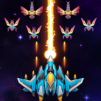
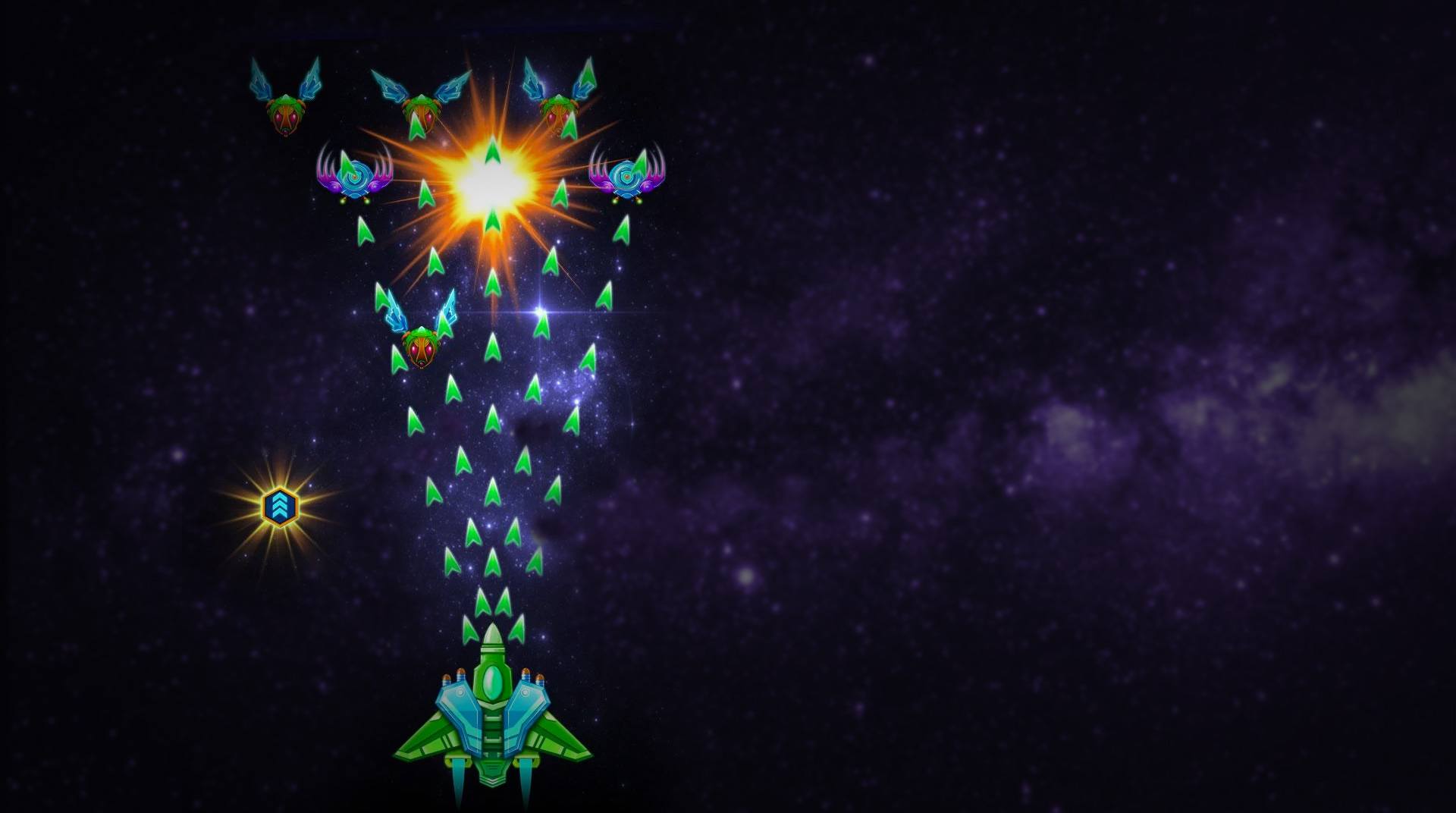
Galaxy Attack: Shooting Game is a fast, old-school space shooter with a modern edge. You’ll pilot a sleek starfighter, weave through wild bullet patterns, and blast alien waves while stacking power-ups that turn your ship into a screen-clearing beast. It’s snappy, satisfying Arcade action that rewards quick reflexes and smart upgrades.

Game Features

  • Classic shoot-’em-up action — Tight, responsive controls and nonstop enemy waves keep every run intense and replayable.
  • 160+ stages — Tackle a long campaign with multiple difficulty tiers that steadily ramp up the challenge.
  • Big, bad boss fights — Face multi-phase bosses with distinct attack patterns that test positioning, timing, and nerve.
  • Build your loadout — Find and upgrade guns, missiles, and lasers; mix power-ups to create ridiculous damage combos.
  • Active skills — Unleash clutch abilities like shields or special blasts to survive swarms and finish tough encounters.
  • Multiplayer skirmishes — Go head-to-head in 1v1 duels or jump into chaotic 1v3 matches to prove your aim.
  • Pick-up-and-play controls — Simple touch-and-drag movement makes dodging and aiming feel natural from the first second.
  • Optimized for big screens — Crisp visuals and effects look great on tablets and larger displays.
  • Play your way — Smooth on mobile and also comfy on PC with BlueStacks if you prefer a keyboard or gamepad setup.

Start your journey now. Download the game on BlueStacks, invite your friends, and march on a new adventure.


Game Features

Enhancements

  • Macros
  • Multi Instance
  • Multi Instance Sync
  • Script
  • Enhancements
Macros

Macros

Automate the predictable in Galaxy Attack: Alien Shooting and transform your gameplay with Macros. Get access to inventive Macros in the BlueStacks Macro Community
Multi Instance

Multi Instance

Play Galaxy Attack: Alien Shooting on one window. And chat with your friend on the other. Press CTRL + Shift + 8 to open the Multi-Instance Manager. And start creating fresh instances or clone an existing one.
Multi Instance Sync

Multi Instance Sync

Play Galaxy Attack: Alien Shooting with the power of Multi-Instance Sync. Replicate what you are doing on the main instance on all other instances. Level up faster, play more.
Script

Script

Script your way to gaming glory in Galaxy Attack: Alien Shooting with BlueStacks Script. Write and run a set of commands to automate repeated tasks. Trigger the command by assigning it to any key.
Read More

How to Download and Play Galaxy Attack: Alien Shooting on PC or Mac

  • Download and install BlueStacks on your PC or Mac

  • Complete Google sign-in to access the Play Store, or do it later

  • Look for Galaxy Attack: Alien Shooting in the search bar at the top right corner

  • Click to install Galaxy Attack: Alien Shooting from the search results

  • Complete Google sign-in (if you skipped step 2) to install Galaxy Attack: Alien Shooting

  • Click the Galaxy Attack: Alien Shooting icon on the home screen to start playing

video
Watch Video

Minimum System Requirements

With BlueStacks 5, you can get started on a PC that fulfills the following requirements.

  • Operating System

    Microsoft Windows 7 or above, macOS 11 (Big Sur) or above

  • Processor

    Intel, AMD or Apple Silicon Processor

  • RAM

    at least 4GB

  • HDD

    10GB Free Disk Space

Note:

* You must be an Administrator on your PC. Up to date graphics drivers from Microsoft or the chipset vendor.

Galaxy Attack: Alien Shooting - FAQs

  • How to play Galaxy Attack: Alien Shooting on Windows PC & Mac?

    Play Galaxy Attack: Alien Shooting on your PC or Mac by following these simple steps.

    • Click on 'Play Galaxy Attack: Alien Shooting on PC’ to download BlueStacks
    • Install it and log-in to Google Play Store
    • Launch and play the game.
  • Why is BlueStacks the fastest and safest platform to play games on PC?

    BlueStacks respects your privacy and is always safe and secure to use. It does not carry any malware, spyware, or any sort of additional software that could harm your PC.

    It is engineered to optimize speed and performance for a seamless gaming experience.

  • What are Galaxy Attack: Alien Shooting PC requirements?

    Minimum requirement to run Galaxy Attack: Alien Shooting on your PC

    • OS: Microsoft Windows 7 or above MacOS 11 (Big Sur) or above
    • Processor: Intel, AMD or Apple Silicon Processor
    • RAM: Your PC must have at least 4GB of RAM. (Note that having 4GB or more disk space is not a substitute for RAM)
    • HDD: 10GB Free Disk Space.
    • You must be an Administrator on your PC.