
Exclusive Gaming Content. And More.
Get the latest updates on the BlueStacks Blog.
See MorePlay on PC with BlueStacks or from our cloud
Page Modified On: January 30, 2026
Explore a whole new adventure with Ragnarok Monster Kitchen, a Casual game created by GRAVITY Co., Ltd.. Experience great gameplay with BlueStacks, the most popular gaming platform to play Android games on your PC or Mac.
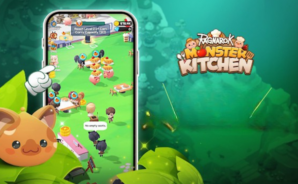
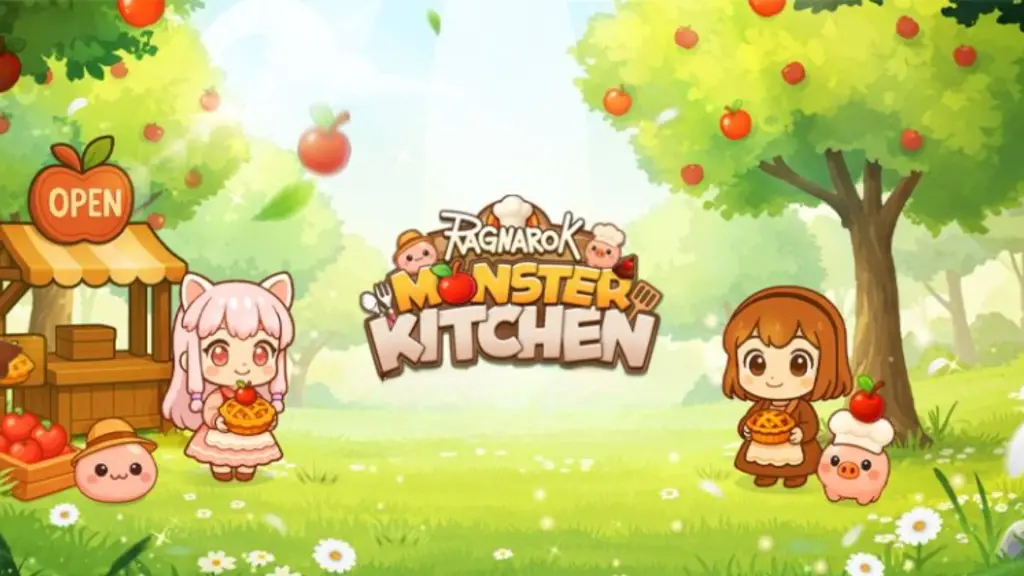
Ragnarok Monster Kitchen is a cute little time-management cooker where the usual Ragnarok monsters put on chef hats and run tiny restaurants. Think Poring, Savage Babe, Wild Rose, even Baphomet Jr., all flipping food and serving lines of customers. It plays fast and clean. Orders stack up, stations get busy, and players tap through dishes while trying not to burn anything. Each stage is a new themed spot with its own set of goals, so it never sits in one place for long. What stands out is how simple it is to pick up. No tangled systems, just a steady rhythm of cook, plate, serve, repeat, with short bursts that still feel satisfying.
There are little curveballs tossed into the shifts too. One moment there is a picky eater timing the patience meter, next a delivery pops up that needs to go out, then a food critic shows up with high standards, or a sneaky villain needs shooing before they ruin the rush. Stages clear into the next restaurant and fresh quirks keep rolling in, which makes it easy to play a few minutes or get stuck for way longer than planned. On PC with BlueStacks, quick mouse clicks make the tapping heavy parts feel smoother, and it looks nice on a bigger screen without losing that chibi charm. It is light, friendly, and a good pick when someone wants the feel of a busy kitchen without a ton of homework attached.
Ready to top the leaderboard? We bet you do. Let precise controls and sharp visuals optimized on BlueStacks lead you to victory.
Automate the predictable in Ragnarok Monster Kitchen and transform your gameplay with Macros. Get access to inventive Macros in the BlueStacks Macro Community
Play Ragnarok Monster Kitchen on one window. And chat with your friend on the other. Press CTRL + Shift + 8 to open the Multi-Instance Manager. And start creating fresh instances or clone an existing one.
Script your way to gaming glory in Ragnarok Monster Kitchen with BlueStacks Script. Write and run a set of commands to automate repeated tasks. Trigger the command by assigning it to any key.
BlueStacks lets you master Ragnarok Monster Kitchen with useful features like the Repeated Tap. Now you do not have to press the same key repeatedly to initiate an action. Just assign it to one key and you are good to go.
Download and install BlueStacks on your PC or Mac
Complete Google sign-in to access the Play Store, or do it later
Look for Ragnarok Monster Kitchen in the search bar at the top right corner
Click to install Ragnarok Monster Kitchen from the search results
Complete Google sign-in (if you skipped step 2) to install Ragnarok Monster Kitchen
Click the Ragnarok Monster Kitchen icon on the home screen to start playing
With BlueStacks 5, you can get started on a PC that fulfills the following requirements.
Microsoft Windows 7 or above, macOS 11 (Big Sur) or above
Intel, AMD or Apple Silicon Processor
at least 4GB
10GB Free Disk Space
* You must be an Administrator on your PC. Up to date graphics drivers from Microsoft or the chipset vendor.

Leave your email and we will notify
you when the game launches
Play Ragnarok Monster Kitchen on your PC or Mac by following these simple steps.
BlueStacks respects your privacy and is always safe and secure to use. It does not carry any malware, spyware, or any sort of additional software that could harm your PC.
It is engineered to optimize speed and performance for a seamless gaming experience.
Minimum requirement to run Ragnarok Monster Kitchen on your PC
Since you are on your phone, we are going to send you to the Google Play page.
In some cases BlueStacks uses affiliate links when linking to Google Play
BlueStacks 4 is not available on Windows XP. You must have Windows 7 or higher. Windows 10 is recommended.