

Get freedom from your phone’s obvious limitations. Use Baby Games World: Play & Learn, made by MJ+, a Education app on your PC or Mac with BlueStacks, and level up your experience.
So Baby Games World: Play & Learn is this app that’s clearly built for younger kids, and it takes that whole learning-with-fun idea seriously. The main thing you’ll notice is just how bright and colorful everything is—like, the kind of visuals that grab a kid’s attention without being overwhelming. It covers all the basics, like teaching the alphabet and numbers, but it adds in these visuals, sounds, and little games to make it feel less like a lesson and more like some kind of interactive cartoon. Every letter gets its own flash card with a matching word, a picture, and even the way to say it, so it’s easy for kids to build those connections. They mix in animal and fruit names a lot, using their sounds, so kids can hear and see at the same time.
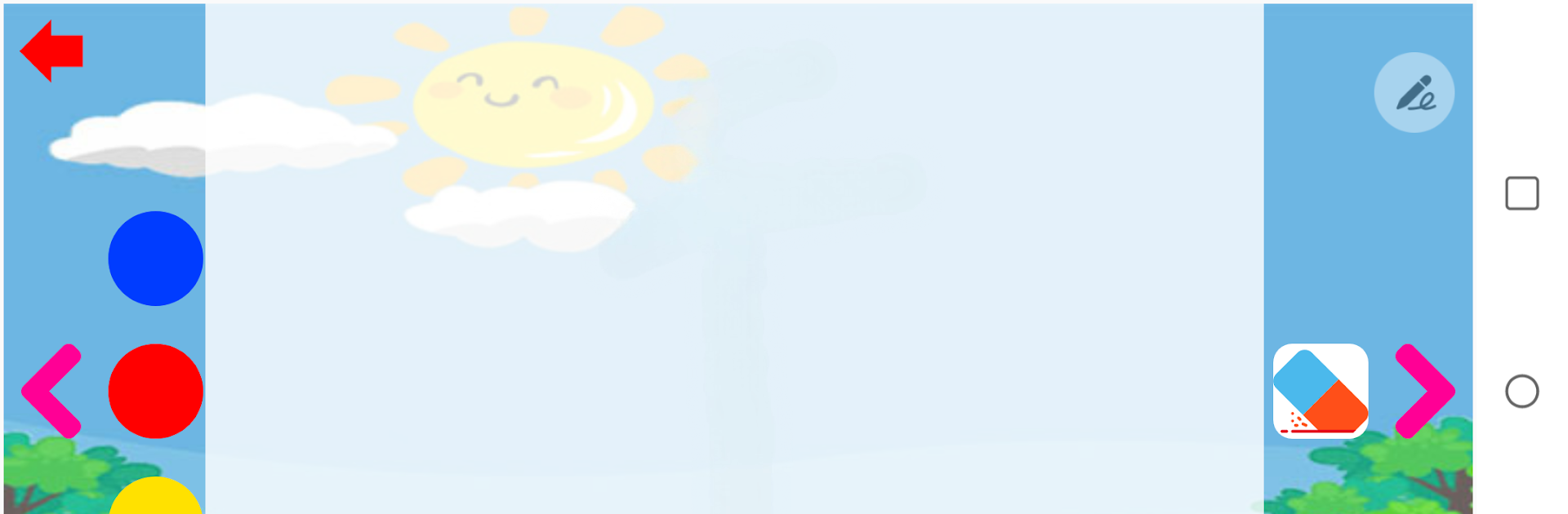
After each lesson, there are these short games that help reinforce what was just shown—it helps with keeping kids from zoning out since they’re doing something hands-on, not just staring at a screen. There’s a section called “Play & Learn” with all sorts of simple activities, like drawing letters, counting ducks, recognizing pictures, and even a balloon game for picking out letters. The app also covers multiple languages, which can be a nice way for kids to hear Spanish, Arabic, or English words along the way. There’s enough variety in the activities that most kids won’t get bored right away, and you can track their progress or switch up the language or difficulty level, depending on how old the kid is. Using BlueStacks on a PC makes things a bit easier since it’s bigger and the games aren’t fiddly, so if someone’s looking for something educational but actually engaging, it’s pretty solid.
Switch to BlueStacks and make the most of your apps on your PC or Mac.