

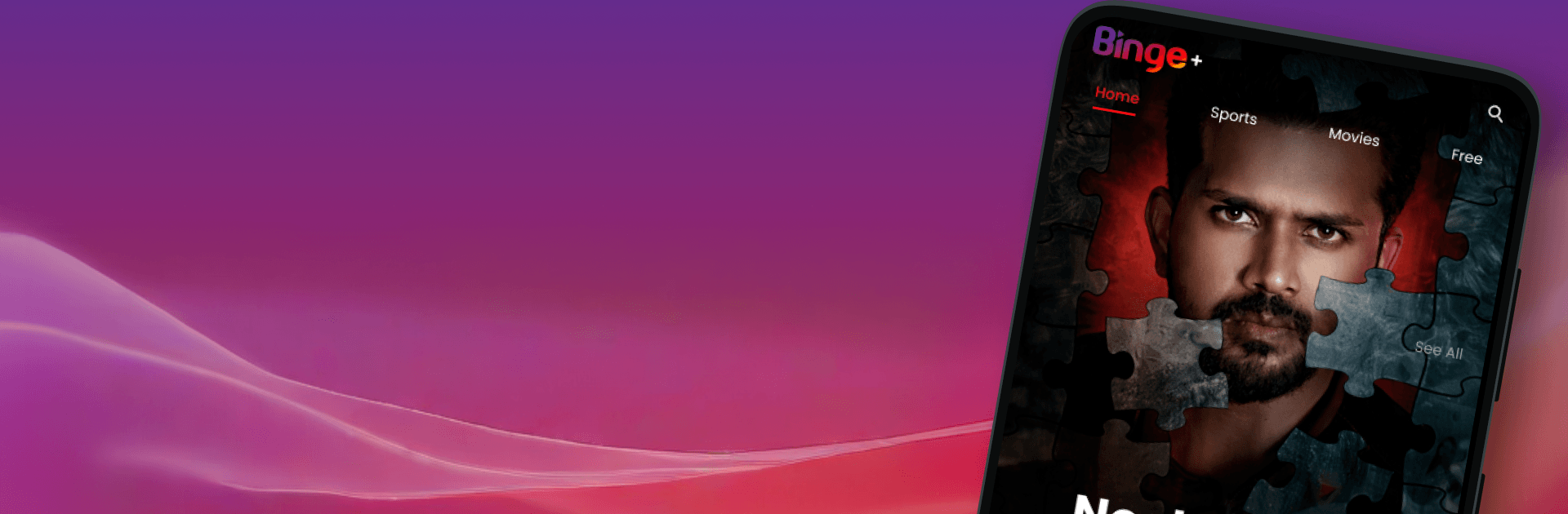


Upgrade your experience. Try Binge+, the fantastic Entertainment app from Binge Bangladesh, from the comfort of your laptop, PC, or Mac, only on BlueStacks.
About the App
Binge+ is your easy place to watch the stuff you actually want—movies, drama series, web originals, shows, and more—without digging through a maze of menus. It’s quick to start, simple to browse, and made for those moments when you just want to press play. Use it on your phone, enjoy it on Android TV, or even watch on your computer with BlueStacks when you’re craving a bigger screen.
App Features
– All-in-one library: Movies, dramas, web series, shows, music videos, lifestyle picks, and exclusive videos live together so you don’t have to hop between apps.
– Clean, comfortable browsing: A straightforward layout makes it easy to scan categories, jump into collections, and get back to what you were watching.
– Quick, accurate search: Find the title you’re thinking of fast, or explore by category when you’re in the mood to discover something new.
– Android TV pairing: Sign in on TV in seconds—open Binge+ on Android TV, grab the 6-digit code, enter it from the Binge+ app on your phone, and you’re ready to watch.
– Smooth streaming: Snappy startup and reliable playback keep the focus on the story, not the loading bar.
– Watch anywhere: On the couch, on a commute, or on a break—stream on supported devices wherever you’ve got internet.
– Regular new picks: Fresh additions roll in often, from recent releases to popular favorites, so there’s always something to try next.
– Optional desktop viewing: Prefer a computer screen? Binge+ also runs nicely on PC or Mac with BlueStacks.
Ready to experience Binge+ on a bigger screen, in all its glory? Download BlueStacks now.





