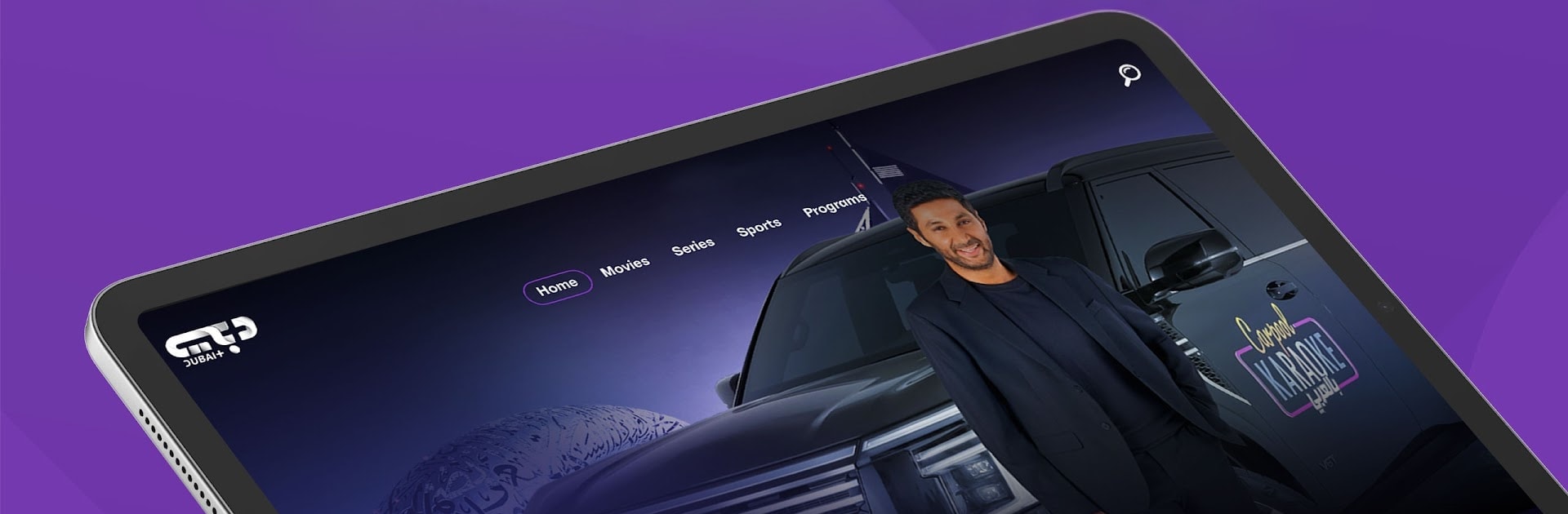
Dubai+
Dubai+

Dubai+

Entertainment

| Dubai Media L.L.C

Play on PC with BlueStacks or from our cloud

  • Overview
  • How to Download

Page Modified On: July 14, 2026

Run Dubai+ on PC or Mac

What’s better than using Dubai+ by Dubai Media L.L.C? Well, try it on a big screen, on your PC or Mac, with BlueStacks to see the difference.

About the App

Dubai+ is a streaming home built around Arabic entertainment, bringing together original series, hit movies, and major live sports in one easy spot. From Emirati stories to regional favorites and international titles, it’s designed for relaxed, family-friendly viewing without the fuss. Want to kick back on a bigger screen? You can also watch through BlueStacks on your computer.

App Features

  • Ad-free premieres: Catch brand-new series and movies without interruptions, so the story never breaks.
  • Originals made for the region: Explore Arabic originals tailored to local tastes, voices, and culture.
  • Huge library to explore: Over 30,000 hours of drama, action, comedy, romance, classics, Turkish hits, and more—ready when you are.
  • Live sports, as it happens: Follow top leagues and global championships with smooth, high-quality streams.
  • Dubai’s biggest moments, live: New Year’s celebrations, world-class races, concerts, and citywide festivals—streamed throughout the year.
  • Family-friendly space: A viewing experience built for all ages, with content you can feel good about putting on for everyone.
  • Exclusives you won’t find elsewhere: Access original and exclusive productions available only on Dubai+.
  • Always something new: Fresh releases and updates keep the catalog moving, so your watchlist stays interesting.
  • Curated global picks: Handpicked international programs sit right next to regional hits for easy discovery.
  • Simple, intuitive browsing: Jump between categories, collections, and genres without getting lost.
  • Smart recommendations: Personalized picks learn what you like and surface titles you’ll actually want to watch.

BlueStacks gives you the much-needed freedom to experience your favorite apps on a bigger screen. Get it now.


How to Download and Run Dubai+ on PC or Mac

  • Download and install BlueStacks on your PC or Mac

  • Complete Google sign-in to access the Play Store, or do it later

  • Look for Dubai+ in the search bar at the top right corner

  • Click to install Dubai+ from the search results

  • Complete Google sign-in (if you skipped step 2) to install Dubai+

  • Click the Dubai+ icon on the home screen to start playing

video
Watch Video

Minimum System Requirements

With BlueStacks 5, you can get started on a PC that fulfills the following requirements.

  • Operating System

    Microsoft Windows 7 or above, macOS 11 (Big Sur) or above

  • Processor

    Intel, AMD or Apple Silicon Processor

  • RAM

    at least 4GB

  • HDD

    10GB Free Disk Space

Note:

* You must be an Administrator on your PC. Up to date graphics drivers from Microsoft or the chipset vendor.

Dubai+ - FAQs

  • How to Run Dubai+ on Windows PC & Mac?

    Run Dubai+ on your PC or Mac by following these simple steps.

    • Click on ‘Download Dubai+ on PC’ to download BlueStacks
    • Install it and log-in to Google Play Store
    • Launch and run the app.
  • Why is BlueStacks the fastest and safest platform to play games on PC?

    BlueStacks respects your privacy and is always safe and secure to use. It does not carry any malware, spyware, or any sort of additional software that could harm your PC.

    It is engineered to optimize speed and performance for a seamless gaming experience.

  • What are Dubai+ PC requirements?

    Minimum requirement to run Dubai+ on your PC

    • OS: Microsoft Windows 7 and above:
    • Processor: Intel or AMD Processor:
    • RAM: Your PC must have at least 2GB of RAM. (Note that having 2GB or more disk space is not a substitute for RAM):
    • HDD: 5GB Free Disk Space.
    • You must be an Administrator on your PC.