
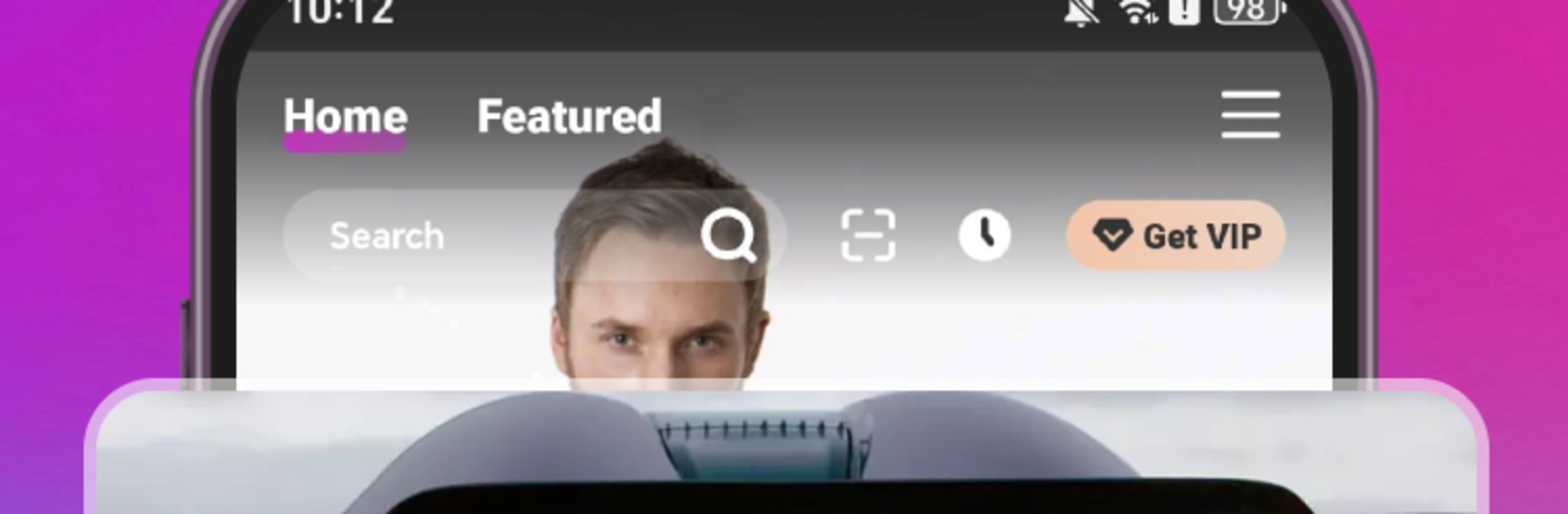
LOKTV: Enjoy movie, drama, tv

LOKTV: Enjoy movie, drama, tv

Entertainment

| LOKTV DEV

Play on PC with BlueStacks or from our cloud

  • Overview
  • How to Download

Page Modified On: April 07, 2026

Run LOKTV: Enjoy movie, drama, tv on PC or Mac

Get freedom from your phone’s obvious limitations. Use LOKTV: Enjoy movie, drama, tv, made by LOKTV DEV, a Entertainment app on your PC or Mac with BlueStacks, and level up your experience.

About the App

LOKTV: Enjoy movie, drama, tv is an Entertainment app from LOKTV DEV that puts fresh dramas, hit movies, and quick, trending short episodes all in one place. It’s built for folks who want an easy, clean way to stream in crisp quality or grab a few titles to watch offline. Like a bigger screen sometimes? You can also enjoy it on BlueStacks.

App Features

  • Full HD Streaming: Kick back with smooth 1080P playback so your favorite shows and films look sharp and feel cinematic.
  • Offline Downloads: Heading on a flight or saving data? Download episodes or movies and watch whenever you want—no connection needed.
  • Bite‑Size Short Dramas: Short, snackable episodes perfect for coffee breaks, commutes, or when you’ve only got a few minutes.
  • Daily Recommendations: See what’s trending and get fresh suggestions each day to keep your watchlist interesting.
  • Global Picks: From Korean and American stories to other international hits, explore a wide mix without hopping between apps.
  • Community Discussions: Share hot takes, react to plot twists, and chat with people who love the same shows you do.
  • Quick Discovery: Browse by what’s popular right now or filter to match your mood—finding something good doesn’t take forever.
  • Simple, No‑Fuss Design: Intuitive browsing and clear categories make it easy to start watching fast and come back to what you love.

BlueStacks gives you the much-needed freedom to experience your favorite apps on a bigger screen. Get it now.


How to Download and Run LOKTV: Enjoy movie, drama, tv on PC or Mac

  • Download and install BlueStacks on your PC or Mac

  • Complete Google sign-in to access the Play Store, or do it later

  • Look for LOKTV: Enjoy movie, drama, tv in the search bar at the top right corner

  • Click to install LOKTV: Enjoy movie, drama, tv from the search results

  • Complete Google sign-in (if you skipped step 2) to install LOKTV: Enjoy movie, drama, tv

  • Click the LOKTV: Enjoy movie, drama, tv icon on the home screen to start playing

video
Watch Video

Minimum System Requirements

With BlueStacks 5, you can get started on a PC that fulfills the following requirements.

  • Operating System

    Microsoft Windows 7 or above, macOS 11 (Big Sur) or above

  • Processor

    Intel, AMD or Apple Silicon Processor

  • RAM

    at least 4GB

  • HDD

    10GB Free Disk Space

Note:

* You must be an Administrator on your PC. Up to date graphics drivers from Microsoft or the chipset vendor.

LOKTV: Enjoy movie, drama, tv - FAQs

  • How to Run LOKTV: Enjoy movie, drama, tv on Windows PC & Mac?

    Run LOKTV: Enjoy movie, drama, tv on your PC or Mac by following these simple steps.

    • Click on ‘Download LOKTV: Enjoy movie, drama, tv on PC’ to download BlueStacks
    • Install it and log-in to Google Play Store
    • Launch and run the app.
  • Why is BlueStacks the fastest and safest platform to play games on PC?

    BlueStacks respects your privacy and is always safe and secure to use. It does not carry any malware, spyware, or any sort of additional software that could harm your PC.

    It is engineered to optimize speed and performance for a seamless gaming experience.

  • What are LOKTV: Enjoy movie, drama, tv PC requirements?

    Minimum requirement to run LOKTV: Enjoy movie, drama, tv on your PC

    • OS: Microsoft Windows 7 and above:
    • Processor: Intel or AMD Processor:
    • RAM: Your PC must have at least 2GB of RAM. (Note that having 2GB or more disk space is not a substitute for RAM):
    • HDD: 5GB Free Disk Space.
    • You must be an Administrator on your PC.



