
Spooky Halloween Sounds

Spooky Halloween Sounds

Entertainment

| Bosson Design

Play on PC with BlueStacks or from our cloud

  • Overview
  • How to Download

Page Modified On: May 01, 2026

Run Spooky Halloween Sounds on PC or Mac

Upgrade your experience. Try Spooky Halloween Sounds, the fantastic Entertainment app from Bosson Design, from the comfort of your laptop, PC, or Mac, only on BlueStacks.

About the App

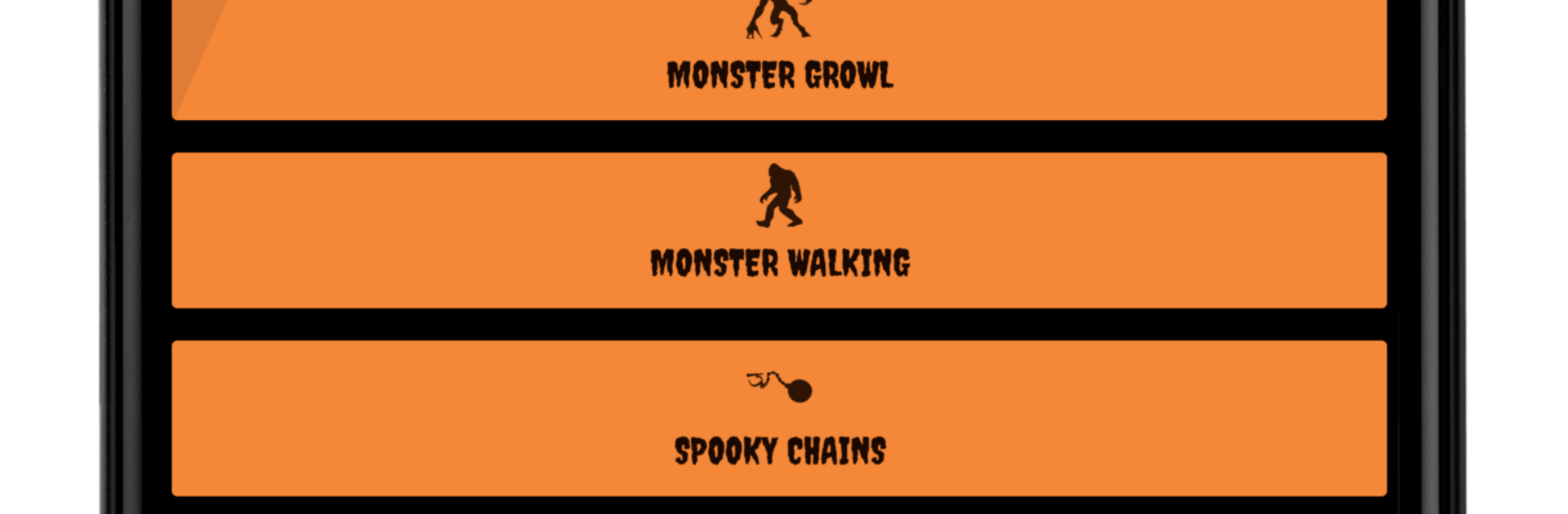
Spooky Halloween Sounds turns your phone into a pocket-sized haunted house. Tap to play creepy laughs, eerie whispers, and classic bumps-in-the-night to set the mood for trick-or-treaters, parties, or a quick scare just for fun. It’s an easy, no-fuss Entertainment app from Bosson Design—open it, press a button, and let the spooks begin.

App Features

  • Big, bold soundboard: Instantly trigger effects with large, easy-to-spot buttons—no digging through menus while your guests are at the door.
  • 31+ creepy effects: From ghostly howls to rattling chains, mix and match scares to build your perfect haunted vibe.
  • Party-ready vibes: Great for front-porch greetings, classroom events, house parties, or adding suspense to a DIY haunted hallway.
  • Fun for all ages: Go silly or spine-tingling—there’s a range of playful and scarier sounds, so you can choose what fits the crowd.
  • Free and ad-free: Enjoy the full collection without pop-ups, subscriptions, or interruptions getting in the way.
  • Quick setup: Open the app and start playing—perfect when you need spooky ambience on the fly.
  • Clear note on limits: Sounds can’t be set as ringtones and aren’t downloadable to your device’s internal storage.
  • Works great on more screens: Prefer a larger setup for your party? You can also run Spooky Halloween Sounds on your PC with BlueStacks for extra oomph through bigger speakers.

Switch to BlueStacks and make the most of your apps on your PC or Mac.

How to Download and Run Spooky Halloween Sounds on PC or Mac

  • Download and install BlueStacks on your PC or Mac

  • Complete Google sign-in to access the Play Store, or do it later

  • Look for Spooky Halloween Sounds in the search bar at the top right corner

  • Click to install Spooky Halloween Sounds from the search results

  • Complete Google sign-in (if you skipped step 2) to install Spooky Halloween Sounds

  • Click the Spooky Halloween Sounds icon on the home screen to start playing

video
Watch Video

Minimum System Requirements

With BlueStacks 5, you can get started on a PC that fulfills the following requirements.

  • Operating System

    Microsoft Windows 7 or above, macOS 11 (Big Sur) or above

  • Processor

    Intel, AMD or Apple Silicon Processor

  • RAM

    at least 4GB

  • HDD

    10GB Free Disk Space

Note:

* You must be an Administrator on your PC. Up to date graphics drivers from Microsoft or the chipset vendor.

Spooky Halloween Sounds - FAQs

  • How to Run Spooky Halloween Sounds on Windows PC & Mac?

    Run Spooky Halloween Sounds on your PC or Mac by following these simple steps.

    • Click on ‘Download Spooky Halloween Sounds on PC’ to download BlueStacks
    • Install it and log-in to Google Play Store
    • Launch and run the app.
  • Why is BlueStacks the fastest and safest platform to play games on PC?

    BlueStacks respects your privacy and is always safe and secure to use. It does not carry any malware, spyware, or any sort of additional software that could harm your PC.

    It is engineered to optimize speed and performance for a seamless gaming experience.

  • What are Spooky Halloween Sounds PC requirements?

    Minimum requirement to run Spooky Halloween Sounds on your PC

    • OS: Microsoft Windows 7 and above:
    • Processor: Intel or AMD Processor:
    • RAM: Your PC must have at least 2GB of RAM. (Note that having 2GB or more disk space is not a substitute for RAM):
    • HDD: 5GB Free Disk Space.
    • You must be an Administrator on your PC.




