Street Art Jigsaw
Street Art Jigsaw

Street Art Jigsaw

Puzzle

| LoveColoring Game

Play on PC with BlueStacks or from our cloud

  • Overview
  • Game Features
  • How to Play

Page Modified On: August 11, 2026

Play Street Art Jigsaw on PC or Mac

Bring your A-game to Street Art Jigsaw, the Puzzle game sensation from LoveColoring Game. Give your gameplay the much-needed boost with precise game controls, high FPS graphics, and top-tier features on your PC or Mac with BlueStacks.

About the Game

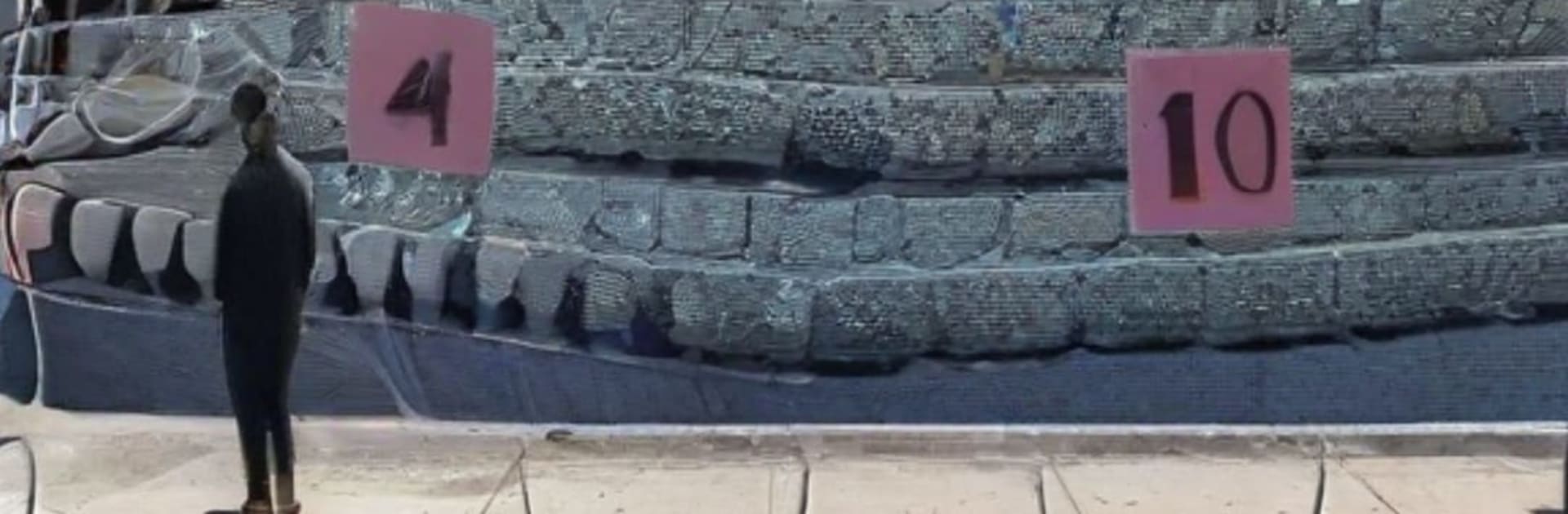
Street Art Jigsaw is a Puzzle game with grit, color, and a little attitude. Instead of picture-perfect scenery, you’ll piece together scenes pulled from the city—graffiti bursts, night lights, bold fashion, and that raw, lived-in texture. It’s calm and creative at the same time, letting you slow down while still feeling the pulse of street culture.

Game Features

  • Street culture visuals: Build puzzles inspired by tags and murals, hand-drawn lettering, neon-soaked corners, skate spots, pickup courts, breakdance snapshots, parkour moves, and retro rides with chunky details.
  • Choose your challenge: Pick from multiple difficulty settings so you can breeze through a quick fix or settle in for a longer session.
  • Clean, intuitive controls: Drag, place, and organize pieces with simple gestures that keep the focus on the art.
  • Relax-first pacing: No rush, no pressure—just a steady flow that’s great for winding down at night or zoning out between tasks.
  • Big visual payoff: Bold colors, crisp lines, and textured surfaces make every finished scene feel like a mini gallery moment.
  • For fans of the look: If graffiti, street fashion, hip hop style, and urban design get your attention, this set of puzzles hits that vibe without watering it down.
  • Great on a bigger screen: Prefer a wider workspace for all those pieces? Street Art Jigsaw plays nicely on BlueStacks if you want extra room to spread out.

Start your journey now. Download the game on BlueStacks, invite your friends, and march on a new adventure.


Game Features

Enhancements

  • Macros
  • Multi Instance
  • Multi Instance Sync
  • Script
  • Enhancements
Macros

Macros

Automate the predictable in Street Art Jigsaw and transform your gameplay with Macros. Get access to inventive Macros in the BlueStacks Macro Community
Multi Instance

Multi Instance

Play Street Art Jigsaw on one window. And chat with your friend on the other. Press CTRL + Shift + 8 to open the Multi-Instance Manager. And start creating fresh instances or clone an existing one.
Multi Instance Sync

Multi Instance Sync

Play Street Art Jigsaw with the power of Multi-Instance Sync. Replicate what you are doing on the main instance on all other instances. Level up faster, play more.
Script

Script

Script your way to gaming glory in Street Art Jigsaw with BlueStacks Script. Write and run a set of commands to automate repeated tasks. Trigger the command by assigning it to any key.
Read More

How to Download and Play Street Art Jigsaw on PC or Mac

  • Download and install BlueStacks on your PC or Mac

  • Complete Google sign-in to access the Play Store, or do it later

  • Look for Street Art Jigsaw in the search bar at the top right corner

  • Click to install Street Art Jigsaw from the search results

  • Complete Google sign-in (if you skipped step 2) to install Street Art Jigsaw

  • Click the Street Art Jigsaw icon on the home screen to start playing

video
Watch Video

Minimum System Requirements

With BlueStacks 5, you can get started on a PC that fulfills the following requirements.

  • Operating System

    Microsoft Windows 7 or above, macOS 11 (Big Sur) or above

  • Processor

    Intel, AMD or Apple Silicon Processor

  • RAM

    at least 4GB

  • HDD

    10GB Free Disk Space

Note:

* You must be an Administrator on your PC. Up to date graphics drivers from Microsoft or the chipset vendor.

Street Art Jigsaw - FAQs

  • How to play Street Art Jigsaw on Windows PC & Mac?

    Play Street Art Jigsaw on your PC or Mac by following these simple steps.

    • Click on 'Play Street Art Jigsaw on PC’ to download BlueStacks
    • Install it and log-in to Google Play Store
    • Launch and play the game.
  • Why is BlueStacks the fastest and safest platform to play games on PC?

    BlueStacks respects your privacy and is always safe and secure to use. It does not carry any malware, spyware, or any sort of additional software that could harm your PC.

    It is engineered to optimize speed and performance for a seamless gaming experience.

  • What are Street Art Jigsaw PC requirements?

    Minimum requirement to run Street Art Jigsaw on your PC

    • OS: Microsoft Windows 7 or above MacOS 11 (Big Sur) or above
    • Processor: Intel, AMD or Apple Silicon Processor
    • RAM: Your PC must have at least 4GB of RAM. (Note that having 4GB or more disk space is not a substitute for RAM)
    • HDD: 10GB Free Disk Space.
    • You must be an Administrator on your PC.