Beach Buggy Racing 2

Beach Buggy Racing 2

Racing

| Vector Unit

Play on PC with BlueStacks or from our cloud

  • Overview
  • Game Features
  • How to Play

Page Modified On: April 09, 2026

Play Beach Buggy Racing 2 on PC or Mac

Bring your A-game to Beach Buggy Racing 2, the Racing game sensation from Vector Unit. Give your gameplay the much-needed boost with precise game controls, high FPS graphics, and top-tier features on your PC or Mac with BlueStacks.

About the Game

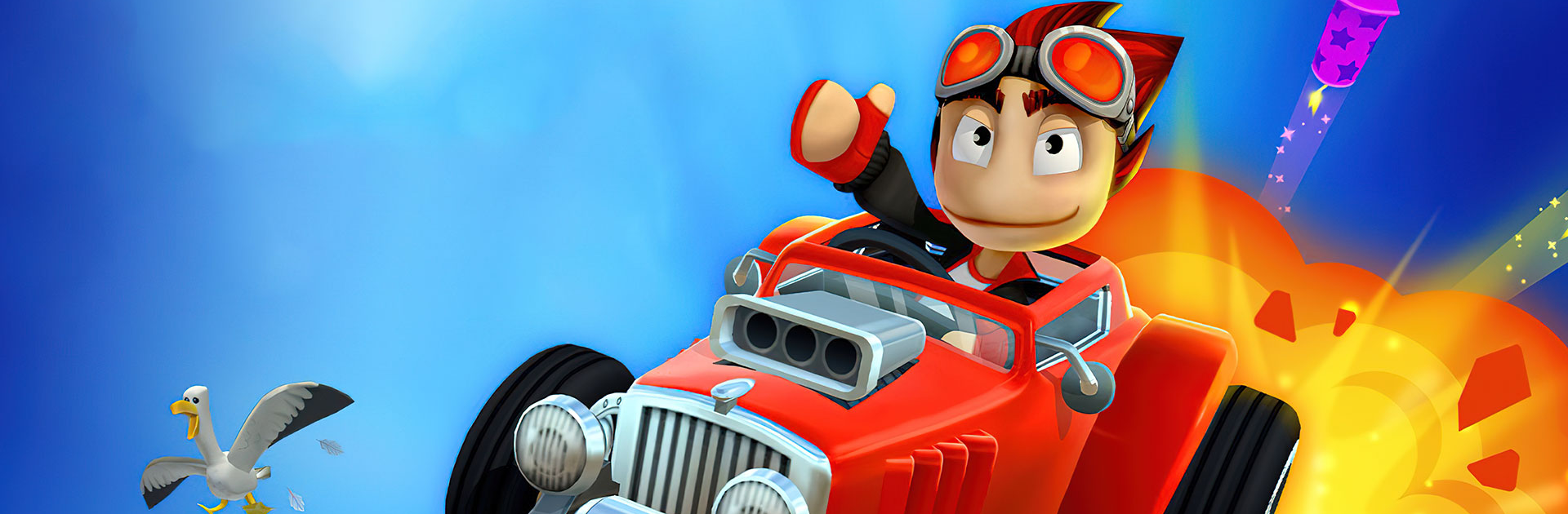
Beach Buggy Racing 2 from Vector Unit is a fast, colorful Racing game where every turn is a chance to cause a little chaos. It’s kart racing with a beachy, off-road attitude, packed with quirky drivers, wild tracks, and powerups that flip a race in a heartbeat. Expect quick-fire matches, big personality, and plenty of “okay, one more” moments.

Game Features

  • Over-the-top tracks: Rip through Egyptian pyramids, blast past dragon-guarded castles, splash around pirate ship wrecks, and zip through strange alien labs. Each course feels like a new playground.
  • Powerups you can upgrade: Discover 45+ powerups and tune them to your style. Mix a custom deck with tricks like Chain Lightning, Donut Tires, Boost Juice, and those pesky Killer Bees.
  • Build your crew: Recruit drivers with unique abilities. New faces like Mikka, Beat Bot, Commander Nova, and Clutch join returning favorites to shake up how you race.
  • A garage that keeps growing: Collect 55+ rides—beach buggies, monster trucks, muscle cars, classic pickups, even sleek formula machines—and swap them to fit each event.
  • Race the world: Tackle daily races against player avatars, jump into live tournaments, and chase limited-time challenges for exclusive rewards.
  • Hot Wheels spotlight: Take on special event races featuring iconic Hot Wheels cars and twisty, stunt-ready tracks for a shot at rare goodies.
  • Make it yours: Unlock metallic, rainbow, and matte paints, then layer on decal sets—from tiger stripes to skulls—to give your ride some personality.
  • Modes for any mood: 6-player mayhem, drift trials, obstacle runs, one-on-one showdowns, weekly tourneys, and car-specific challenges keep things fresh.
  • Play bigger if you want: Prefer a larger screen and comfy controls? It runs smoothly on BlueStacks without changing the arcade feel.

Ready to top the leaderboard? We bet you do. Let precise controls and sharp visuals optimized on BlueStacks lead you to victory.


Game Features

Enhancements

  • Macros
  • Multi Instance
  • Multi Instance Sync
  • Script
  • Enhancements
Macros

Macros

Automate the predictable in Beach Buggy Racing 2 and transform your gameplay with Macros. Get access to inventive Macros in the BlueStacks Macro Community
Multi Instance

Multi Instance

Play Beach Buggy Racing 2 on one window. And chat with your friend on the other. Press CTRL + Shift + 8 to open the Multi-Instance Manager. And start creating fresh instances or clone an existing one.
Multi Instance Sync

Multi Instance Sync

Play Beach Buggy Racing 2 with the power of Multi-Instance Sync. Replicate what you are doing on the main instance on all other instances. Level up faster, play more.
Script

Script

Script your way to gaming glory in Beach Buggy Racing 2 with BlueStacks Script. Write and run a set of commands to automate repeated tasks. Trigger the command by assigning it to any key.
Read More

How to Download and Play Beach Buggy Racing 2 on PC or Mac

  • Download and install BlueStacks on your PC or Mac

  • Complete Google sign-in to access the Play Store, or do it later

  • Look for Beach Buggy Racing 2 in the search bar at the top right corner

  • Click to install Beach Buggy Racing 2 from the search results

  • Complete Google sign-in (if you skipped step 2) to install Beach Buggy Racing 2

  • Click the Beach Buggy Racing 2 icon on the home screen to start playing

video
Watch Video

Minimum System Requirements

With BlueStacks 5, you can get started on a PC that fulfills the following requirements.

  • Operating System

    Microsoft Windows 7 or above, macOS 11 (Big Sur) or above

  • Processor

    Intel, AMD or Apple Silicon Processor

  • RAM

    at least 4GB

  • HDD

    10GB Free Disk Space

Note:

* You must be an Administrator on your PC. Up to date graphics drivers from Microsoft or the chipset vendor.

Beach Buggy Racing 2 - FAQs

  • How to play Beach Buggy Racing 2 on Windows PC & Mac?

    Play Beach Buggy Racing 2 on your PC or Mac by following these simple steps.

    • Click on 'Play Beach Buggy Racing 2 on PC’ to download BlueStacks
    • Install it and log-in to Google Play Store
    • Launch and play the game.
  • Why is BlueStacks the fastest and safest platform to play games on PC?

    BlueStacks respects your privacy and is always safe and secure to use. It does not carry any malware, spyware, or any sort of additional software that could harm your PC.

    It is engineered to optimize speed and performance for a seamless gaming experience.

  • What are Beach Buggy Racing 2 PC requirements?

    Minimum requirement to run Beach Buggy Racing 2 on your PC

    • OS: Microsoft Windows 7 or above MacOS 11 (Big Sur) or above
    • Processor: Intel, AMD or Apple Silicon Processor
    • RAM: Your PC must have at least 4GB of RAM. (Note that having 4GB or more disk space is not a substitute for RAM)
    • HDD: 10GB Free Disk Space.
    • You must be an Administrator on your PC.