Pixel Car Racer
Pixel Car Racer

Pixel Car Racer

Racing

| Studio Furukawa

BlueStacks Verified

Play on PC with BlueStacks or from our cloud

  • Overview
  • Game Features
  • How to Play

Page Modified On: April 13, 2026

Play Pixel Car Racer on PC or Mac

From the innovators and creators at Studio Furukawa, Pixel Car Racer is another fun addition to the World of Racing games. Go beyond your mobile screen and play it bigger and better on your PC or Mac. An immersive experience awaits you.

About the Game

Pixel Car Racer is all about building, tuning, and putting your custom ride to the test. It blends old-school looks with modern car culture, letting you wrench on every detail and then take it out for a proper run. Made by Studio Furukawa, this Racing game nails that garage-to-street vibe—and if you like playing on PC, it runs smoothly on BlueStacks too.

Game Features

  • Two Ways to Race: Swap between quick-hit drag runs and street racing to see what your setup can really do in different situations.
  • Big Garage Energy: Collect a massive selection of cars—plenty of classics and modern favorites—to build out your dream lineup.
  • Parts for Days: Slot in thousands of components, from intakes to exhausts and everything in between, to tailor performance exactly how you like.
  • RPG-Style Tuning: Level up your build, tweak stats, and fine-tune the feel of each car as you progress.
  • Built-In Livery Designer: Create your own look or browse a huge variety of liveries to give every ride its own personality.
  • Dyno and Data: Hit the dyno to measure gains, compare builds, and chase that perfect power curve.
  • Real Driving Feel: Manual shifting, a working clutch, burnouts, and a detailed engine sim make every run feel hands-on.
  • Global Car Culture: Mix and match Japan, Euro, and US-style cars and parts to craft something uniquely yours.
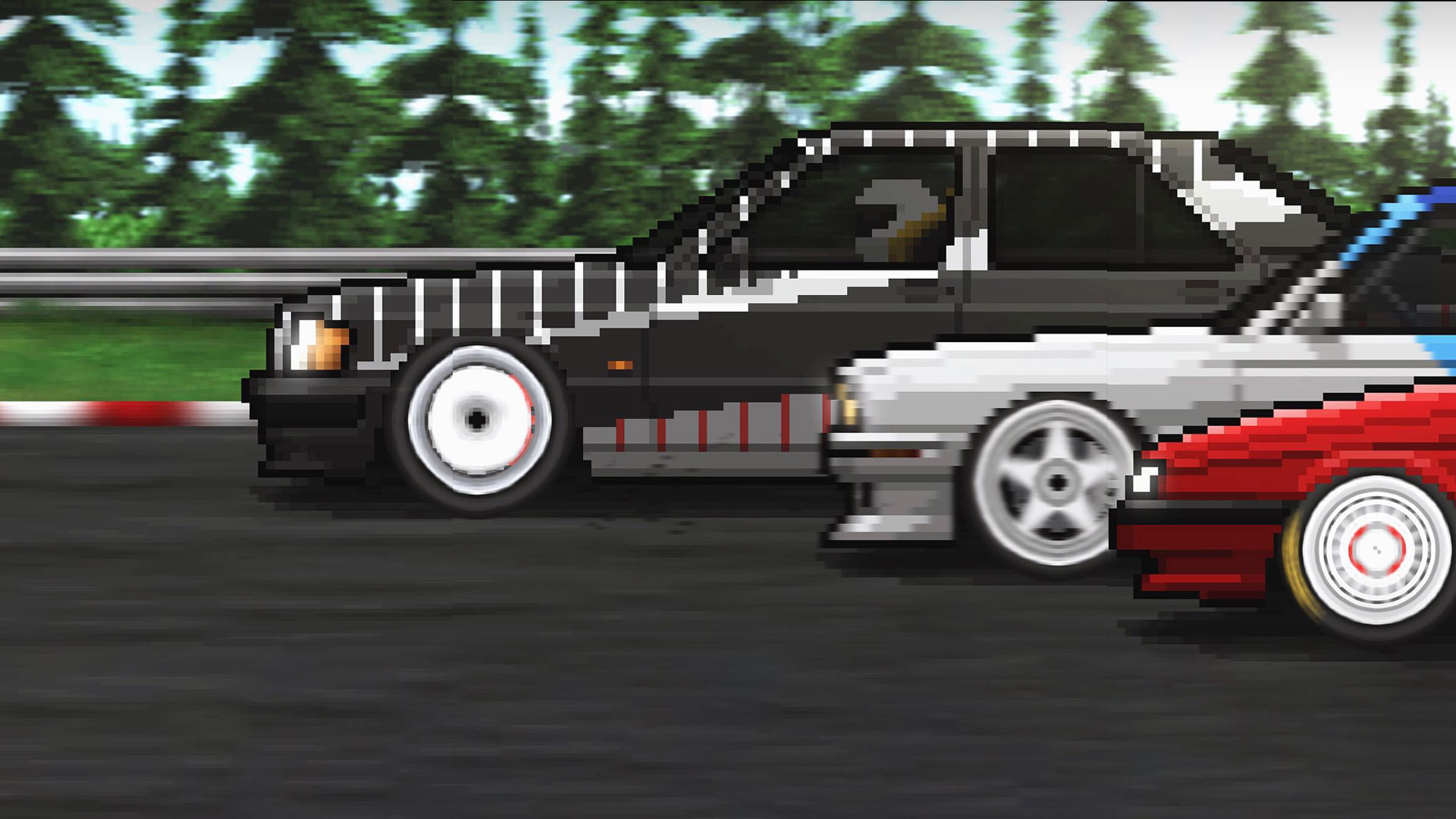
  • Pixel Art Style: Crisp, colorful pixel visuals that look clean and nostalgic without feeling dated.
  • Community and Updates: An active player base and frequent content drops keep garages fresh.
  • Save and Sync: Cloud saving (with social login support) lets you keep progress across devices.

Get ready for a buttery smooth, high-performance gaming action only on BlueStacks.

Game Features

Enhancements

  • Macros
  • Multi Instance
  • Multi Instance Sync
  • Script
  • Enhancements
Macros

Macros

Automate the predictable in Pixel Car Racer and transform your gameplay with Macros. Get access to inventive Macros in the BlueStacks Macro Community
Multi Instance

Multi Instance

Play Pixel Car Racer on one window. And chat with your friend on the other. Press CTRL + Shift + 8 to open the Multi-Instance Manager. And start creating fresh instances or clone an existing one.
Multi Instance Sync

Multi Instance Sync

Play Pixel Car Racer with the power of Multi-Instance Sync. Replicate what you are doing on the main instance on all other instances. Level up faster, play more.
Script

Script

Script your way to gaming glory in Pixel Car Racer with BlueStacks Script. Write and run a set of commands to automate repeated tasks. Trigger the command by assigning it to any key.
Read More

How to Download and Play Pixel Car Racer on PC or Mac

  • Download and install BlueStacks on your PC or Mac

  • Complete Google sign-in to access the Play Store, or do it later

  • Look for Pixel Car Racer in the search bar at the top right corner

  • Click to install Pixel Car Racer from the search results

  • Complete Google sign-in (if you skipped step 2) to install Pixel Car Racer

  • Click the Pixel Car Racer icon on the home screen to start playing

video
Watch Video

Minimum System Requirements

With BlueStacks 5, you can get started on a PC that fulfills the following requirements.

  • Operating System

    Microsoft Windows 7 or above, macOS 11 (Big Sur) or above

  • Processor

    Intel, AMD or Apple Silicon Processor

  • RAM

    at least 4GB

  • HDD

    10GB Free Disk Space

Note:

* You must be an Administrator on your PC. Up to date graphics drivers from Microsoft or the chipset vendor.

Pixel Car Racer - FAQs

  • How to play Pixel Car Racer on Windows PC & Mac?

    Play Pixel Car Racer on your PC or Mac by following these simple steps.

    • Click on 'Play Pixel Car Racer on PC’ to download BlueStacks
    • Install it and log-in to Google Play Store
    • Launch and play the game.
  • Why is BlueStacks the fastest and safest platform to play games on PC?

    BlueStacks respects your privacy and is always safe and secure to use. It does not carry any malware, spyware, or any sort of additional software that could harm your PC.

    It is engineered to optimize speed and performance for a seamless gaming experience.

  • What are Pixel Car Racer PC requirements?

    Minimum requirement to run Pixel Car Racer on your PC

    • OS: Microsoft Windows 7 or above MacOS 11 (Big Sur) or above
    • Processor: Intel, AMD or Apple Silicon Processor
    • RAM: Your PC must have at least 4GB of RAM. (Note that having 4GB or more disk space is not a substitute for RAM)
    • HDD: 10GB Free Disk Space.
    • You must be an Administrator on your PC.