Stunt Race Mania: Ramp Masters

Stunt Race Mania: Ramp Masters

Racing

| MAD PIXEL GAMES LTD

Play on PC with BlueStacks or from our cloud

  • Overview
  • Game Features
  • How to Play

Page Modified On: April 21, 2026

Play Stunt Race Mania: Ramp Masters on PC or Mac

Bring your A-game to Stunt Race Mania: Ramp Masters, the Racing game sensation from MAD PIXEL GAMES LTD. Give your gameplay the much-needed boost with precise game controls, high FPS graphics, and top-tier features on your PC or Mac with BlueStacks.

About the Game

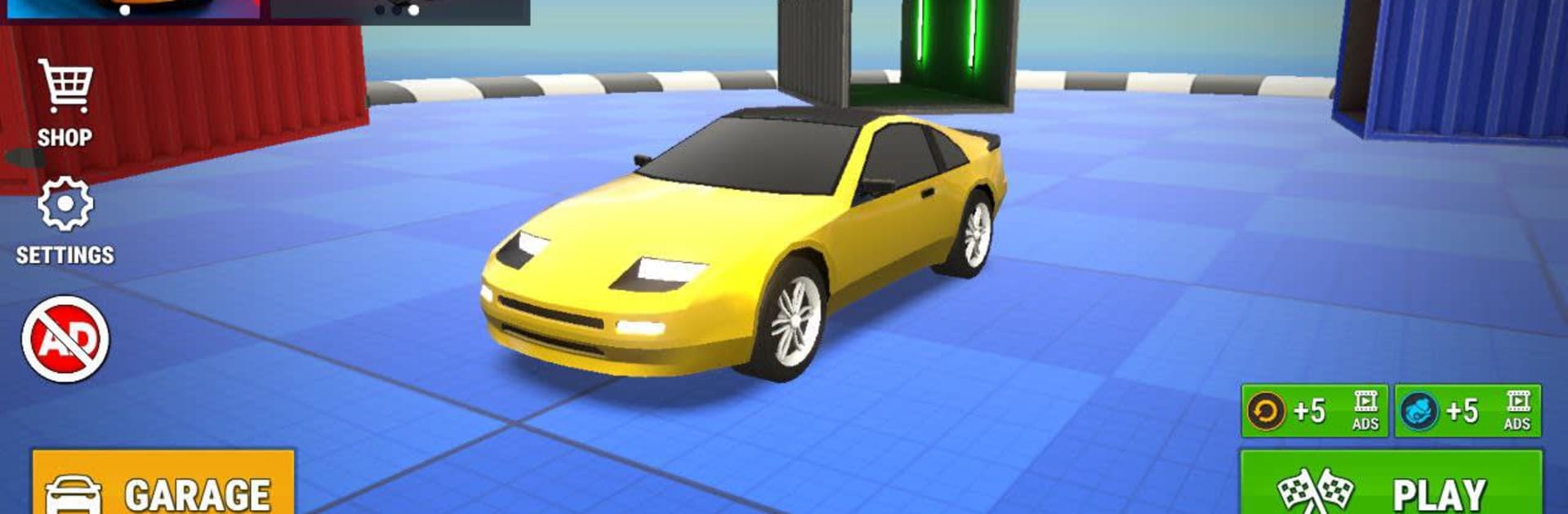
Stunt Race Mania: Ramp Masters throws you into outrageous courses where ramps, traps, and rival drivers are all part of the fun. It’s a fast, gloriously chaotic Racing game from MAD PIXEL GAMES LTD that rewards gutsy passes, clever timing, and show-off stunts. Prefer a bigger screen and precise controls? You can play it on PC with BlueStacks, too.

Game Features

  • Stunt-Heavy Tracks: Blast across wild circuits stacked with towering jumps, sharp switchbacks, and nasty surprises that constantly test your reactions.
  • High-Impact Racing: Go wheel-to-wheel with aggressive opponents where speed isn’t the only path to victory—survival and smart tactics matter just as much.
  • Nitro + Rewind Combo: Hit the Nitro to rocket past the pack, then use Rewind to snap back to the last checkpoint when a risky move doesn’t pan out.
  • Checkpoints Keep the Pace: Wipe out? Get punted off a ramp? Snap right back into the action without losing the rush or the rhythm of the race.
  • Smash Your Rivals: Nudge, bump, and outright bully enemies into hazards or off bad lines, then enjoy the over-the-top crash cams that follow.
  • Surfaces That Fight Back: Feel the difference between loose dirt and slick ice—grip, drift angle, and braking distance all shift with the terrain.
  • Playful, Real Physics: Cars react believably to bumps, landings, and contact, so every jump and slide feels earned, not scripted.
  • Build a Garage That Wins: Unlock and upgrade a growing lineup of rides, each with its own personality and potential.
  • Tune for Your Style: Balance top speed, acceleration, and handling; dial in stability or driftiness; chase raw power or precise control—the changes are noticeable on every lap.
  • Look Good Doing It: Add cosmetic touches to make your car stand out while you’re sending sparks across the finish line.

Make your gaming sessions memorable with precise controls that give you an edge in close combats and visuals that pop up, bringing every character to life.


Game Features

Enhancements

  • Macros
  • Multi Instance
  • Multi Instance Sync
  • Script
  • Enhancements
Macros

Macros

Automate the predictable in Stunt Race Mania: Ramp Masters and transform your gameplay with Macros. Get access to inventive Macros in the BlueStacks Macro Community
Multi Instance

Multi Instance

Play Stunt Race Mania: Ramp Masters on one window. And chat with your friend on the other. Press CTRL + Shift + 8 to open the Multi-Instance Manager. And start creating fresh instances or clone an existing one.
Multi Instance Sync

Multi Instance Sync

Play Stunt Race Mania: Ramp Masters with the power of Multi-Instance Sync. Replicate what you are doing on the main instance on all other instances. Level up faster, play more.
Script

Script

Script your way to gaming glory in Stunt Race Mania: Ramp Masters with BlueStacks Script. Write and run a set of commands to automate repeated tasks. Trigger the command by assigning it to any key.
Read More

How to Download and Play Stunt Race Mania: Ramp Masters on PC or Mac

  • Download and install BlueStacks on your PC or Mac

  • Complete Google sign-in to access the Play Store, or do it later

  • Look for Stunt Race Mania: Ramp Masters in the search bar at the top right corner

  • Click to install Stunt Race Mania: Ramp Masters from the search results

  • Complete Google sign-in (if you skipped step 2) to install Stunt Race Mania: Ramp Masters

  • Click the Stunt Race Mania: Ramp Masters icon on the home screen to start playing

video
Watch Video

Minimum System Requirements

With BlueStacks 5, you can get started on a PC that fulfills the following requirements.

  • Operating System

    Microsoft Windows 7 or above, macOS 11 (Big Sur) or above

  • Processor

    Intel, AMD or Apple Silicon Processor

  • RAM

    at least 4GB

  • HDD

    10GB Free Disk Space

Note:

* You must be an Administrator on your PC. Up to date graphics drivers from Microsoft or the chipset vendor.

Stunt Race Mania: Ramp Masters - FAQs

  • How to play Stunt Race Mania: Ramp Masters on Windows PC & Mac?

    Play Stunt Race Mania: Ramp Masters on your PC or Mac by following these simple steps.

    • Click on 'Play Stunt Race Mania: Ramp Masters on PC’ to download BlueStacks
    • Install it and log-in to Google Play Store
    • Launch and play the game.
  • Why is BlueStacks the fastest and safest platform to play games on PC?

    BlueStacks respects your privacy and is always safe and secure to use. It does not carry any malware, spyware, or any sort of additional software that could harm your PC.

    It is engineered to optimize speed and performance for a seamless gaming experience.

  • What are Stunt Race Mania: Ramp Masters PC requirements?

    Minimum requirement to run Stunt Race Mania: Ramp Masters on your PC

    • OS: Microsoft Windows 7 or above MacOS 11 (Big Sur) or above
    • Processor: Intel, AMD or Apple Silicon Processor
    • RAM: Your PC must have at least 4GB of RAM. (Note that having 4GB or more disk space is not a substitute for RAM)
    • HDD: 10GB Free Disk Space.
    • You must be an Administrator on your PC.