TorqueZ : Car Racing Games

TorqueZ : Car Racing Games

Racing

| Koko Zone

Play on PC with BlueStacks or from our cloud

  • Overview
  • Game Features
  • How to Play

Page Modified On: July 14, 2026

Play TorqueZ : Car Racing Games on PC or Mac

Explore a whole new adventure with TorqueZ : Car Racing Games, a Racing game created by Koko Zone. Experience great gameplay with BlueStacks, the most popular gaming platform to play Android games on your PC or Mac.

About the Game

TorqueZ : Car Racing Games is a fast, punchy take on the Racing genre with a wild twist: you’re not locked to one ride. Swap between a car, a bike, and even a skateboard mid-run as you bomb down outrageous courses packed with ramps and hazards. It’s quick to learn, tough to master, and feels extra crisp on BlueStacks if you prefer playing on a bigger screen.

Game Features

  • Ride-switching on the fly: Hit special ramps to jump from car to bicycle to skateboard without stopping, and use each ride’s strengths to shave seconds off your time.
  • Branching tracks and shortcuts: Every course offers multiple paths—take a safer lane or risk a sketchy shortcut for a massive payoff.
  • Stunts, drifts, and big air: Chain slides, jumps, and tricks to keep your speed up and your momentum flowing through every corner.
  • Hazards and boosts: Dodge obstacles, line up clean landings, and grab speed pads to blast past tight sections.
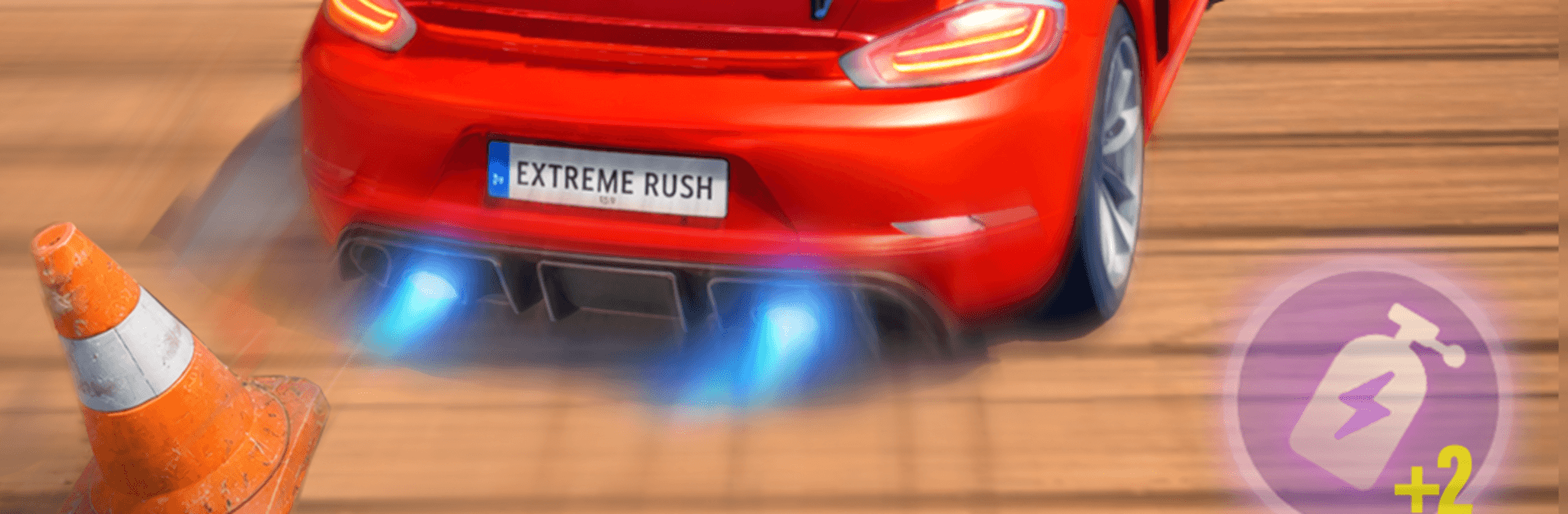
  • Smooth, responsive controls: Tight steering and snappy handling make every turn feel natural, whether you’re threading traffic cones or launching off a mega-ramp.
  • Unlock and upgrade rides: Win races to expand your garage, then tune speed, handling, drift control, and power to build your dream setup.
  • Character style options: Switch up your look with fresh gear and stand out on the track.
  • Quick-hit challenges: Short levels that are perfect for a few minutes—but with enough bite to keep you retrying for a faster run.

Get ready for a buttery smooth, high-performance gaming action only on BlueStacks.

Game Features

Enhancements

  • Macros
  • Multi Instance
  • Multi Instance Sync
  • Script
  • Enhancements
Macros

Macros

Automate the predictable in TorqueZ : Car Racing Games and transform your gameplay with Macros. Get access to inventive Macros in the BlueStacks Macro Community
Multi Instance

Multi Instance

Play TorqueZ : Car Racing Games on one window. And chat with your friend on the other. Press CTRL + Shift + 8 to open the Multi-Instance Manager. And start creating fresh instances or clone an existing one.
Multi Instance Sync

Multi Instance Sync

Play TorqueZ : Car Racing Games with the power of Multi-Instance Sync. Replicate what you are doing on the main instance on all other instances. Level up faster, play more.
Script

Script

Script your way to gaming glory in TorqueZ : Car Racing Games with BlueStacks Script. Write and run a set of commands to automate repeated tasks. Trigger the command by assigning it to any key.
Read More

How to Download and Play TorqueZ : Car Racing Games on PC or Mac

  • Download and install BlueStacks on your PC or Mac

  • Complete Google sign-in to access the Play Store, or do it later

  • Look for TorqueZ : Car Racing Games in the search bar at the top right corner

  • Click to install TorqueZ : Car Racing Games from the search results

  • Complete Google sign-in (if you skipped step 2) to install TorqueZ : Car Racing Games

  • Click the TorqueZ : Car Racing Games icon on the home screen to start playing

video
Watch Video

Minimum System Requirements

With BlueStacks 5, you can get started on a PC that fulfills the following requirements.

  • Operating System

    Microsoft Windows 7 or above, macOS 11 (Big Sur) or above

  • Processor

    Intel, AMD or Apple Silicon Processor

  • RAM

    at least 4GB

  • HDD

    10GB Free Disk Space

Note:

* You must be an Administrator on your PC. Up to date graphics drivers from Microsoft or the chipset vendor.

TorqueZ : Car Racing Games - FAQs

  • How to play TorqueZ : Car Racing Games on Windows PC & Mac?

    Play TorqueZ : Car Racing Games on your PC or Mac by following these simple steps.

    • Click on 'Play TorqueZ : Car Racing Games on PC’ to download BlueStacks
    • Install it and log-in to Google Play Store
    • Launch and play the game.
  • Why is BlueStacks the fastest and safest platform to play games on PC?

    BlueStacks respects your privacy and is always safe and secure to use. It does not carry any malware, spyware, or any sort of additional software that could harm your PC.

    It is engineered to optimize speed and performance for a seamless gaming experience.

  • What are TorqueZ : Car Racing Games PC requirements?

    Minimum requirement to run TorqueZ : Car Racing Games on your PC

    • OS: Microsoft Windows 7 or above MacOS 11 (Big Sur) or above
    • Processor: Intel, AMD or Apple Silicon Processor
    • RAM: Your PC must have at least 4GB of RAM. (Note that having 4GB or more disk space is not a substitute for RAM)
    • HDD: 10GB Free Disk Space.
    • You must be an Administrator on your PC.