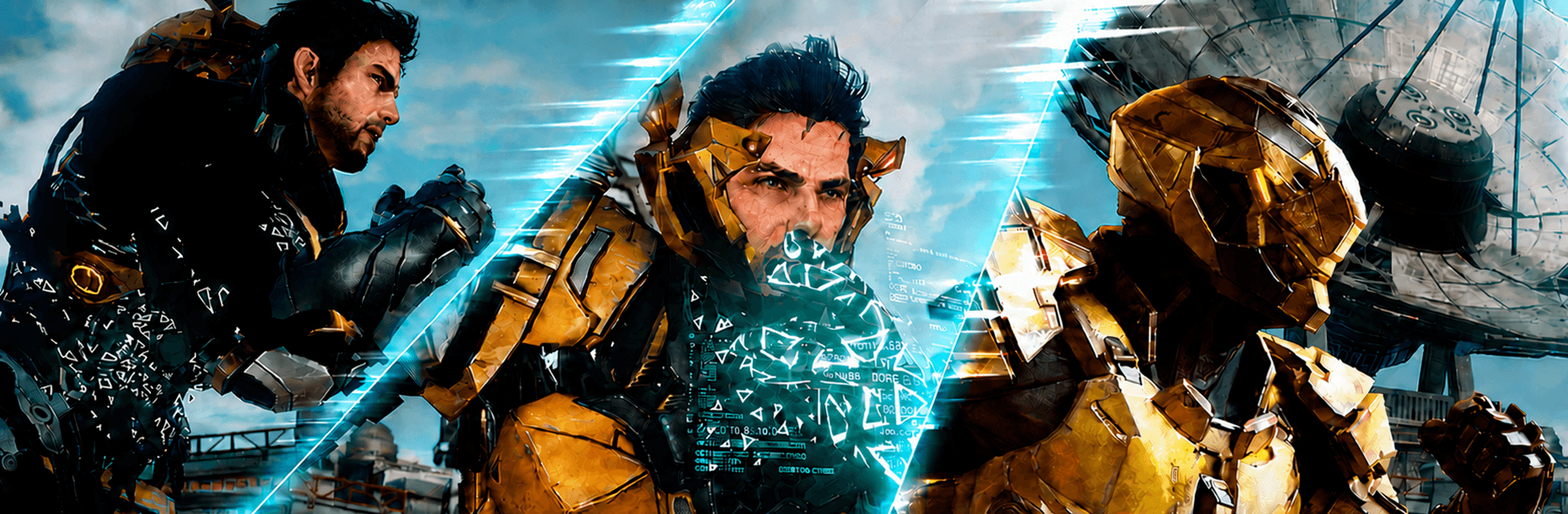


Step into the World of ARES: THE IRON VANGUARD, a thrilling Role Playing game from the house of Com2uS Holdings. Play this Android game on BlueStacks App Player and experience immersive gaming on PC or Mac.
About the Game
ARES: THE IRON VANGUARD is a fast, flashy RPG that puts you in a high-tech suit and drops you into massive sci‑fi battlefields. It’s all about timing, style, and momentum—switching tactics mid-fight, weaving through attacks, and hitting back hard. Want story, spectacle, and combat that actually feels good? That’s the package here.
Game Features
- Real-Time Suit Switching: Swap between two combat suits on the fly to chain skills, cover weaknesses, and flip a losing fight into a highlight reel.
- Four Distinct Classes: Try the Engineer’s heavy gauntlets and drone strikes, the Warlock’s cosmic AoE, the Warlord’s rocket-hammer and shield control, or the Hunter’s razor-fast dual blades.
- Mix-and-Match Builds: Multi-class your way to a custom loadout. Blend suits and weapon sets to create a playstyle that’s fully yours.
- Big Toys, Bigger Moments: Surf battlefields on a hoverboard, call down the Goliath mech when you need raw muscle, and take the skies with the Valkyrie for air superiority.
- Skill-First Combat: Parries, precise dodges, and combos decide everything. Clean execution feels rewarding, and enemies punish sloppy play.
- Co-op That Matters: Team up for raids, strike missions, and brutal endgame bosses. Roles, timing, and coordination actually make a difference here.
- A War for the Solar System: Fight as a Guardian against the Nemesis threat across sprawling zones and set-piece encounters that keep the pressure on.
- Play Your Way: Prefer a larger view and flexible controls? You can jump in on PC with BlueStacks without changing how the game plays.
Start your journey now. Download the game on BlueStacks, invite your friends, and march on a new adventure.