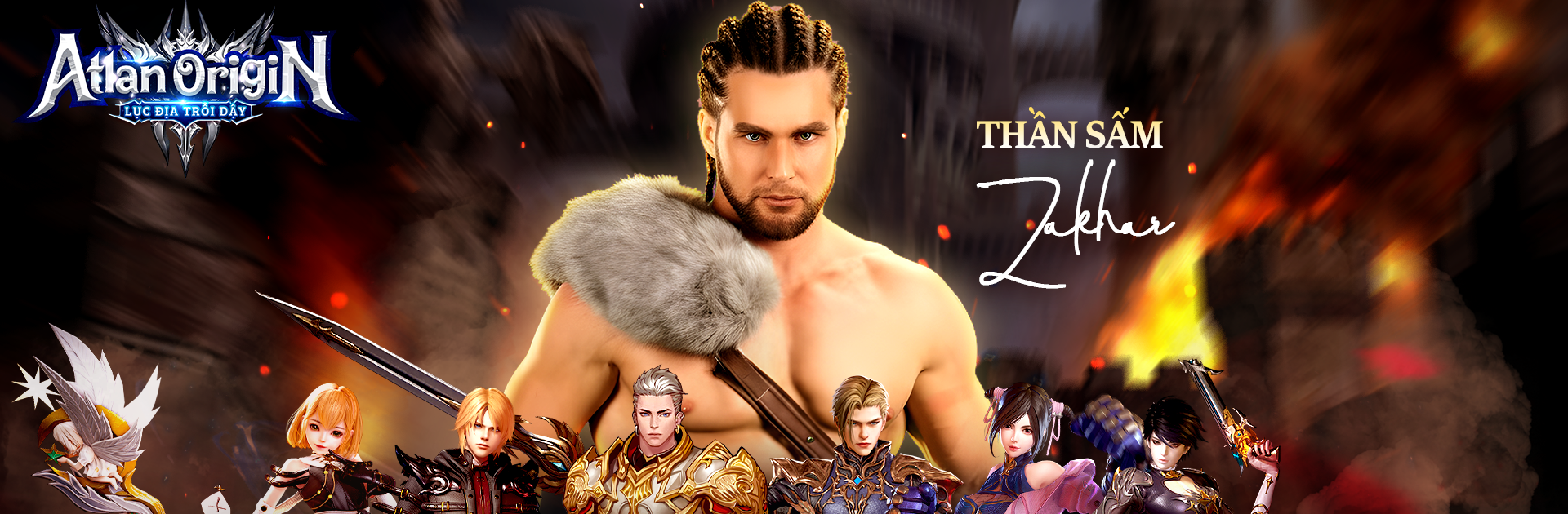
Atlan Origin: Luc Dia Troi Day

Atlan Origin: Luc Dia Troi Day

Role Playing

| VGP GENZ JSC

Play on PC with BlueStacks or from our cloud

  • Overview
  • Game Features
  • How to Play

Page Modified On: November 28, 2025

Play Atlan Origin: Luc Dia Troi Day on PC or Mac

Bring your A-game to Atlan Origin: Luc Dia Troi Day, the Role Playing game sensation from VGP GENZ JSC. Give your gameplay the much-needed boost with precise game controls, high FPS graphics, and top-tier features on your PC or Mac with BlueStacks.

Atlan Origin: Luc Dia Troi Day feels like a fantasy MMO that throws players into a world on the edge, with demons pouring in and ancient power waking up in people who are meant to stop it. The world is big and packed with routes, ruins, and odd corners to check out, so running off the path to see what is over the hill actually pays off. Combat is punchy and fast, with classes that let players swap and shape skills in a way that suits how they like to fight. One person might build a burst heavy setup, another might lean into control and safety, and it all still looks loud and flashy when it pops off. The story leans dramatic, lots of fate and last stand energy, which fits the whole heroes rise theme.

PvE pushes teams into rough encounters where coordination matters, while PvP is more raw and scrappy, a good place to actually test a build instead of just theory. Guilds and parties are not just menu fluff, since big battles and longer runs feel smoother with a squad that communicates. On PC with BlueStacks, the mouse makes camera control smoother and hotkeys make rapid skill swaps less fumbly, so duels and larger skirmishes feel more in control. Someone who likes exploring a wide map, tuning a class, and swapping between co-op monster hunts and heated player fights will get what this game is going for.

Ready to top the leaderboard? We bet you do. Let precise controls and sharp visuals optimized on BlueStacks lead you to victory.


Game Features

Enhancements

  • Macros
  • Rerolling
  • Eco Mode
  • Multi Instance Sync
  • Enhancements
Macros

Macros

Focus more on the fun part of the game, skip the tedious aspects. Master Atlan Origin: Luc Dia Troi Day with Macros. Record yourself completing the monotonous tasks you wish to automate and replay them later with just one keypress.
Rerolling

Rerolling

Speed up the rerolling process in Atlan Origin: Luc Dia Troi Day. Perform multiple summons and keep looking for the best Heroes. Use Multi-Instance sync to replicate the rerolling mechanism in all instances.
Eco Mode

Eco Mode

Farm in-game resources with ease in Atlan Origin: Luc Dia Troi Day. Enable the Eco Mode when running the game in multiple instances. And lower your PC's resource consumption.
Multi Instance Sync

Multi Instance Sync

With the Multi-instance Sync, you can do even more in Atlan Origin: Luc Dia Troi Day. Sync the action of the main instance and repeat them in real time for all other instances. Sync and sit back, let the game progress unfold.
Read More

How to Download and Play Atlan Origin: Luc Dia Troi Day on PC or Mac

  • Download and install BlueStacks on your PC or Mac

  • Complete Google sign-in to access the Play Store, or do it later

  • Look for Atlan Origin: Luc Dia Troi Day in the search bar at the top right corner

  • Click to install Atlan Origin: Luc Dia Troi Day from the search results

  • Complete Google sign-in (if you skipped step 2) to install Atlan Origin: Luc Dia Troi Day

  • Click the Atlan Origin: Luc Dia Troi Day icon on the home screen to start playing

video
Watch Video

Minimum System Requirements

With BlueStacks 5, you can get started on a PC that fulfills the following requirements.

  • Operating System

    Microsoft Windows 7 or above, macOS 11 (Big Sur) or above

  • Processor

    Intel, AMD or Apple Silicon Processor

  • RAM

    at least 4GB

  • HDD

    10GB Free Disk Space

Note:

* You must be an Administrator on your PC. Up to date graphics drivers from Microsoft or the chipset vendor.

Atlan Origin: Luc Dia Troi Day - FAQs

  • How to play Atlan Origin: Luc Dia Troi Day on Windows PC & Mac?

    Play Atlan Origin: Luc Dia Troi Day on your PC or Mac by following these simple steps.

    • Click on 'Play Atlan Origin: Luc Dia Troi Day on PC’ to download BlueStacks
    • Install it and log-in to Google Play Store
    • Launch and play the game.
  • Why is BlueStacks the fastest and safest platform to play games on PC?

    BlueStacks respects your privacy and is always safe and secure to use. It does not carry any malware, spyware, or any sort of additional software that could harm your PC.

    It is engineered to optimize speed and performance for a seamless gaming experience.

  • What are Atlan Origin: Luc Dia Troi Day PC requirements?

    Minimum requirement to run Atlan Origin: Luc Dia Troi Day on your PC

    • OS: Microsoft Windows 7 or above MacOS 11 (Big Sur) or above
    • Processor: Intel, AMD or Apple Silicon Processor
    • RAM: Your PC must have at least 4GB of RAM. (Note that having 4GB or more disk space is not a substitute for RAM)
    • HDD: 10GB Free Disk Space.
    • You must be an Administrator on your PC.