Draconia Saga GLOBAL

Draconia Saga GLOBAL

Role Playing

| Sugarfun Game

Play on PC with BlueStacks or from our cloud

  • Overview
  • Game Features
  • How to Play

Page Modified On: September 23, 2026

Play Draconia Saga GLOBAL on PC or Mac

Draconia Saga GLOBAL is a Role Playing game developed by Sugarfun Game. BlueStacks app player is the best platform to play this Android game on your PC or Mac for an immersive gaming experience.

About the Game

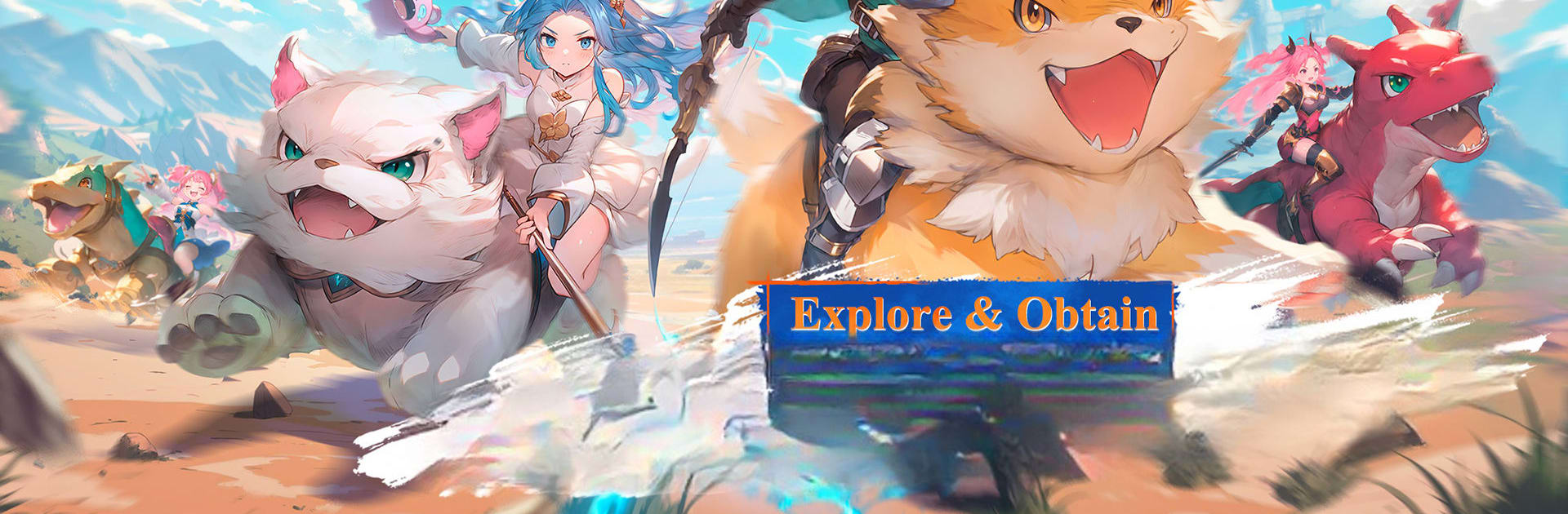
Draconia Saga GLOBAL takes you into a magical world filled with mysterious realms, powerful enemies, unique classes, and adorable companions. Explore the ancient Penglai Wonderland, master different combat styles, and embark on an adventure where every battle brings a new challenge.

With eight unique classes to choose from, including the new Wanderer class, you can switch between different playstyles and develop your character as you progress. Team up with other players, challenge powerful enemies, collect pets, and explore a world filled with exciting activities.

Game Features

  • New Wanderer Class: Take control of the Wanderer, a powerful class that uses mystical sword energy and long-range area attacks to overwhelm enemies. Promote your class to unlock signature skills and take your combat abilities to the next level.
  • Eight Unique Classes: Choose from eight different classes and switch between them whenever you want. Experiment with different abilities and combat styles to find an approach that suits your playstyle.
  • No Level Restrictions: Take on Boundary Guards and other dangerous enemies to advance your character without relying entirely on traditional quest grinding. Unlock new M attributes, improve your damage, and push your Battle Rating further.
  • Earn Rewards While Offline: Join the Boundary Assembly, gather supplies, build fortifications, and clear groups of enemies as you prepare for the Boundary War. Continue making progress and earning item rewards even while you’re offline.
  • Collect and Raise Pets: Capture pets throughout the magical world and develop them along their unique evolution paths. Your companions can do more than accompany you—they can explore, gather resources, farm, fish, and even cook.
  • Explore Penglai Wonderland: Venture into a mysterious ancient realm filled with new locations, enemies, activities, and adventures. Discover what awaits you as you explore the world with your chosen class and loyal pets.

How to Play?

Download Draconia Saga GLOBAL for free from the Google Play Store using the BlueStacks app player.


Game Features

Enhancements

  • Macros
  • Rerolling
  • Eco Mode
  • Multi Instance Sync
  • Enhancements
Macros

Macros

Focus more on the fun part of the game, skip the tedious aspects. Master Draconia Saga GLOBAL with Macros. Record yourself completing the monotonous tasks you wish to automate and replay them later with just one keypress.
Rerolling

Rerolling

Speed up the rerolling process in Draconia Saga GLOBAL. Perform multiple summons and keep looking for the best Heroes. Use Multi-Instance sync to replicate the rerolling mechanism in all instances.
Eco Mode

Eco Mode

Farm in-game resources with ease in Draconia Saga GLOBAL. Enable the Eco Mode when running the game in multiple instances. And lower your PC's resource consumption.
Multi Instance Sync

Multi Instance Sync

With the Multi-instance Sync, you can do even more in Draconia Saga GLOBAL. Sync the action of the main instance and repeat them in real time for all other instances. Sync and sit back, let the game progress unfold.
Read More

How to Download and Play Draconia Saga GLOBAL on PC or Mac

  • Download and install BlueStacks on your PC or Mac

  • Complete Google sign-in to access the Play Store, or do it later

  • Look for Draconia Saga GLOBAL in the search bar at the top right corner

  • Click to install Draconia Saga GLOBAL from the search results

  • Complete Google sign-in (if you skipped step 2) to install Draconia Saga GLOBAL

  • Click the Draconia Saga GLOBAL icon on the home screen to start playing

video
Watch Video

Minimum System Requirements

With BlueStacks 5, you can get started on a PC that fulfills the following requirements.

  • Operating System

    Microsoft Windows 7 or above, macOS 11 (Big Sur) or above

  • Processor

    Intel, AMD or Apple Silicon Processor

  • RAM

    at least 4GB

  • HDD

    10GB Free Disk Space

Note:

* You must be an Administrator on your PC. Up to date graphics drivers from Microsoft or the chipset vendor.

Draconia Saga GLOBAL - FAQs

  • How to play Draconia Saga GLOBAL on Windows PC & Mac?

    Play Draconia Saga GLOBAL on your PC or Mac by following these simple steps.

    • Click on 'Play Draconia Saga GLOBAL on PC’ to download BlueStacks
    • Install it and log-in to Google Play Store
    • Launch and play the game.
  • Why is BlueStacks the fastest and safest platform to play games on PC?

    BlueStacks respects your privacy and is always safe and secure to use. It does not carry any malware, spyware, or any sort of additional software that could harm your PC.

    It is engineered to optimize speed and performance for a seamless gaming experience.

  • What are Draconia Saga GLOBAL PC requirements?

    Minimum requirement to run Draconia Saga GLOBAL on your PC

    • OS: Microsoft Windows 7 or above MacOS 11 (Big Sur) or above
    • Processor: Intel, AMD or Apple Silicon Processor
    • RAM: Your PC must have at least 4GB of RAM. (Note that having 4GB or more disk space is not a substitute for RAM)
    • HDD: 10GB Free Disk Space.
    • You must be an Administrator on your PC.