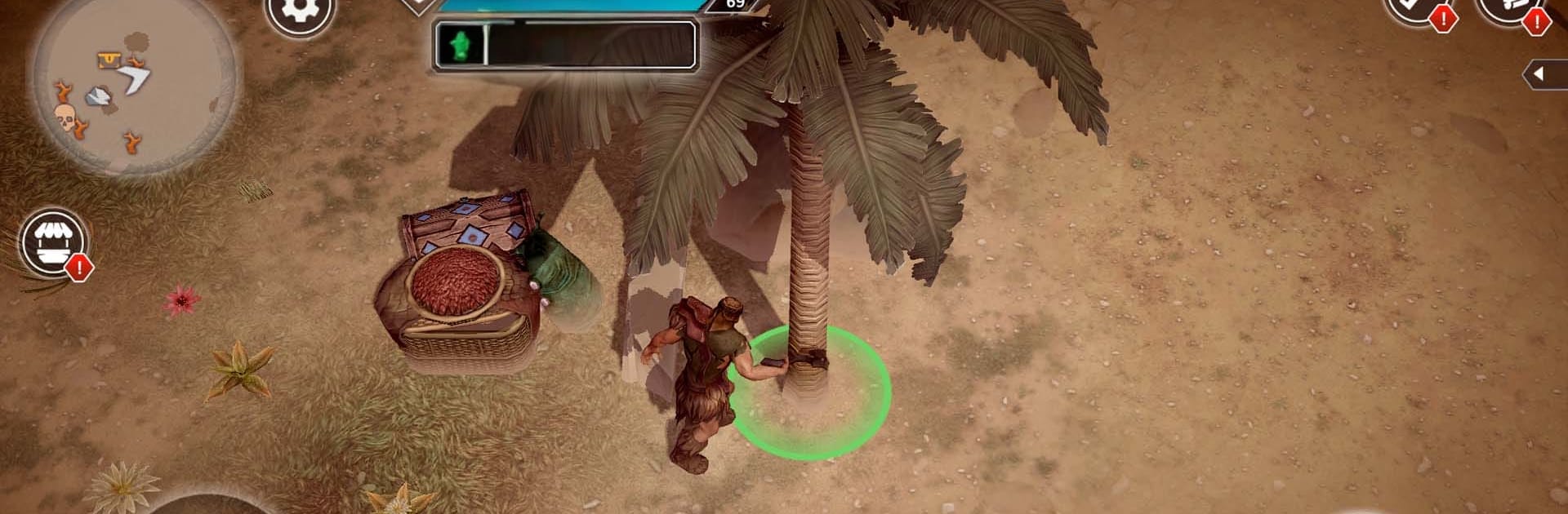


Bring your A-game to Exile: Wasteland Survival PRO, the Role Playing game sensation from Gem Jam. Give your gameplay the much-needed boost with precise game controls, high FPS graphics, and top-tier features on your PC or Mac with BlueStacks.
About the Game
Exile: Wasteland Survival PRO drops you into a sun-blasted desert where the old world is dust and the campfire is your lifeline. This Role Playing survival experience blends exploration, base-building, and gritty combat in an open world that’s slipped back to a primitive age after the fall of a once-great civilization. Prefer playing on PC? It runs smoothly on BlueStacks with the comfort of keyboard and mouse.
Game Features
- Build a safe haven: Set foundations, walls, and crafting stations, then reinforce your base to keep raiders and wildlife on the outside looking in.
- Craft to endure: Scavenge scraps, bone, and rare materials to forge blades, bows, armor, and tools—keep them repaired or the desert will eat you alive.
- Make your survivor yours: Customize hair, body markings inspired by ancient motifs, and a fitting name so your desert fighter looks the part.
- Harsh survival rules: Hunger, thirst, scorching heat, and sudden storms are as deadly as any blade. Keep that campfire burning and your supplies stocked.
- Brutal foes and wildlife: Square up against towering tribal giants, venomous scorpions, prowling hyenas, and even tigers. Stand your ground or slip away—staying alive is the real win.
- Explore the wasteland: Roam dunes, shattered ruins, and forgotten temples for resources, loot, and fragments of lost tech hinting at what came before.
- Online wasteland: Share the open world with other survivors—trade, team up for tough runs, or simply cross paths while you hunt for that next stash of water.
Get ready for a buttery smooth, high-performance gaming action only on BlueStacks.