

Ragnarok: Rebirth by Gravity Game Vision has plenty to keep you busy. BlueStacks lets you play it on PC or Mac with more screen space, better control, and fewer mobile limits.
About the Game
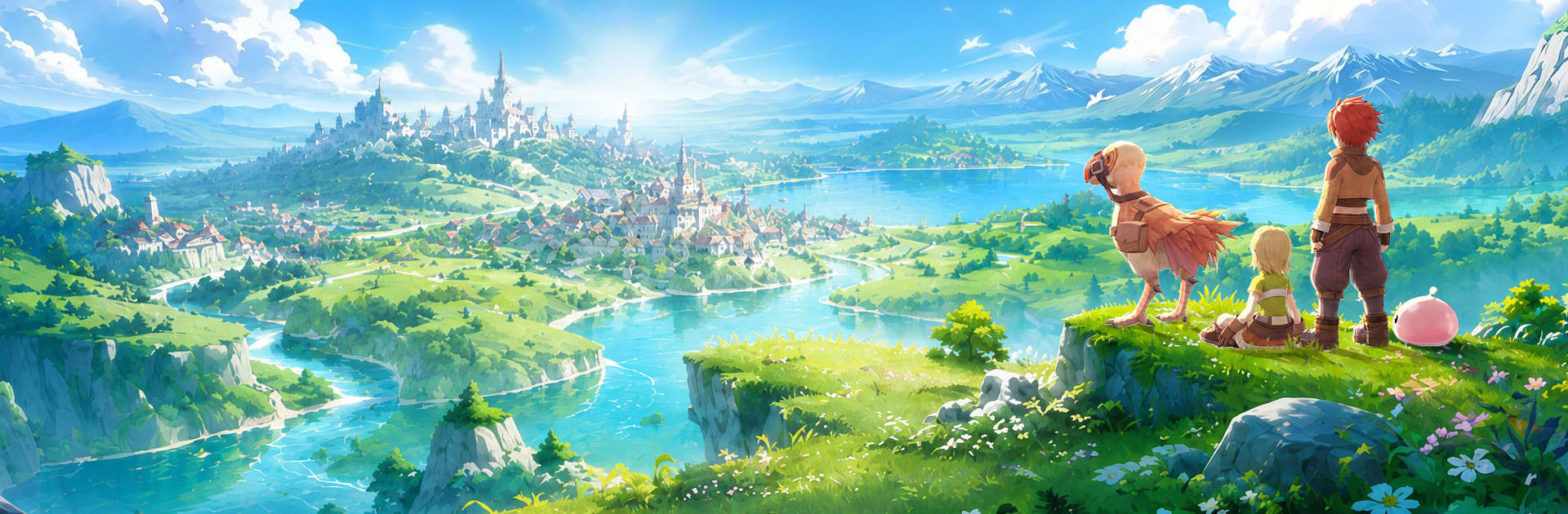
Ragnarok: Rebirth brings the classic Midgard feel back with a fresh coat of paint and a bunch of smart quality-of-life touches. It’s a Role Playing adventure built around freedom—pick a path, change it later, and make a character that actually feels like yours. Whether you’re chasing rare loot, hanging with your guild, or letting your pets grind while you take a break, it’s got that “just one more thing” pull.
Game Features
- Class Freedom: Start in one of six familiar classes and shape it your way. Swap jobs, mix skills, and experiment without getting stuck on a single build.
- MVP Hunts That Matter: MVPs aren’t just big bags of HP—they’re the main event. Track them down for meaningful rewards like rare cards, unique headgear, and loot everyone on the server will recognize.
- Serverwide Auctions: Legendary gear hits the Diamond Auctions with open bidding, sneaky secret bids, and tense final PK rounds. Watch the chaos, cheer on contenders with gifts, and see who walks off with the prize.
- Pet Dispatch EXP: Send your pet team on missions and log out. Come back to real progress for your character—less mindless grinding, more time doing what you actually enjoy.
- Play Your Way: Flip between portrait and landscape in a second. Got five minutes on the bus or a long session at home? The game adjusts to your schedule.
- Guild Moments: Jump into group hunts, trade tips, and share wins. It’s that old-school community vibe—friendly, a little chaotic, and always worth logging in for.
Start playing Ragnarok: Rebirth on BlueStacks and get a smoother, more comfortable PC or Mac setup.