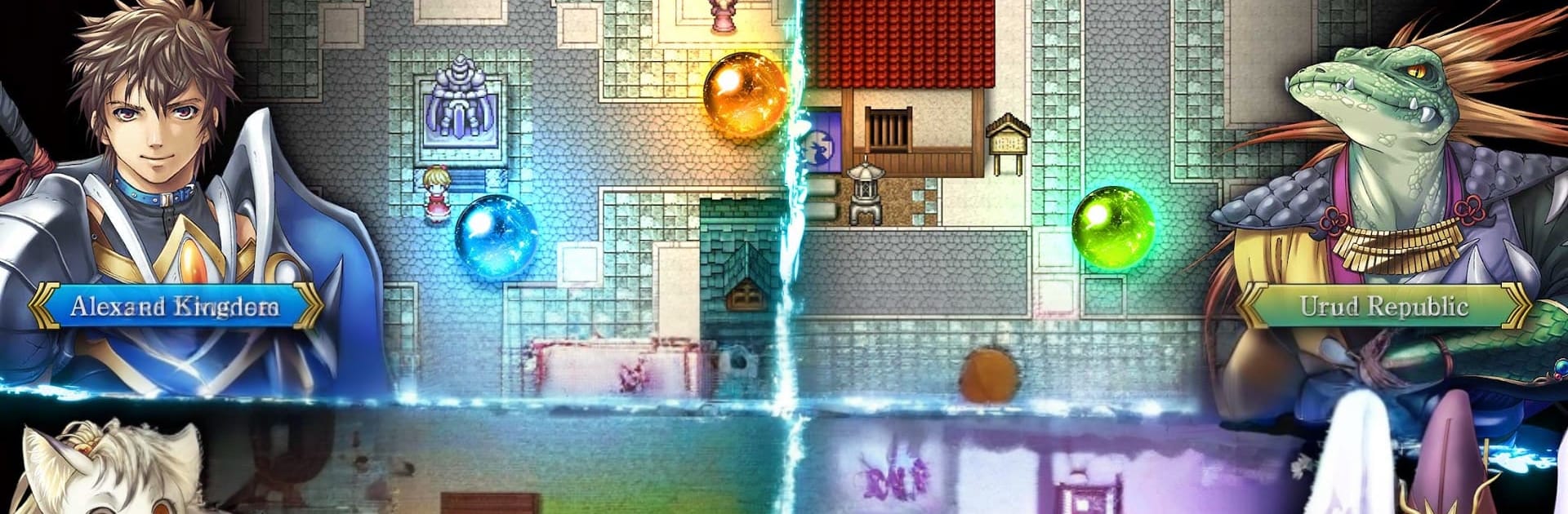


Bring your A-game to RPG Alphadia F, the Role Playing game sensation from KEMCO. Give your gameplay the much-needed boost with precise game controls, high FPS graphics, and top-tier features on your PC or Mac with BlueStacks.
About the Game
RPG Alphadia F drops you into Valhalard, a world split between rival nations and shaken when strange crystals crash from the sky. You follow Leifer, a straight‑shooting knight, and Torte, his quick-witted mage friend, as they chase the mystery from quiet hometown streets to far-flung frontiers. It’s a Role Playing journey with classic turn-based strategy, punchy battles, and a story that keeps raising the stakes.
Game Features
- Strategic turn-based combat: Every move matters. Queue up commands, read enemy patterns, and time your attacks to control the flow of battle instead of just spamming skills.
- Energi system depth: Harness the series’ signature energi to shape your playstyle. Build the Break Gauge to trigger explosive Break Skills, and kick into Energi Drive for hefty stat boosts and exclusive techniques.
- A world built on secrets: Trek across the four nations of Valhalard, poke around bustling towns and eerie ruins, and piece together why those crystals fell—and what they woke up.
- Memorable party dynamics: Recruit a colorful cast from all corners of the map. Mix knights, mages, and specialists to create squads that fit your tactics, then swap roles to adapt on the fly.
- Cooking that actually matters: Forage ingredients, experiment with combos, and discover recipes that grant real, battle-ready perks. A smart meal can save a dungeon crawl.
- Classic feel, modern snap: Enjoy fast, responsive command battles, snappy animations, and progression that respects your time without losing that cozy, old-school charm.
- Play your way: Prefer a bigger screen and comfy keys? RPG Alphadia F also plays smoothly on PC through BlueStacks, so you can settle in and strategize with room to spare.
Ready to top the leaderboard? We bet you do. Let precise controls and sharp visuals optimized on BlueStacks lead you to victory.








![[Premium] RPG Armed Emeth](https://cdn-www.bluestacks.com/bs-images/9a032bd9388da881f336af45df13a4d0-101x101.png)

![[Premium] RPG Infinite Links](https://cdn-www.bluestacks.com/bs-images/65678fa24b4412567e28a4995051126d-101x101.png)