

Join millions to experience Spirits of Aetheria, an exciting Role Playing game from NEOCRAFT LIMITED. With BlueStacks App Player, you are always a step ahead of your opponent, ready to outplay them with faster gameplay and better control with the mouse and keyboard on your PC or Mac.
About the Game
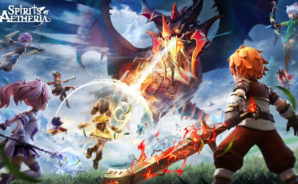
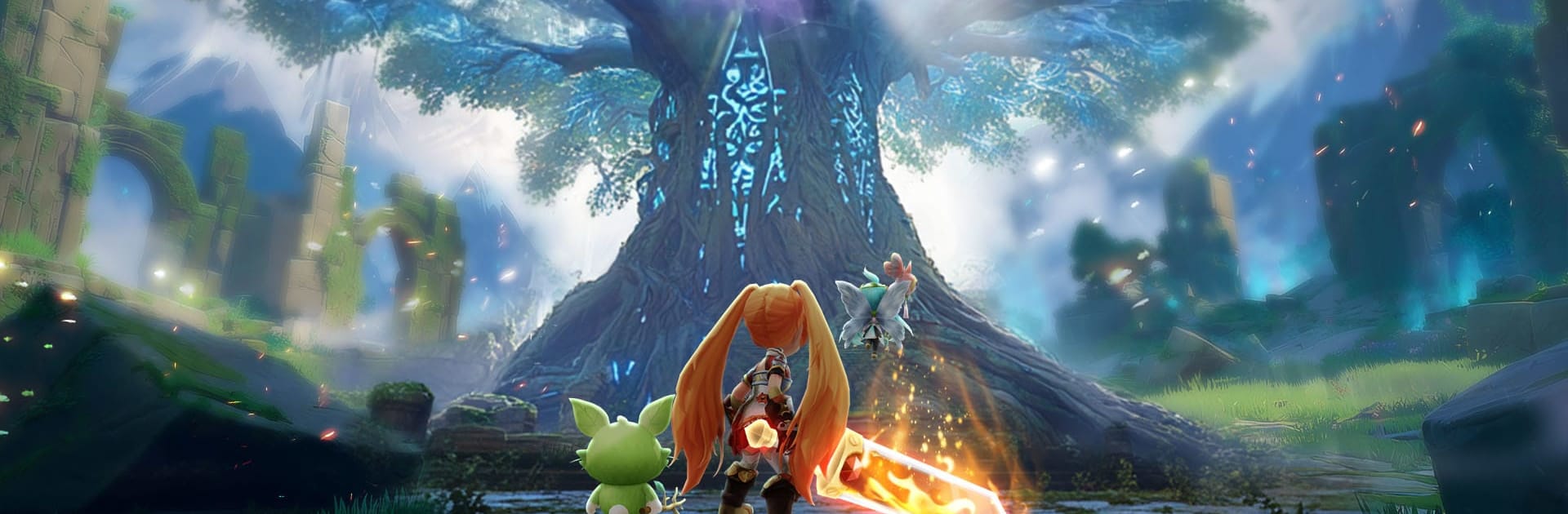
Spirits of Aetheria is a story-rich RPG from NEOCRAFT LIMITED where your hero fights alongside a team of whimsical, battle-ready Spirits. It blends chill companion-collecting with snappy, tactical combat and tons of ways to build a character that actually feels like yours. Prefer playing on a bigger screen? It works great with BlueStacks if you want keyboard-and-mouse comfort.
Game Features
- Dynamic Spirit Teams: Recruit charming Spirits with their own quirks, grow their power through evolutions, and swap between a 3-Spirit lineup mid-fight to outplay tough enemies.
- Build It Your Way: No rigid classes here—shape your hero with flexible skill trees. Mix and match roles, like a frost-and-flame Mage, a storm-slinging Archer, or an Assassin who stacks crits. Switch strategies whenever the situation changes.
- Style That Stands Out: Unlock thematic outfits tied to your path and watch appearances evolve at higher tiers. Rock adorable back-mounted Spirits and pick from mounts that range from majestic Unicorns to ridiculously cute Corgis.
- Fast, Fluid Combat: Responsive controls and layered abilities keep battles lively. Chain skills, time your Spirit swaps, and create team synergies that feel clever, not grindy.
- A World That Feels Alive: Wander colorful regions with your Spirit buddy, jump into co-op or guild events, and find players who enjoy the mix of relaxed collecting and strategic challenges.
- Collect, Train, Connect: Gather new Spirits, train favorites, and fine-tune lineups for bosses, PvE routes, and community activities without being locked into one playstyle.
Get ready for a buttery smooth, high-performance gaming action only on BlueStacks.