The Legend of Neverland

The Legend of Neverland

Role Playing

| SKYWORK AI Pte.Ltd.

BlueStacks Verified

Play on PC with BlueStacks or from our cloud

  • Overview
  • Tips & Tricks
  • Game Features
  • How to Play

Page Modified On: April 13, 2026

Play The Legend of Neverland on PC or Mac

The Legend of Neverland is an Role Playing game developed by SKYWORK AI Pte.Ltd. BlueStacks app player is the best platform to play this Android game on your PC or Mac for an immersive gaming experience.

About the Game

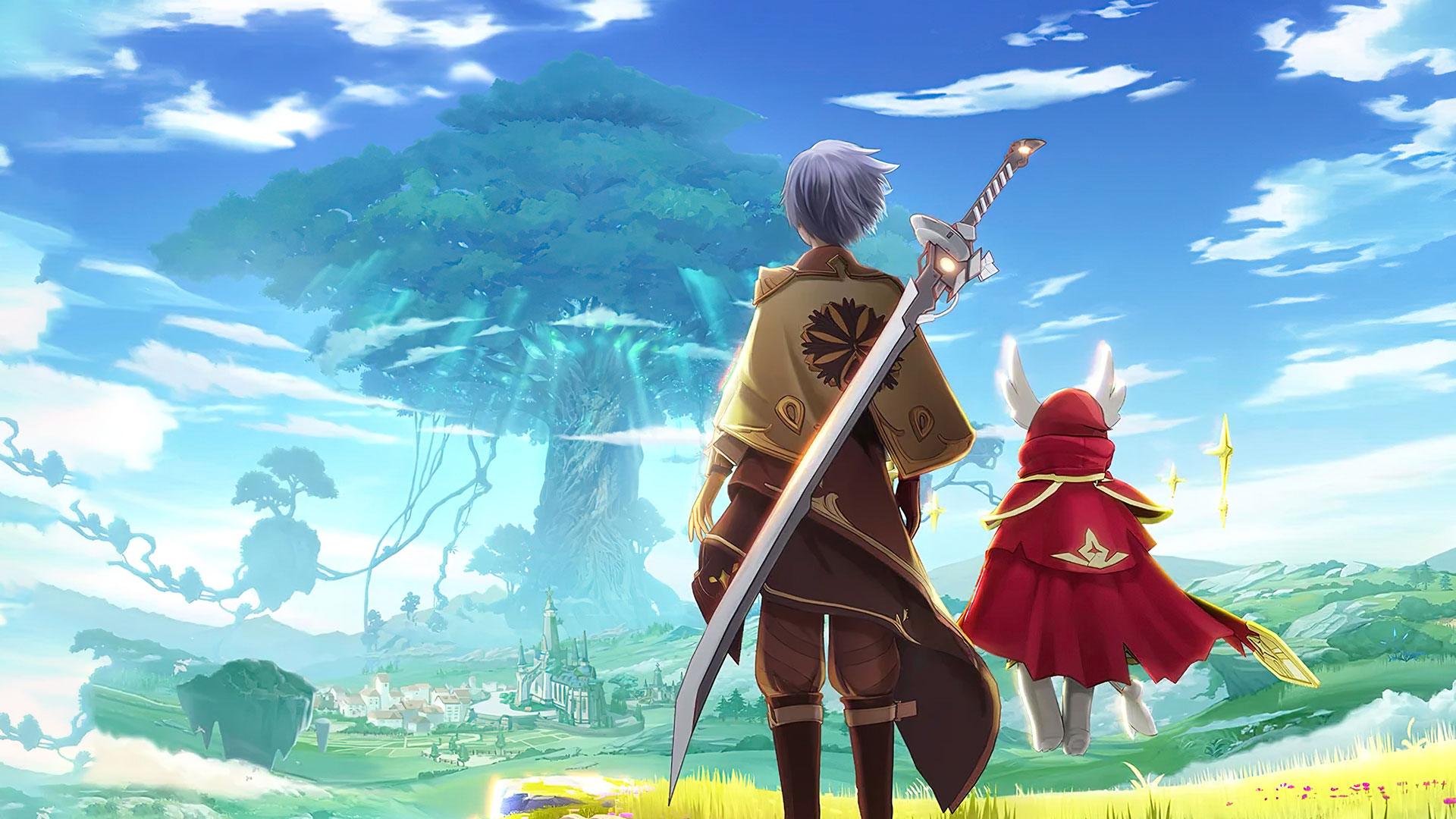
The Legend of Neverland puts you in a fantasy kingdom, Cabala, facing a devastating crisis. It uses Japanese-style graphics to bring every element to life and create a realistic experience. You have to team up with friends across the world to restore balance and end the crisis.

Game Features

  • Open-World Gameplay: The Legend of Neverland gives you complete freedom to explore and build freely. It also lets you enjoy side quests like fishing, cooking, and others when you aren’t fighting in the war.
  • Collectible Flower Fairies: Recruit powerful flower fairies to build a formidable army that can assist you in battle. You can collect Marigold, Balloon Flower, Chestnut Rose, and many other lovely flower fairies.
  • Multiple Classes: Switch between swordsman, ranger, craftsman, scholar, and any other classes whenever you like. This lets you use different types of weapons to crusade your enemies.
  • Customizable Avatar: Style your avatar to look special using the game’s advanced customization system. You can personalize the shape and color of their face, hair, eyes, and even fashion.
  • PvP Battles: Team up with other players to conquer PvE dungeons and dominate powerful bosses. You can even compete in PvP matches to climb to the highest rank.

How to Play? 

Download The Legend of Neverland for free from the Google Play Store using the BlueStacks app player.

Game Features

Game controls

  • Movement
  • Skill Cast

Enhancements

  • Macros
  • Rerolling
  • Eco Mode
  • Multi Instance Sync
  • Game controls
  • Enhancements
Movement
Skill Cast
Macros

Macros

Focus more on the fun part of the game, skip the tedious aspects. Master The Legend of Neverland with Macros. Record yourself completing the monotonous tasks you wish to automate and replay them later with just one keypress.
Rerolling

Rerolling

Speed up the rerolling process in The Legend of Neverland. Perform multiple summons and keep looking for the best Heroes. Use Multi-Instance sync to replicate the rerolling mechanism in all instances.
Eco Mode

Eco Mode

Farm in-game resources with ease in The Legend of Neverland. Enable the Eco Mode when running the game in multiple instances. And lower your PC's resource consumption.
Multi Instance Sync

Multi Instance Sync

With the Multi-instance Sync, you can do even more in The Legend of Neverland. Sync the action of the main instance and repeat them in real time for all other instances. Sync and sit back, let the game progress unfold.
Read More

How to Download and Play The Legend of Neverland on PC or Mac

  • Download and install BlueStacks on your PC or Mac

  • Complete Google sign-in to access the Play Store, or do it later

  • Look for The Legend of Neverland in the search bar at the top right corner

  • Click to install The Legend of Neverland from the search results

  • Complete Google sign-in (if you skipped step 2) to install The Legend of Neverland

  • Click the The Legend of Neverland icon on the home screen to start playing

video
Watch Video

Minimum System Requirements

With BlueStacks 5, you can get started on a PC that fulfills the following requirements.

  • Operating System

    Microsoft Windows 7 or above, macOS 11 (Big Sur) or above

  • Processor

    Intel, AMD or Apple Silicon Processor

  • RAM

    at least 4GB

  • HDD

    10GB Free Disk Space

Note:

* You must be an Administrator on your PC. Up to date graphics drivers from Microsoft or the chipset vendor.

The Legend of Neverland - FAQs

  • How to play The Legend of Neverland on Windows PC & Mac?

    Play The Legend of Neverland on your PC or Mac by following these simple steps.

    • Click on 'Play The Legend of Neverland on PC’ to download BlueStacks
    • Install it and log-in to Google Play Store
    • Launch and play the game.
  • Why is BlueStacks the fastest and safest platform to play games on PC?

    BlueStacks respects your privacy and is always safe and secure to use. It does not carry any malware, spyware, or any sort of additional software that could harm your PC.

    It is engineered to optimize speed and performance for a seamless gaming experience.

  • What are The Legend of Neverland PC requirements?

    Minimum requirement to run The Legend of Neverland on your PC

    • OS: Microsoft Windows 7 or above MacOS 11 (Big Sur) or above
    • Processor: Intel, AMD or Apple Silicon Processor
    • RAM: Your PC must have at least 4GB of RAM. (Note that having 4GB or more disk space is not a substitute for RAM)
    • HDD: 10GB Free Disk Space.
    • You must be an Administrator on your PC.