

Step into the World of Yulgang W, a thrilling Role Playing game from the house of EFUN COMPANY LIMITED. Play this Android game on BlueStacks App Player and experience immersive gaming on PC or Mac.
About the Game
Yulgang W is an RPG set in a martial world caught between Order and Chaos, where strength and teamwork really matter. It blends huge player battles with a classic Yulgang storyline, letting you carve out a name through skill, gear, and smart choices. Expect fast action, a living economy, and a community that actually feels like one.
Game Features
- Massive PvP, your way: Open-world skirmishes, House War clashes, World Boss hunts, and the showdown known as Peak Fight. From quick duels to full-scale brawls, there’s always a fight waiting.
- Global battles that stay smooth: Take on 100-player melees, GvG, and cross-region showdowns with performance tuned for big, chaotic encounters that still feel responsive.
- Play anywhere, keep progressing: Switch between mobile and PC without losing your place. Prefer a bigger screen and mouse-and-keyboard? Running Yulgang W on BlueStacks feels right at home.
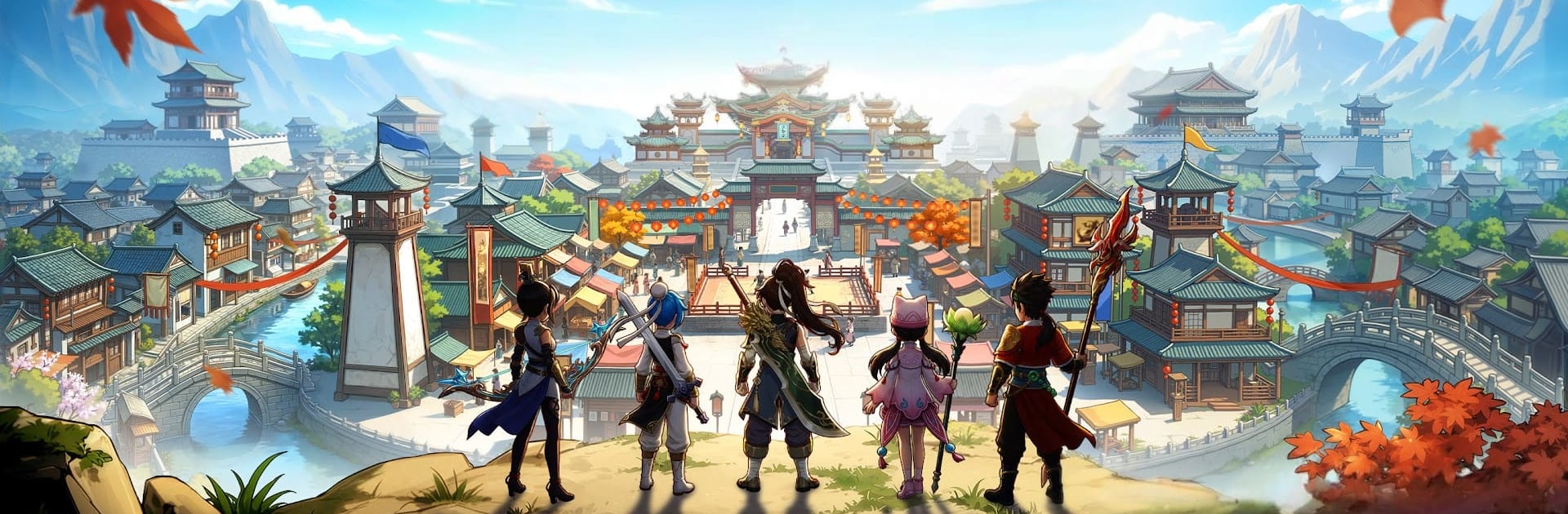
- The Yulgang world, refreshed: Five distinct classes return alongside familiar faces like Han Bi-kwang and Dam Hwa-rin. Iconic spots such as Hyeon-bal House and the Ice Palace come back with modern visuals and crisp effects.
- Loot, craft, and trade smart: Hunt tough foes, explore hidden corners, and turn rare drops into power. Build your Godforge, chase that +15 Red Gear, and use Stall Trading to move goods across servers in a market monitored for fairness.
- Pets that change the fight: Track down rare beasts, then mix and match roles—heals, crowd control, or raw damage—to fit your build. With Pet Awakening and growth systems, your lineup keeps evolving.
- Brotherhood, rivalry, and a little romance: Form a House, find reliable partners, and strengthen bonds as you quest and fight together. Whether you’re coordinating dungeons or backing each other in PvP, relationships matter here.
Start playing Yulgang W on BlueStacks and get a smoother, more comfortable PC or Mac setup.
What’s New?
Explore new horizons with the latest update, which introduces thrilling new routes and destinations, inviting adventurers to uncover hidden treasures and embark on unforgettable journeys. Players can now customize their vehicles with an array of vibrant new skins, adding a personal touch to their adventures. Unveil exciting challenges in the enhanced quest system and earn exclusive rewards for completing unique tasks. The vibrant in-game market is now stocked with a variety of new items that enhance both strategy and gameplay, providing endless possibilities for exploration and conquest. Immerse further into the captivating world with an engaging storyline that unfolds through intriguing new quests and narrative arcs.