
Exclusive Gaming Content. And More.
Get the latest updates on the BlueStacks Blog.
See More

Play on PC with BlueStacks or from our cloud
Page Modified On: August 03, 2026
Step into the World of Airport Kingdom: Idle Tycoon, a thrilling Simulation game from the house of Zillion Fantasy. Play this Android game on BlueStacks App Player and experience immersive gaming on PC or Mac.
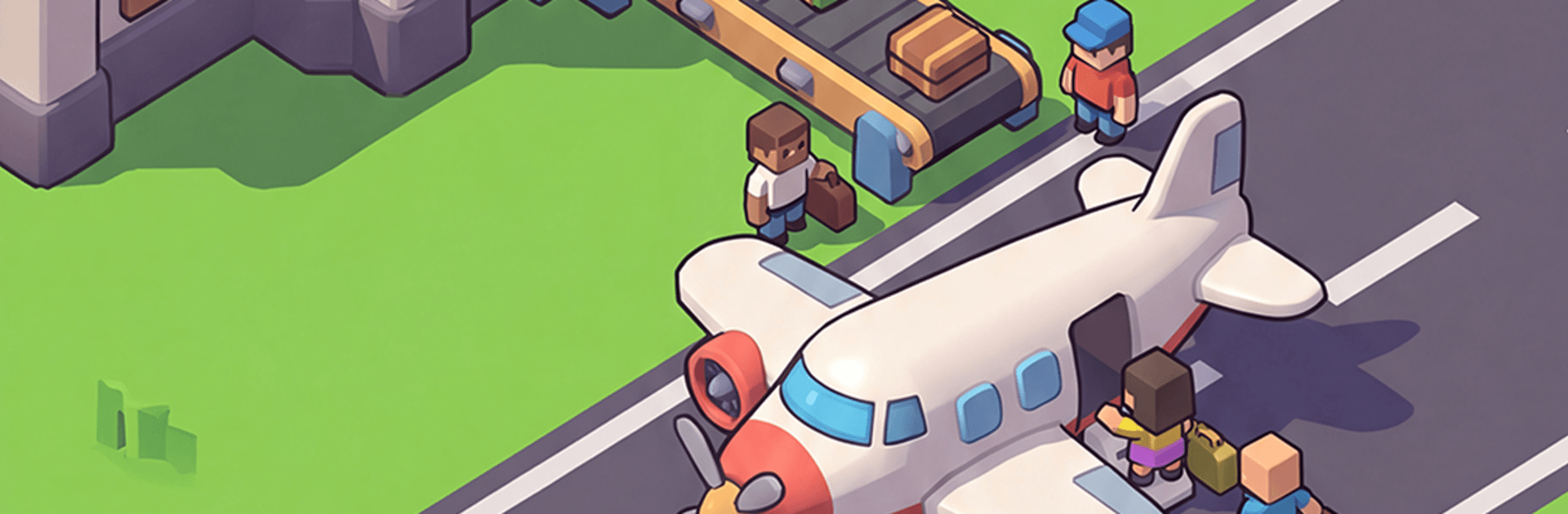
Airport Kingdom: Idle Tycoon is a chill-but-smart airport manager where you turn a scrappy airfield into a bustling aviation hub. It blends the satisfying drip of idle progress with hands-on planning: set up routes, streamline passenger flow, and watch your numbers climb even when you’re not playing. It’s an easy-to-pick-up Simulation that still gives you room to tinker, optimize, and grow at your own pace.
Start Small, Think Big: Begin with a modest runway and a couple of gates, then expand to new terminals, extra runways, and more services as the cash rolls in.
Upgrades That Matter: Improve check-in, security, and baggage handling to cut delays and boost throughput—shorter lines, happier travelers, stronger profits.
Earn While Away: Your airport keeps working when you’re offline, stacking income you can pour back into expansions and smarter systems.
Routes and Aircraft: Unlock new planes and open fresh routes, balancing short hops and long-hauls to build a flight network that actually makes sense.
Staff and Efficiency: Hire the right people, assign managers, and fine-tune schedules to keep crowds moving and turnaround times tight.
Smooth Management Tools: Clear dashboards and simple taps make big decisions feel effortless, while still giving you data to obsess over.
Strategy at Your Pace: Whether you like quick check-ins or longer planning sessions, the game rewards thoughtful choices without piling on stress.
Plays Great on PC: Prefer a larger screen and keyboard? It runs nicely on BlueStacks for a comfy management view without finger gymnastics.
Start playing Airport Kingdom: Idle Tycoon on BlueStacks and get a smoother, more comfortable PC or Mac setup.
Automate the predictable in Airport Kingdom: Idle Tycoon and transform your gameplay with Macros. Get access to inventive Macros in the BlueStacks Macro Community
Play Airport Kingdom: Idle Tycoon on one window. And chat with your friend on the other. Press CTRL + Shift + 8 to open the Multi-Instance Manager. And start creating fresh instances or clone an existing one.
Play Airport Kingdom: Idle Tycoon with the power of Multi-Instance Sync. Replicate what you are doing on the main instance on all other instances. Level up faster, play more.
Script your way to gaming glory in Airport Kingdom: Idle Tycoon with BlueStacks Script. Write and run a set of commands to automate repeated tasks. Trigger the command by assigning it to any key.
Download and install BlueStacks on your PC or Mac
Complete Google sign-in to access the Play Store, or do it later
Look for Airport Kingdom: Idle Tycoon in the search bar at the top right corner
Click to install Airport Kingdom: Idle Tycoon from the search results
Complete Google sign-in (if you skipped step 2) to install Airport Kingdom: Idle Tycoon
Click the Airport Kingdom: Idle Tycoon icon on the home screen to start playing
With BlueStacks 5, you can get started on a PC that fulfills the following requirements.
Microsoft Windows 7 or above, macOS 11 (Big Sur) or above
Intel, AMD or Apple Silicon Processor
at least 4GB
10GB Free Disk Space
* You must be an Administrator on your PC. Up to date graphics drivers from Microsoft or the chipset vendor.

Leave your email and we will notify
you when the game launches
Play Airport Kingdom: Idle Tycoon on your PC or Mac by following these simple steps.
BlueStacks respects your privacy and is always safe and secure to use. It does not carry any malware, spyware, or any sort of additional software that could harm your PC.
It is engineered to optimize speed and performance for a seamless gaming experience.
Minimum requirement to run Airport Kingdom: Idle Tycoon on your PC

Since you are on your phone, we are going to send you to the Google Play page.
In some cases BlueStacks uses affiliate links when linking to Google Play
BlueStacks 4 is not available on Windows XP. You must have Windows 7 or higher. Windows 10 is recommended.