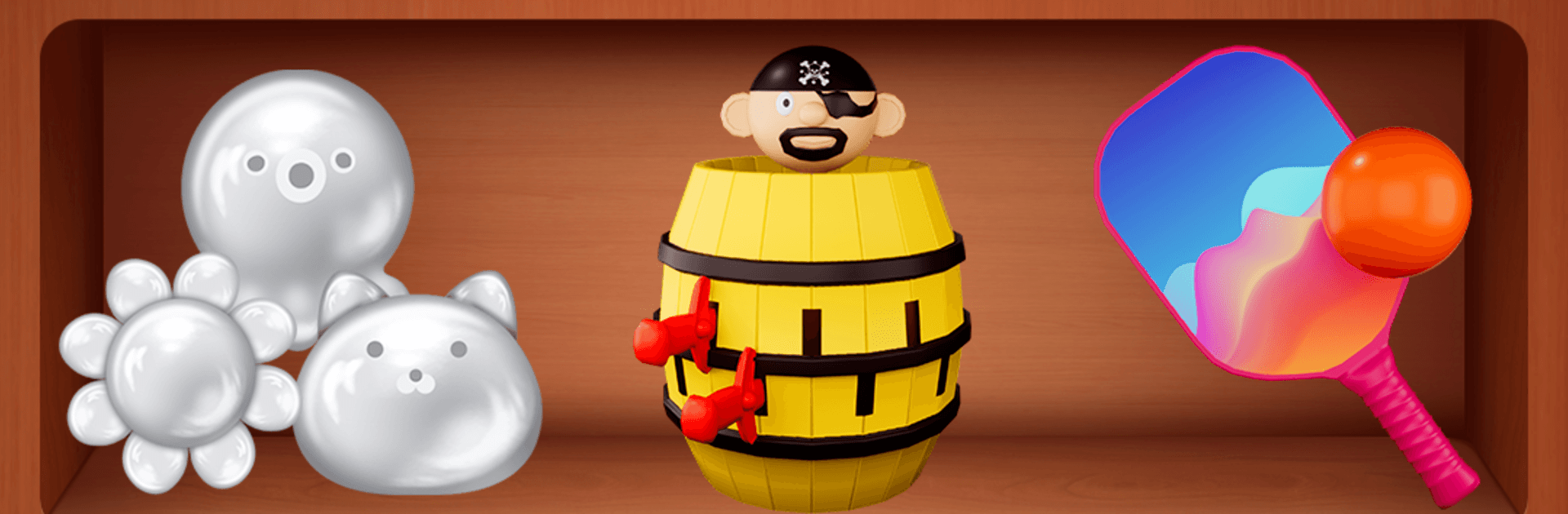
Antistress Toys & Mini Games

Antistress Toys & Mini Games

Simulation

| Cooking Game Global

Play on PC with BlueStacks or from our cloud

  • Overview
  • Game Features
  • How to Play

Page Modified On: August 31, 2026

Play Antistress Toys & Mini Games on PC or Mac

Bring your A-game to Antistress Toys & Mini Games, the Simulation game sensation from Cooking Game Global. Give your gameplay the much-needed boost with precise game controls, high FPS graphics, and top-tier features on your PC or Mac with BlueStacks.

About the Game

Antistress Toys & Mini Games is a laid-back bundle of sensory play, quick puzzles, and fidget-friendly fun designed to help you breathe out and reset. As a Simulation experience, it’s all about simple interactions that feel good: tap, squeeze, stretch, slice, and listen as gentle sounds and soft visuals take the edge off a busy day. Pop in for 30 seconds or stay longer—there’s always another oddly satisfying toy to try. Prefer a bigger screen? It also plays nicely on PC with BlueStacks.

Game Features

  • Big toy box: Browse nearly a hundred bite-size activities—some brain-teasing, others purely for the feel-good vibes—so you can match your mood in seconds.
  • Instant comfort controls: Tap, drag, and hold; the interactions are intuitive from the jump, so you can relax without learning curves.
  • Cozy look and sound: Calming colors, smooth animations, and soothing audio pair up to create a mellow, sensory-friendly space.
  • For any moment, any age: Kids, teens, and adults can all find something that fits a quick breather or a longer wind-down.
  • Pop It Mania: Press bubbles one by one and chase that crisp, last-pop satisfaction as long as you like.
  • Squishy Lab: Stretch, squish, and smoosh a collection of soft, springy anti-stress toys that gently bounce back.
  • Slime Studio: Mix colors, tweak textures, and poke around in a super satisfying slime sandbox.
  • Slice & Dice: Carve, chop, and shave virtual fruits and veggies into tiny pieces with crunchy, ASMR-friendly feedback.
  • Crocodile Nerves: Tap teeth and test your luck in a playful, quick-reflex classic with a cheeky snap.
  • Fidget Spinner: Spin, balance, and watch it whirl—simple, mesmerizing, and endlessly loopable.
  • Quick swap play: Hop between toys fast with clean menus—great for small breaks or whenever you need a reset.

BlueStacks gives you more room to focus on the game and less time adjusting around mobile limitations.


Game Features

Enhancements

  • Macros
  • Multi Instance
  • Multi Instance Sync
  • Script
  • Enhancements
Macros

Macros

Automate the predictable in Antistress Toys & Mini Games and transform your gameplay with Macros. Get access to inventive Macros in the BlueStacks Macro Community
Multi Instance

Multi Instance

Play Antistress Toys & Mini Games on one window. And chat with your friend on the other. Press CTRL + Shift + 8 to open the Multi-Instance Manager. And start creating fresh instances or clone an existing one.
Multi Instance Sync

Multi Instance Sync

Play Antistress Toys & Mini Games with the power of Multi-Instance Sync. Replicate what you are doing on the main instance on all other instances. Level up faster, play more.
Script

Script

Script your way to gaming glory in Antistress Toys & Mini Games with BlueStacks Script. Write and run a set of commands to automate repeated tasks. Trigger the command by assigning it to any key.
Read More

How to Download and Play Antistress Toys & Mini Games on PC or Mac

  • Download and install BlueStacks on your PC or Mac

  • Complete Google sign-in to access the Play Store, or do it later

  • Look for Antistress Toys & Mini Games in the search bar at the top right corner

  • Click to install Antistress Toys & Mini Games from the search results

  • Complete Google sign-in (if you skipped step 2) to install Antistress Toys & Mini Games

  • Click the Antistress Toys & Mini Games icon on the home screen to start playing

video
Watch Video

Minimum System Requirements

With BlueStacks 5, you can get started on a PC that fulfills the following requirements.

  • Operating System

    Microsoft Windows 7 or above, macOS 11 (Big Sur) or above

  • Processor

    Intel, AMD or Apple Silicon Processor

  • RAM

    at least 4GB

  • HDD

    10GB Free Disk Space

Note:

* You must be an Administrator on your PC. Up to date graphics drivers from Microsoft or the chipset vendor.

Antistress Toys & Mini Games - FAQs

  • How to play Antistress Toys & Mini Games on Windows PC & Mac?

    Play Antistress Toys & Mini Games on your PC or Mac by following these simple steps.

    • Click on 'Play Antistress Toys & Mini Games on PC’ to download BlueStacks
    • Install it and log-in to Google Play Store
    • Launch and play the game.
  • Why is BlueStacks the fastest and safest platform to play games on PC?

    BlueStacks respects your privacy and is always safe and secure to use. It does not carry any malware, spyware, or any sort of additional software that could harm your PC.

    It is engineered to optimize speed and performance for a seamless gaming experience.

  • What are Antistress Toys & Mini Games PC requirements?

    Minimum requirement to run Antistress Toys & Mini Games on your PC

    • OS: Microsoft Windows 7 or above MacOS 11 (Big Sur) or above
    • Processor: Intel, AMD or Apple Silicon Processor
    • RAM: Your PC must have at least 4GB of RAM. (Note that having 4GB or more disk space is not a substitute for RAM)
    • HDD: 10GB Free Disk Space.
    • You must be an Administrator on your PC.