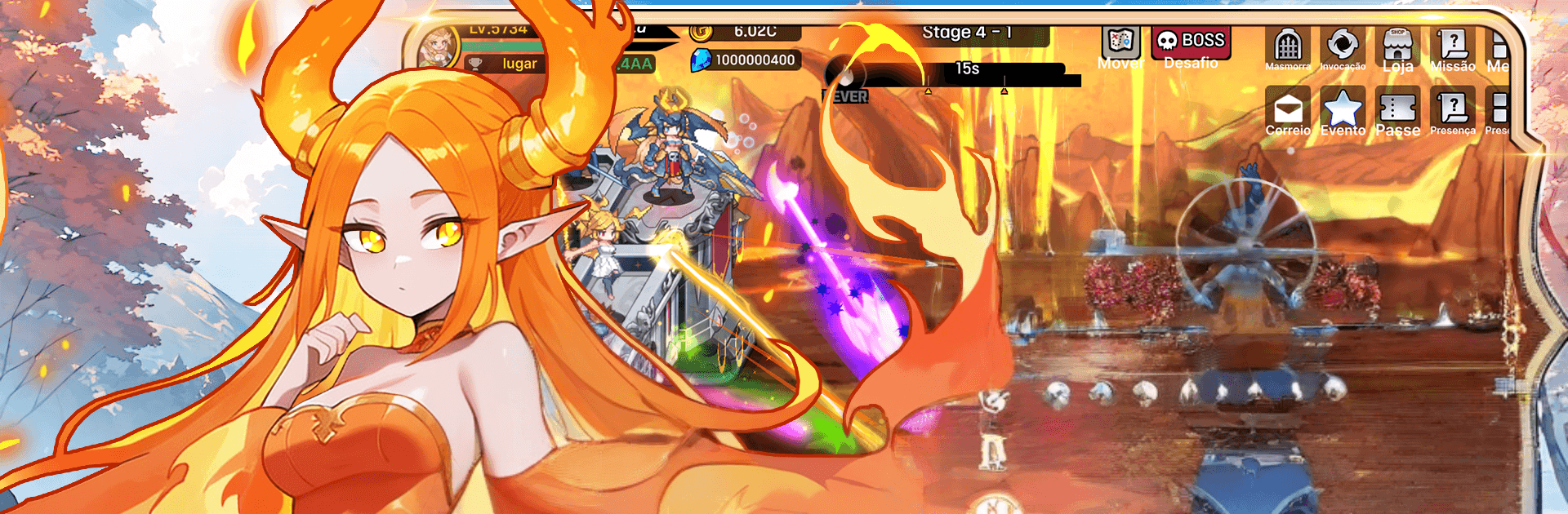


Explore a whole new adventure with Archer Castle : AFK Idle RPG, a Simulation game created by SPRING Games. Experience great gameplay with BlueStacks, the most popular gaming platform to play Android games on your PC or Mac.
About the Game
Archer Castle : AFK Idle RPG is a slick, fast-moving Simulation where you steer a roaming fortress through waves of enemies while growing a thriving base behind the scenes. It’s half hack-and-slash, half management sim, with that easygoing AFK vibe so progress keeps rolling even when you’re not tapping. Prefer a bigger screen and comfy controls? It plays nicely on BlueStacks, too.
Game Features
- Snappy Hack-and-Slash Combat: Unleash flashy skills that erase swarms in seconds and watch loot spill across the field after a perfect burst.
- Build Your Perfect Deck: Mix actives, passives, commands, and weapon skills to create wild synergies—swap sets to match the fight.
- Idle Progress That Feels Good: Heroes train, resources stack up, and territory upgrades tick along even while you’re away.
- Style in Motion: Characters and monsters are animated with smooth, natural movement that looks sharp in battle and in menus.
- Gear That Shows: Equip armor and weapons that actually change your appearance, not just your stats—find looks that match your build.
- Evolving Companions: Collect a bunch of quirky Elmonsters that grow, transform, and bring their own perks to your squad.
Ready to top the leaderboard? We bet you do. Let precise controls and sharp visuals optimized on BlueStacks lead you to victory.