
きらめきパラダイス
きらめきパラダイス

きらめきパラダイス

Simulation

| Archosaur Games

Play on PC with BlueStacks or from our cloud

  • Overview
  • Game Features
  • How to Play

Page Modified On: November 03, 2026

Play きらめきパラダイス on PC or Mac

きらめきパラダイス by Archosaur Games has plenty to keep you busy. BlueStacks lets you play it on PC or Mac with more screen space, better control, and fewer mobile limits.

About the Game

きらめきパラダイス is a Simulation world where fashion, design, and storytelling all blend into one stylish playground. Craft a “you” that feels authentic (or totally fantastical), build a life that sparks joy, and get swept up in a romance-tinged mystery along the way. It also runs beautifully on BlueStacks if you like playing on PC.

Game Features

  • Ultra-detailed avatar maker: Fine-tune everything—from brows, eyes, and lips to ears, body shape, and intricate makeup—then top it off with face decals for extra flair.
  • Endless looks to mix and match: Explore hundreds of hairstyles and thousands of clothing pieces that span cute, cool, elegant, rock, street, traditional styles, and more.
  • Colors and textures that pop: Recolor favorite items, play with materials, and enjoy fabric details that look and move like the real thing.
  • Be the designer: Choose fabrics, craft patterns, and stitch together original outfits with intuitive tools, then build a brand that’s unmistakably yours.
  • Your dream home, inside and out: Decorate cozy rooms, spruce up the exterior and garden, and even lay out your own mini amusement area—make a space that screams “home.”
  • Weather you can control: Switch between sunny, rainy, snowy, and stormy scenes to set the mood; pair outfits to the forecast for perfect snaps.
  • Shape the land itself: Use custom terrain tools to raise mountains, carve rivers, and form lakes, turning your plot into a personal paradise.
  • Social spaces that feel alive: Visit friends, host parties, and share relaxed afternoons with your crew in a world built for hanging out.
  • Pets with personality: Adopt dogs, cats, and even rabbits; breeding and appearance settings mean your furry buddy’s look is uniquely yours—yes, pet outfits are a thing.
  • A romantic mystery to unravel: Investigate cases, sift through memories, and edge closer to the truth while growing bonds with a stellar, fully voiced cast.
  • Wind and motion control: Adjust wind strength and direction in closets, menus, and at home so dresses flutter and hair sways for that cinematic moment.

Get ready for a buttery smooth, high-performance gaming action only on BlueStacks.
Game Features

Enhancements

  • Macros
  • Multi Instance
  • Multi Instance Sync
  • Script
  • Enhancements
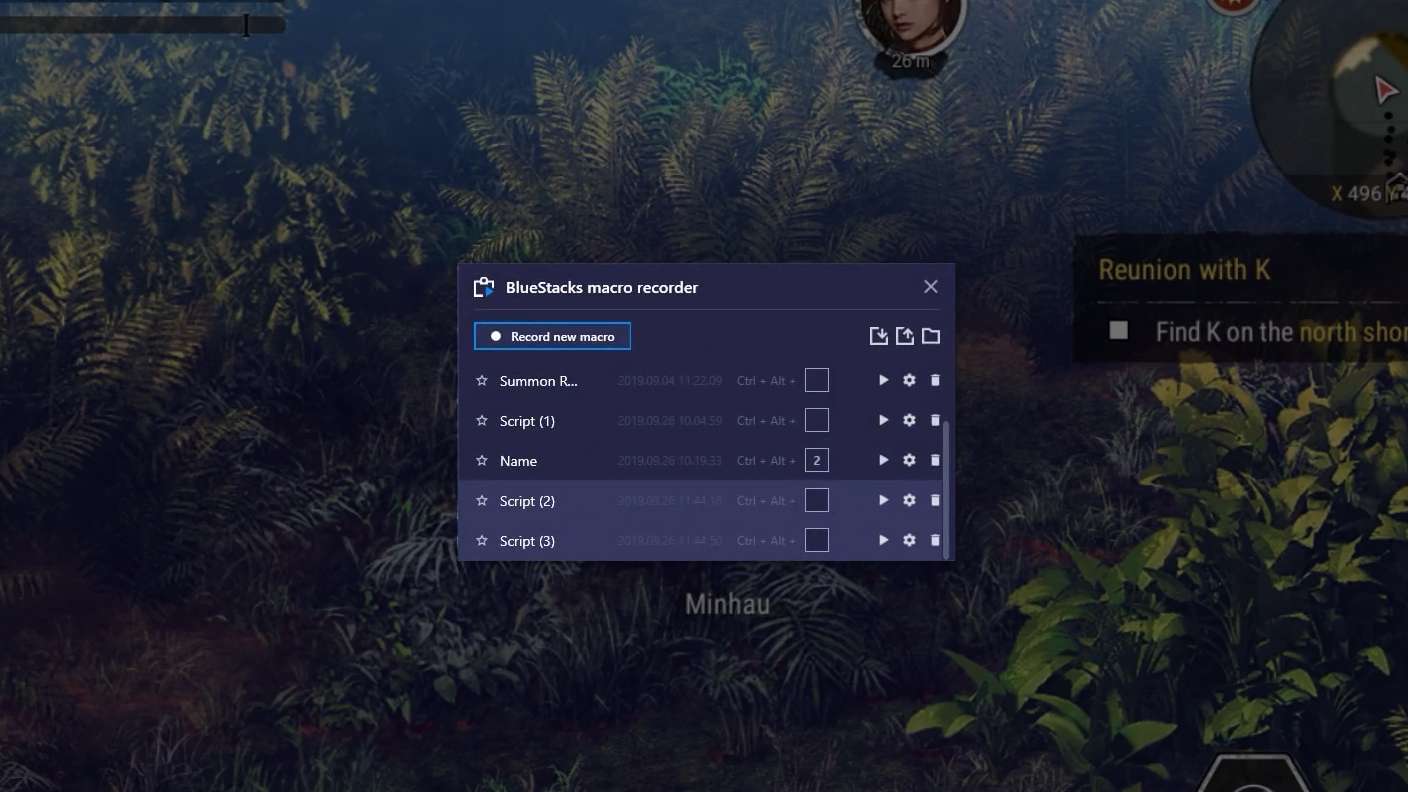
Macros

Macros

Automate the predictable in きらめきパラダイス and transform your gameplay with Macros. Get access to inventive Macros in the BlueStacks Macro Community
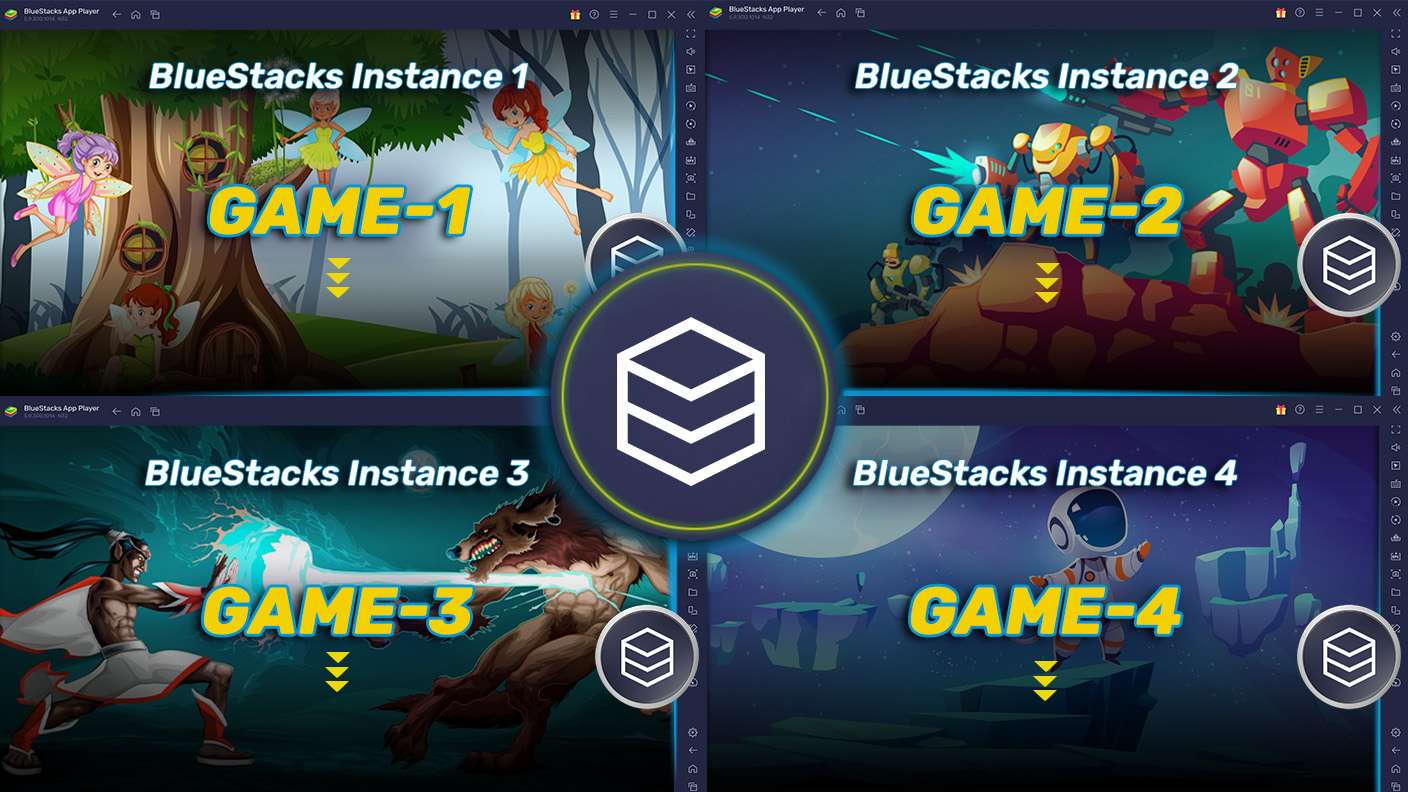
Multi Instance

Multi Instance

Play きらめきパラダイス on one window. And chat with your friend on the other. Press CTRL + Shift + 8 to open the Multi-Instance Manager. And start creating fresh instances or clone an existing one.
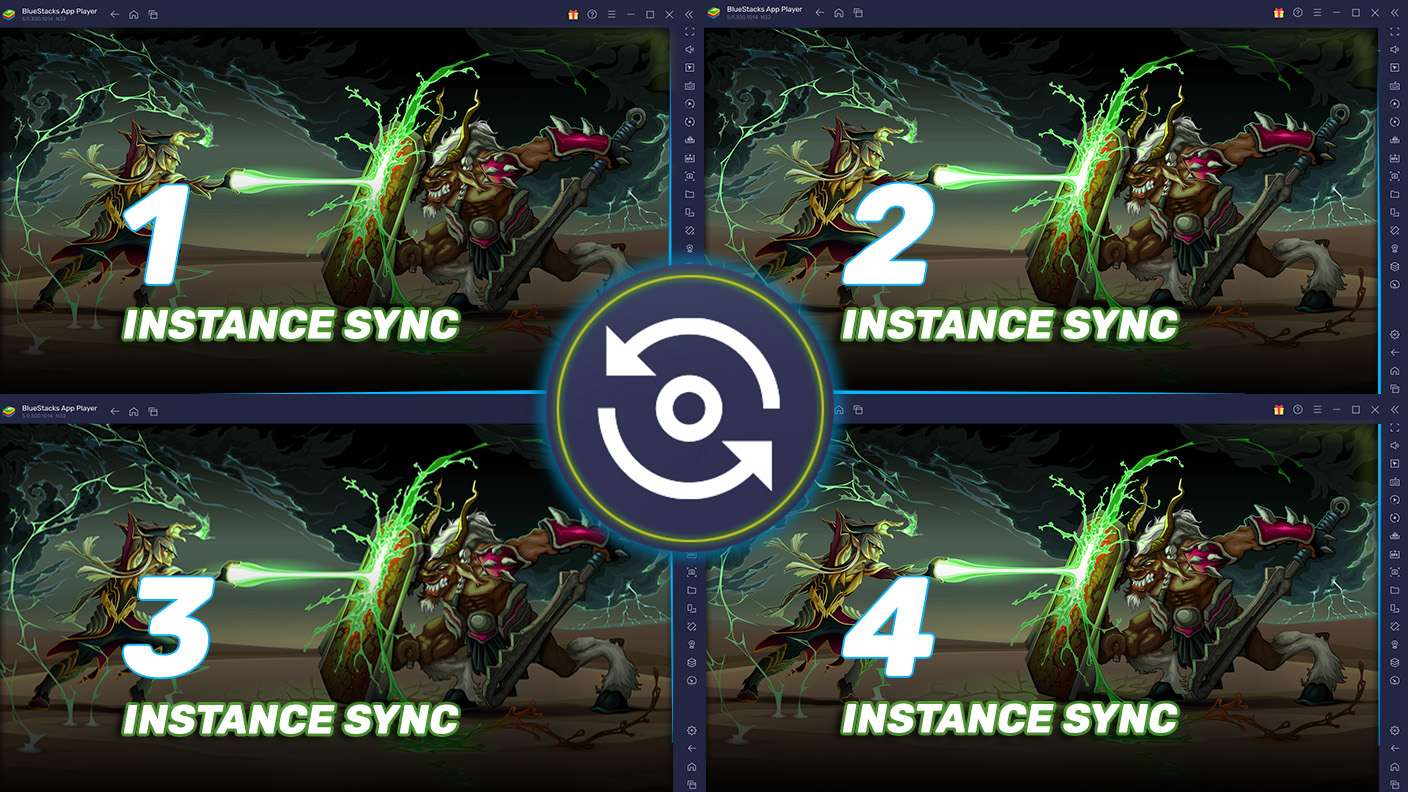
Multi Instance Sync

Multi Instance Sync

Play きらめきパラダイス with the power of Multi-Instance Sync. Replicate what you are doing on the main instance on all other instances. Level up faster, play more.
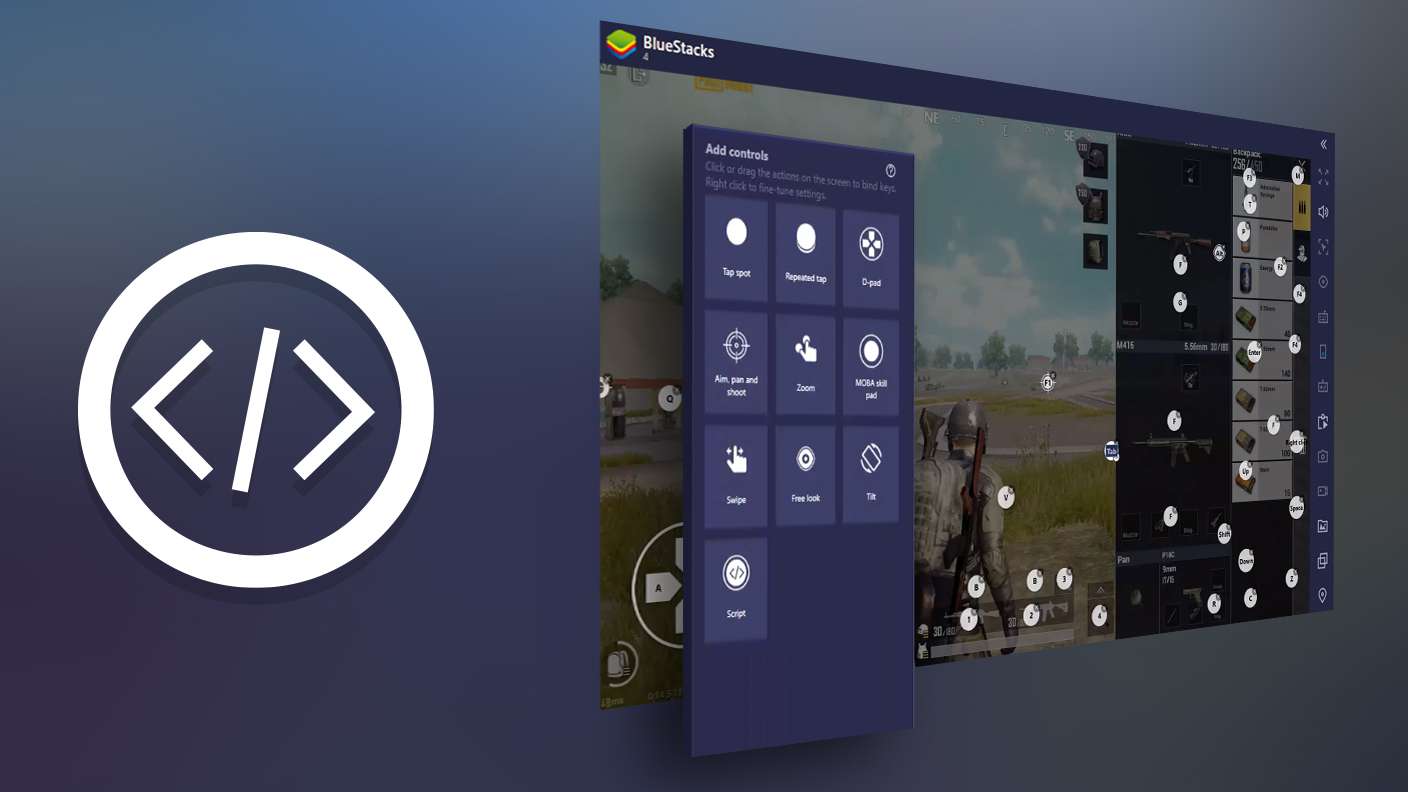
Script

Script

Script your way to gaming glory in きらめきパラダイス with BlueStacks Script. Write and run a set of commands to automate repeated tasks. Trigger the command by assigning it to any key.
Read More

How to Download and Play きらめきパラダイス on PC or Mac

  • Download and install BlueStacks on your PC or Mac

  • Complete Google sign-in to access the Play Store, or do it later

  • Look for きらめきパラダイス in the search bar at the top right corner

  • Click to install きらめきパラダイス from the search results

  • Complete Google sign-in (if you skipped step 2) to install きらめきパラダイス

  • Click the きらめきパラダイス icon on the home screen to start playing

video
Watch Video

Minimum System Requirements

With BlueStacks 5, you can get started on a PC that fulfills the following requirements.

  • Operating System

    Microsoft Windows 7 or above, macOS 11 (Big Sur) or above

  • Processor

    Intel, AMD or Apple Silicon Processor

  • RAM

    at least 4GB

  • HDD

    10GB Free Disk Space

Note:

* You must be an Administrator on your PC. Up to date graphics drivers from Microsoft or the chipset vendor.

きらめきパラダイス - FAQs

  • How to play きらめきパラダイス on Windows PC & Mac?

    Play きらめきパラダイス on your PC or Mac by following these simple steps.

    • Click on 'Play きらめきパラダイス on PC’ to download BlueStacks
    • Install it and log-in to Google Play Store
    • Launch and play the game.
  • Why is BlueStacks the fastest and safest platform to play games on PC?

    BlueStacks respects your privacy and is always safe and secure to use. It does not carry any malware, spyware, or any sort of additional software that could harm your PC.

    It is engineered to optimize speed and performance for a seamless gaming experience.

  • What are きらめきパラダイス PC requirements?

    Minimum requirement to run きらめきパラダイス on your PC

    • OS: Microsoft Windows 7 or above MacOS 11 (Big Sur) or above
    • Processor: Intel, AMD or Apple Silicon Processor
    • RAM: Your PC must have at least 4GB of RAM. (Note that having 4GB or more disk space is not a substitute for RAM)
    • HDD: 10GB Free Disk Space.
    • You must be an Administrator on your PC.