Idle Soap ASMR
Idle Soap ASMR

Idle Soap ASMR

Simulation

| Midnite Srl

Play on PC with BlueStacks or from our cloud

  • Overview
  • Game Features
  • How to Play

Page Modified On: August 24, 2026

Play Idle Soap ASMR on PC or Mac

Step into the World of Idle Soap ASMR, a thrilling Simulation game from the house of Midnite Srl. Play this Android game on BlueStacks App Player and experience immersive gaming on PC or Mac.

About the Game

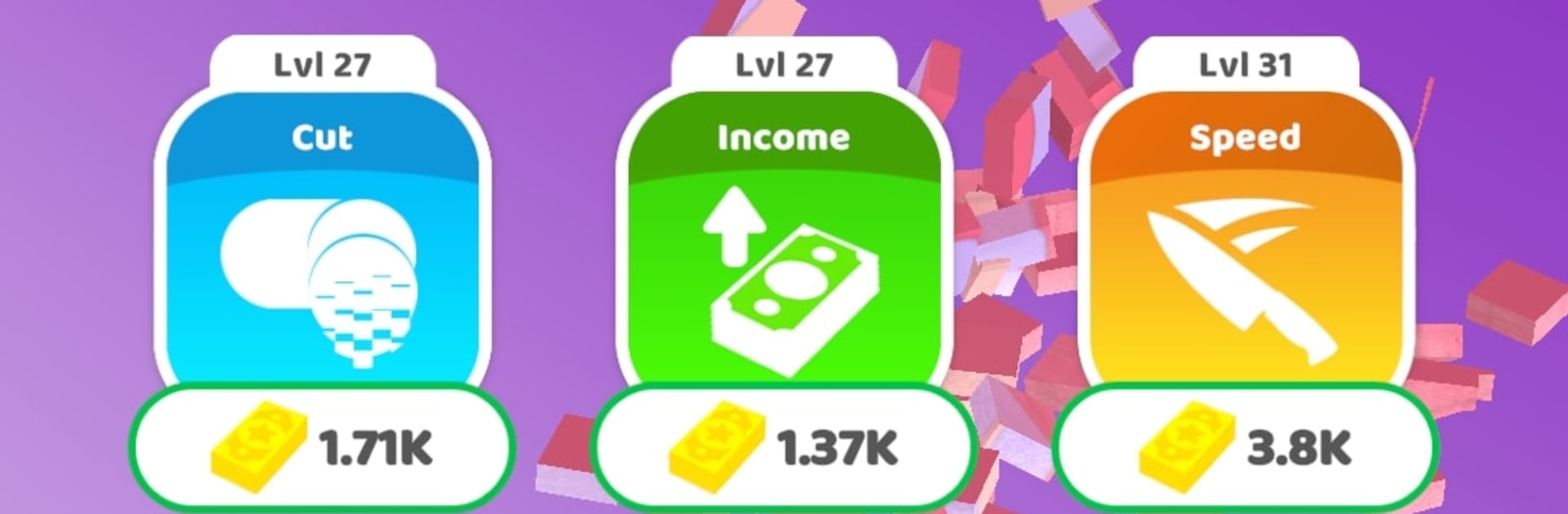
Idle Soap ASMR is a soothing Simulation that turns soap cutting into a strangely satisfying habit. Slice through colorful bars, fuse pieces, and tune up a workshop that keeps humming even when you’re away. It’s part idle clicker, part sensory chill-out—great for quick breaks or long, laid-back sessions.

Game Features

  • Slice and Reveal: Shave layers from bright, patterned soaps and watch fresh swirls and textures appear with every clean cut.
  • Merge for Momentum: Combine pieces and upgrades to boost efficiency so each tap hits harder and your setup gets smarter over time.
  • Collectible Showcase: Build a shelf full of unique soaps—different shapes, colors, and effects—with a few hidden variants for completionists.
  • Satisfying Soundscape: Crisp ASMR audio for slicing, scraping, and tiny pops delivers instant calm and a gentle headspace reset.
  • Progress That Persists: Your workshop keeps producing while you’re offline, so returning feels rewarding with new resources to collect.
  • Smooth and Colorful: Vivid visuals and silky animations make every slice look clean and every merge feel extra snappy.
  • Zero-Fuss Controls: Simple tap-and-drag mechanics are easy to pick up, yet there’s depth if you love optimizing.
  • Great for Background Play: Fits neatly into your routine—perfect while you listen to music or podcasts or just unwind.
  • Optional PC Play: Prefer a bigger display? Idle Soap ASMR runs comfortably on BlueStacks, keeping taps crisp and colors punchy.

Get ready for a buttery smooth, high-performance gaming action only on BlueStacks.

Game Features

Enhancements

  • Macros
  • Multi Instance
  • Multi Instance Sync
  • Script
  • Enhancements
Macros

Macros

Automate the predictable in Idle Soap ASMR and transform your gameplay with Macros. Get access to inventive Macros in the BlueStacks Macro Community
Multi Instance

Multi Instance

Play Idle Soap ASMR on one window. And chat with your friend on the other. Press CTRL + Shift + 8 to open the Multi-Instance Manager. And start creating fresh instances or clone an existing one.
Multi Instance Sync

Multi Instance Sync

Play Idle Soap ASMR with the power of Multi-Instance Sync. Replicate what you are doing on the main instance on all other instances. Level up faster, play more.
Script

Script

Script your way to gaming glory in Idle Soap ASMR with BlueStacks Script. Write and run a set of commands to automate repeated tasks. Trigger the command by assigning it to any key.
Read More

How to Download and Play Idle Soap ASMR on PC or Mac

  • Download and install BlueStacks on your PC or Mac

  • Complete Google sign-in to access the Play Store, or do it later

  • Look for Idle Soap ASMR in the search bar at the top right corner

  • Click to install Idle Soap ASMR from the search results

  • Complete Google sign-in (if you skipped step 2) to install Idle Soap ASMR

  • Click the Idle Soap ASMR icon on the home screen to start playing

video
Watch Video

Minimum System Requirements

With BlueStacks 5, you can get started on a PC that fulfills the following requirements.

  • Operating System

    Microsoft Windows 7 or above, macOS 11 (Big Sur) or above

  • Processor

    Intel, AMD or Apple Silicon Processor

  • RAM

    at least 4GB

  • HDD

    10GB Free Disk Space

Note:

* You must be an Administrator on your PC. Up to date graphics drivers from Microsoft or the chipset vendor.

Idle Soap ASMR - FAQs

  • How to play Idle Soap ASMR on Windows PC & Mac?

    Play Idle Soap ASMR on your PC or Mac by following these simple steps.

    • Click on 'Play Idle Soap ASMR on PC’ to download BlueStacks
    • Install it and log-in to Google Play Store
    • Launch and play the game.
  • Why is BlueStacks the fastest and safest platform to play games on PC?

    BlueStacks respects your privacy and is always safe and secure to use. It does not carry any malware, spyware, or any sort of additional software that could harm your PC.

    It is engineered to optimize speed and performance for a seamless gaming experience.

  • What are Idle Soap ASMR PC requirements?

    Minimum requirement to run Idle Soap ASMR on your PC

    • OS: Microsoft Windows 7 or above MacOS 11 (Big Sur) or above
    • Processor: Intel, AMD or Apple Silicon Processor
    • RAM: Your PC must have at least 4GB of RAM. (Note that having 4GB or more disk space is not a substitute for RAM)
    • HDD: 10GB Free Disk Space.
    • You must be an Administrator on your PC.