MudRunner
MudRunner

MudRunner

Simulation

| Focus Entertainment

BlueStacks Verified

Play on PC with BlueStacks or from our cloud

  • Overview
  • Game Features
  • How to Play

Page Modified On: April 07, 2026

Play MudRunner on PC or Mac

Bring your A-game to MudRunner, the Simulation game sensation from Focus Entertainment. Give your gameplay the much-needed boost with precise game controls, high FPS graphics, and top-tier features on your PC or Mac with BlueStacks.

About the Game

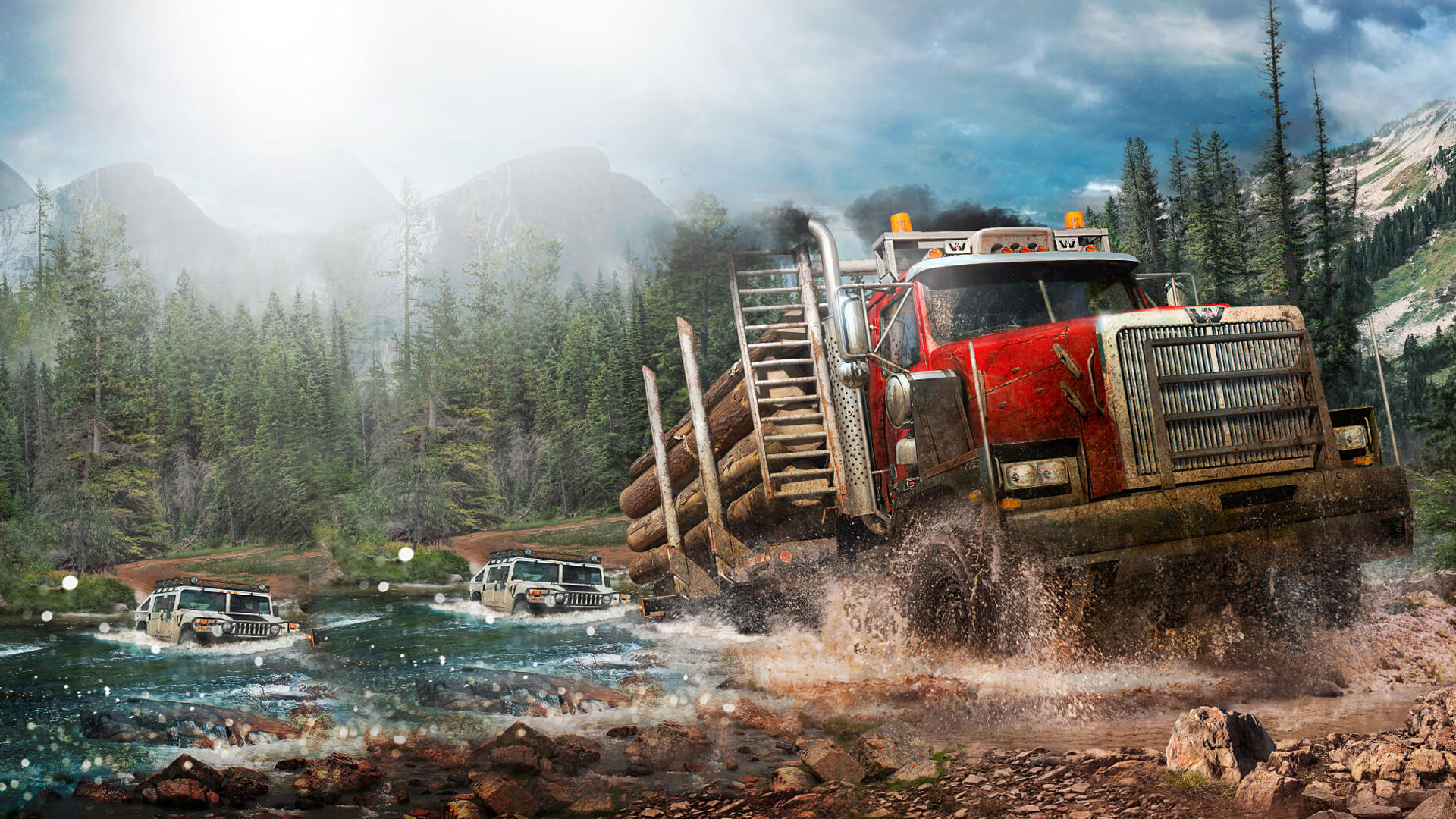
MudRunner from Focus Entertainment drops you into the gritty side of off-roading, where every rut, rock, and river actually matters. This Simulation isn’t about speed—it’s about reading the terrain, picking smart lines, and wrestling heavy machines through places most vehicles would never go. Expect a slower, tense kind of thrill that rewards patience, planning, and a steady hand.

Game Features

  • Weighty off-road physics: Feel the difference between slick mud, loose sand, and deep water as your tires bite, slip, and sink. The physics model makes every pound of cargo and every incline count.

  • Harsh wilderness to conquer: Tackle a range of tough environments—from boggy swamps and dense forests to mountain passes and wide rivers—each ready to stall you out or push you sideways if you’re careless.

  • Choose your own route: With only a simple map and a trusty compass, you decide how to get the job done. Safer detour or risky shortcut? Your call, your consequences.

  • 15 open maps, two play styles: Explore 6 sandbox areas at your own pace, or test your skills on 9 focused challenge maps designed to push technique and timing.

  • Day turns to night: Changing light conditions alter visibility and mood, nudging you to plan ahead or power through the dark with limited sightlines.

  • A fleet built for the job: Drive 16 distinct vehicles—from nimble scouts to hulking trucks—each with unique handling, strengths, and attachable equipment for different tasks.

  • Objectives and deliveries: Haul supplies, complete contracts, and navigate treacherous paths while protecting your cargo and keeping your rig upright.

  • Looks great, plays smooth: Detailed terrain and clean visuals help you read the ground. Prefer a bigger screen and keyboard controls? You can run MudRunner on PC with BlueStacks, too.

Start your journey now. Download the game on BlueStacks, invite your friends, and march on a new adventure.


Game Features

Enhancements

  • Macros
  • Multi Instance
  • Multi Instance Sync
  • Script
  • Enhancements
Macros

Macros

Automate the predictable in MudRunner and transform your gameplay with Macros. Get access to inventive Macros in the BlueStacks Macro Community
Multi Instance

Multi Instance

Play MudRunner on one window. And chat with your friend on the other. Press CTRL + Shift + 8 to open the Multi-Instance Manager. And start creating fresh instances or clone an existing one.
Multi Instance Sync

Multi Instance Sync

Play MudRunner with the power of Multi-Instance Sync. Replicate what you are doing on the main instance on all other instances. Level up faster, play more.
Script

Script

Script your way to gaming glory in MudRunner with BlueStacks Script. Write and run a set of commands to automate repeated tasks. Trigger the command by assigning it to any key.
Read More

How to Download and Play MudRunner on PC or Mac

  • Download and install BlueStacks on your PC or Mac

  • Complete Google sign-in to access the Play Store, or do it later

  • Look for MudRunner in the search bar at the top right corner

  • Click to install MudRunner from the search results

  • Complete Google sign-in (if you skipped step 2) to install MudRunner

  • Click the MudRunner icon on the home screen to start playing

video
Watch Video

Minimum System Requirements

With BlueStacks 5, you can get started on a PC that fulfills the following requirements.

  • Operating System

    Microsoft Windows 7 or above, macOS 11 (Big Sur) or above

  • Processor

    Intel, AMD or Apple Silicon Processor

  • RAM

    at least 4GB

  • HDD

    10GB Free Disk Space

Note:

* You must be an Administrator on your PC. Up to date graphics drivers from Microsoft or the chipset vendor.

MudRunner - FAQs

  • How to play MudRunner on Windows PC & Mac?

    Play MudRunner on your PC or Mac by following these simple steps.

    • Click on 'Play MudRunner on PC’ to download BlueStacks
    • Install it and log-in to Google Play Store
    • Launch and play the game.
  • Why is BlueStacks the fastest and safest platform to play games on PC?

    BlueStacks respects your privacy and is always safe and secure to use. It does not carry any malware, spyware, or any sort of additional software that could harm your PC.

    It is engineered to optimize speed and performance for a seamless gaming experience.

  • What are MudRunner PC requirements?

    Minimum requirement to run MudRunner on your PC

    • OS: Microsoft Windows 7 or above MacOS 11 (Big Sur) or above
    • Processor: Intel, AMD or Apple Silicon Processor
    • RAM: Your PC must have at least 4GB of RAM. (Note that having 4GB or more disk space is not a substitute for RAM)
    • HDD: 10GB Free Disk Space.
    • You must be an Administrator on your PC.