
Otome: Romance Stories & Datin

Otome: Romance Stories & Datin

Simulation

| PALCY GAMES

Play on PC with BlueStacks or from our cloud

  • Overview
  • Game Features
  • How to Play

Page Modified On: October 30, 2026

Play Otome: Romance Stories & Datin on PC or Mac

Otome: Romance Stories & Datin brings the Simulation genre to life, and throws up exciting challenges for gamers. Developed by PALCY GAMES, this Android game is best experienced on BlueStacks, the World’s #1 app player for PC and Mac users.

About the Game

Otome: Romance Stories & Datin is a Simulation game where your choices shape unforgettable love stories across anime-inspired worlds. You pick the pace, the partner, and the tone—sweet, dramatic, magical, or all of the above—then see how every decision nudges the relationship. Prefer reading on a larger display? You can play with BlueStacks for a comfy, big-screen setup.

Game Features

  • Your Story, Your Choices: Every reply and reaction shifts the scene, strengthens (or strains) bonds, and opens new paths with unique endings.
  • A Cast Worth Crushing On: From guarded princes and sharp-tongued rivals to enigmatic deities and everyday sweethearts, each love interest brings distinct chemistry and surprises.
  • Rich Anime Aesthetic: Expressive character art, polished backgrounds, and cinematic framing make each glance, blush, and confession feel vivid.
  • Settings with Personality: Wander royal courts, neon-lit avenues, historical streets, and enchanted realms—each backdrop adds texture to the romance.
  • Real Consequences: Your decisions don’t just change lines of dialogue; they alter relationships, reveal hidden scenes, and reshape how the story resolves.
  • Flexible Pacing: Bite-sized chapters are easy to fit into a busy day, yet still deliver big emotional beats and cliffhangers that keep you reading.
  • Multiple Romantic Endings: Chase a slow burn, get swept into whirlwind drama, or find an unexpected match—then replay to see the routes you missed.
  • Regular New Chapters: Fresh episodes and additional love interests arrive on a steady cadence, keeping your library of stories growing.

Ready to top the leaderboard? We bet you do. Let precise controls and sharp visuals optimized on BlueStacks lead you to victory.
Game Features

Enhancements

  • Macros
  • Multi Instance
  • Multi Instance Sync
  • Script
  • Enhancements
Macros

Macros

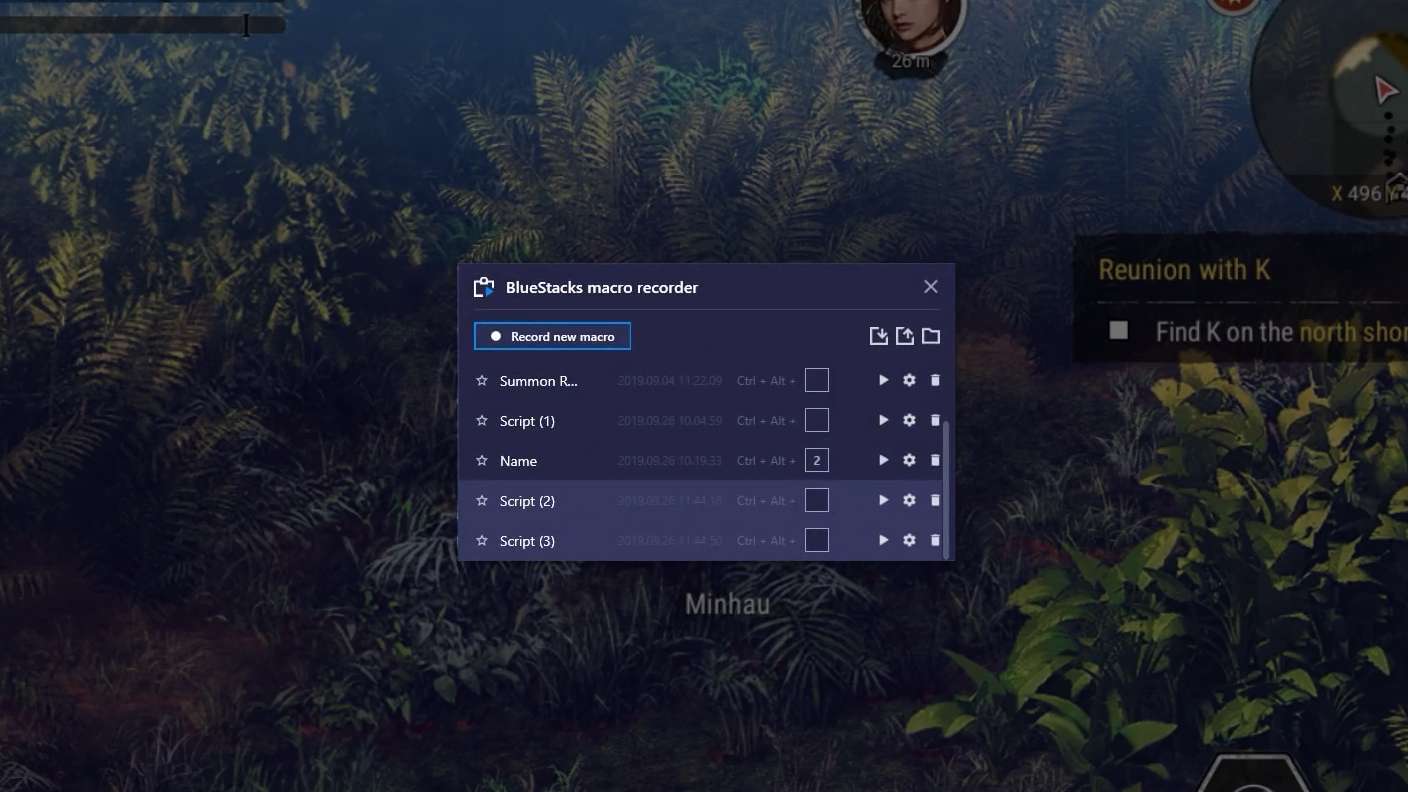
Automate the predictable in Otome: Romance Stories & Datin and transform your gameplay with Macros. Get access to inventive Macros in the BlueStacks Macro Community
Multi Instance

Multi Instance

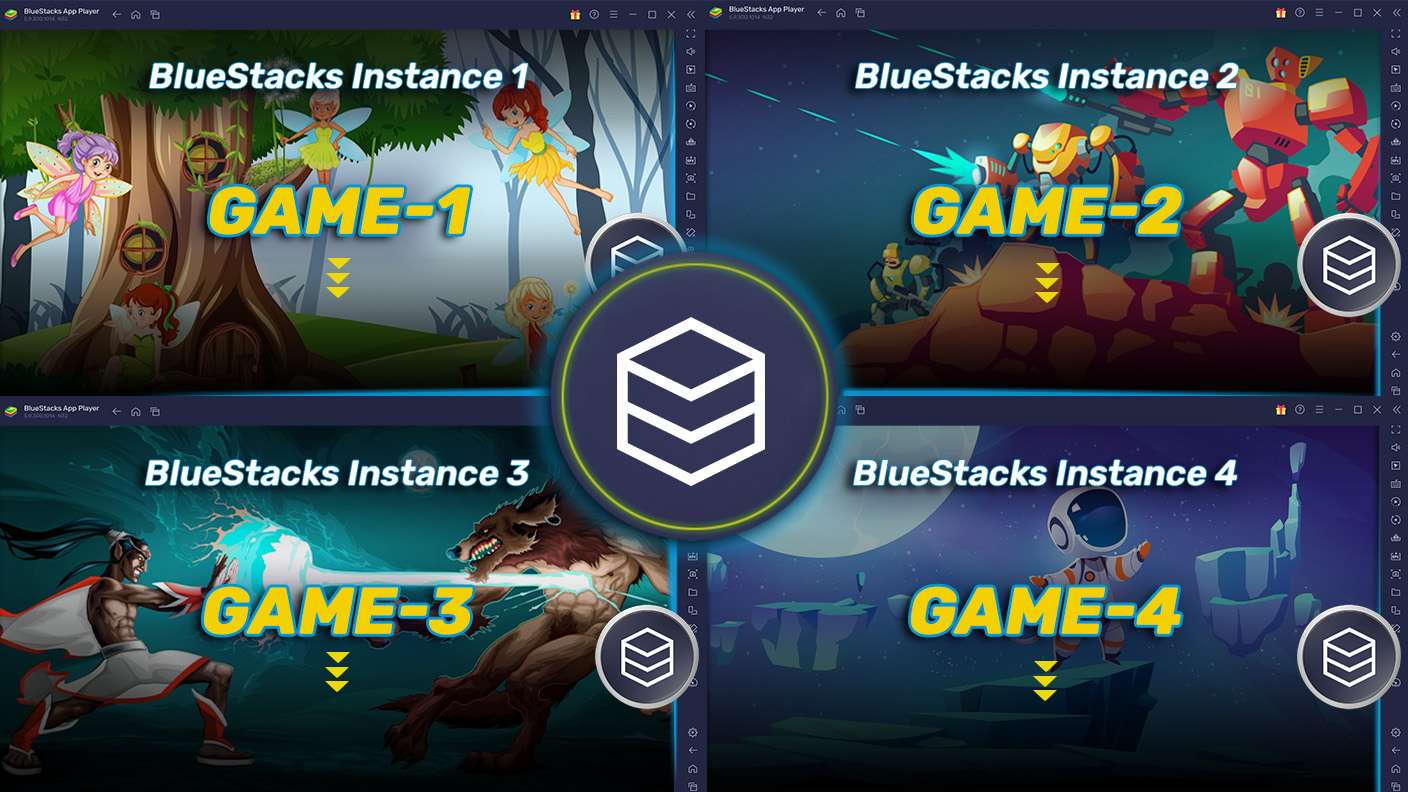
Play Otome: Romance Stories & Datin on one window. And chat with your friend on the other. Press CTRL + Shift + 8 to open the Multi-Instance Manager. And start creating fresh instances or clone an existing one.
Multi Instance Sync

Multi Instance Sync

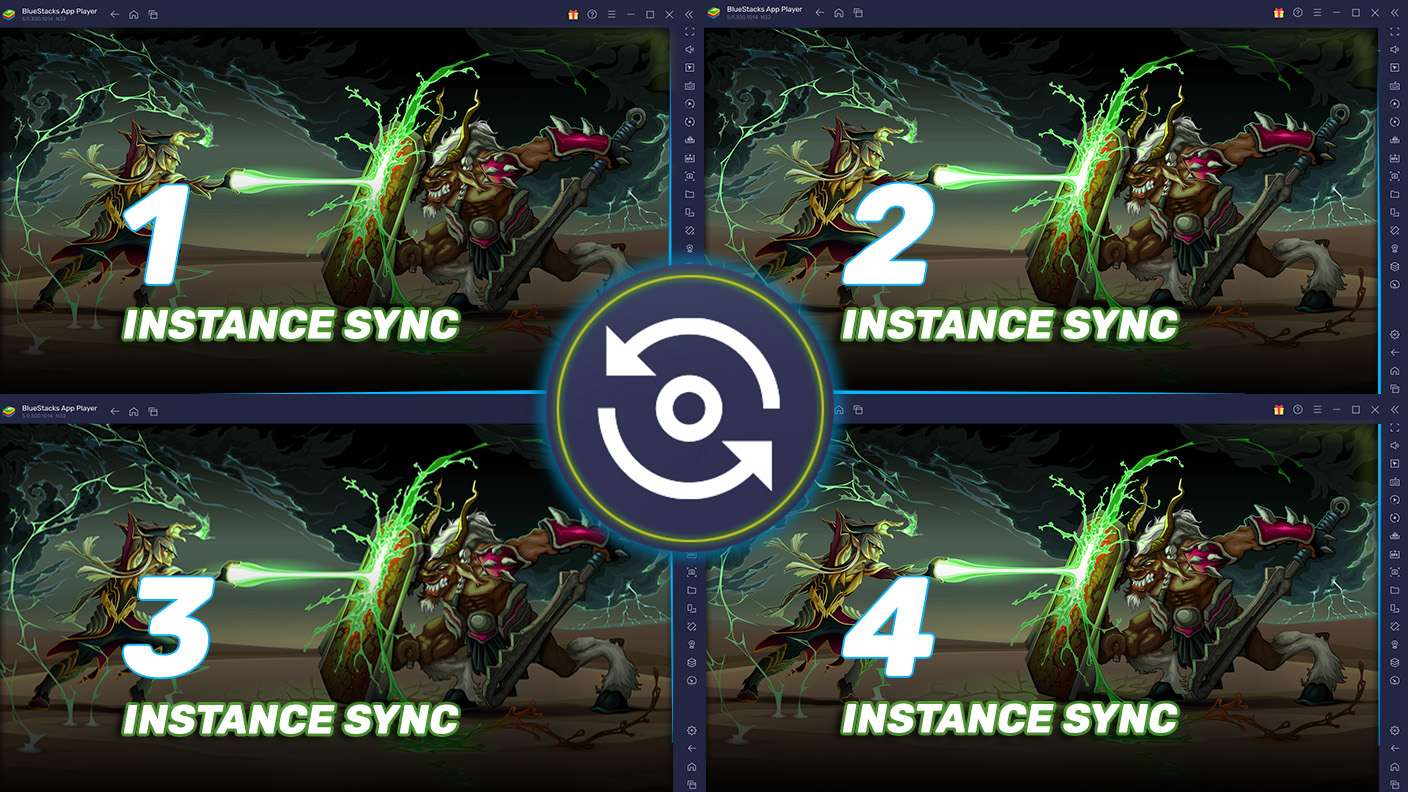
Play Otome: Romance Stories & Datin with the power of Multi-Instance Sync. Replicate what you are doing on the main instance on all other instances. Level up faster, play more.
Script

Script

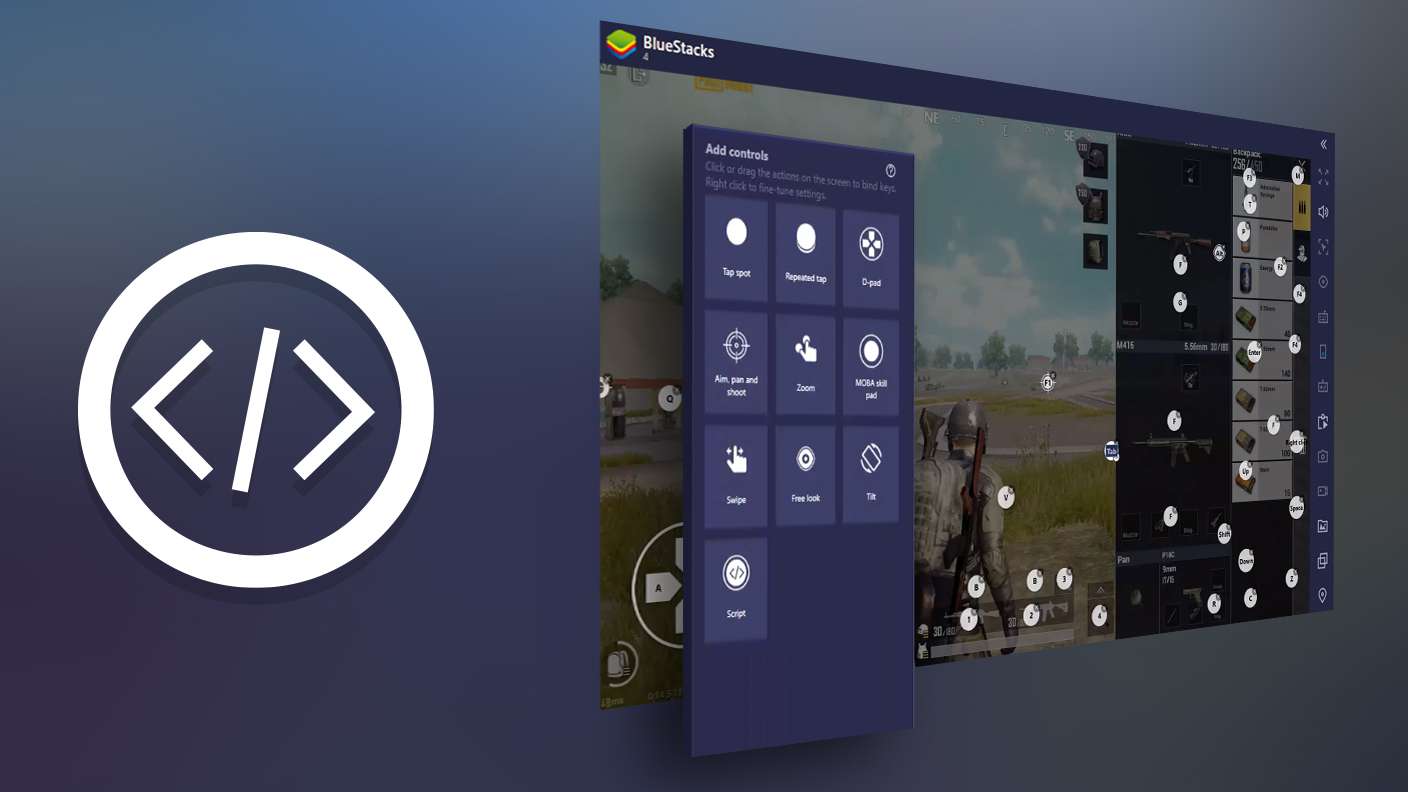
Script your way to gaming glory in Otome: Romance Stories & Datin with BlueStacks Script. Write and run a set of commands to automate repeated tasks. Trigger the command by assigning it to any key.
Read More

How to Download and Play Otome: Romance Stories & Datin on PC or Mac

  • Download and install BlueStacks on your PC or Mac

  • Complete Google sign-in to access the Play Store, or do it later

  • Look for Otome: Romance Stories & Datin in the search bar at the top right corner

  • Click to install Otome: Romance Stories & Datin from the search results

  • Complete Google sign-in (if you skipped step 2) to install Otome: Romance Stories & Datin

  • Click the Otome: Romance Stories & Datin icon on the home screen to start playing

video
Watch Video

Minimum System Requirements

With BlueStacks 5, you can get started on a PC that fulfills the following requirements.

  • Operating System

    Microsoft Windows 7 or above, macOS 11 (Big Sur) or above

  • Processor

    Intel, AMD or Apple Silicon Processor

  • RAM

    at least 4GB

  • HDD

    10GB Free Disk Space

Note:

* You must be an Administrator on your PC. Up to date graphics drivers from Microsoft or the chipset vendor.

Otome: Romance Stories & Datin - FAQs

  • How to play Otome: Romance Stories & Datin on Windows PC & Mac?

    Play Otome: Romance Stories & Datin on your PC or Mac by following these simple steps.

    • Click on 'Play Otome: Romance Stories & Datin on PC’ to download BlueStacks
    • Install it and log-in to Google Play Store
    • Launch and play the game.
  • Why is BlueStacks the fastest and safest platform to play games on PC?

    BlueStacks respects your privacy and is always safe and secure to use. It does not carry any malware, spyware, or any sort of additional software that could harm your PC.

    It is engineered to optimize speed and performance for a seamless gaming experience.

  • What are Otome: Romance Stories & Datin PC requirements?

    Minimum requirement to run Otome: Romance Stories & Datin on your PC

    • OS: Microsoft Windows 7 or above MacOS 11 (Big Sur) or above
    • Processor: Intel, AMD or Apple Silicon Processor
    • RAM: Your PC must have at least 4GB of RAM. (Note that having 4GB or more disk space is not a substitute for RAM)
    • HDD: 10GB Free Disk Space.
    • You must be an Administrator on your PC.