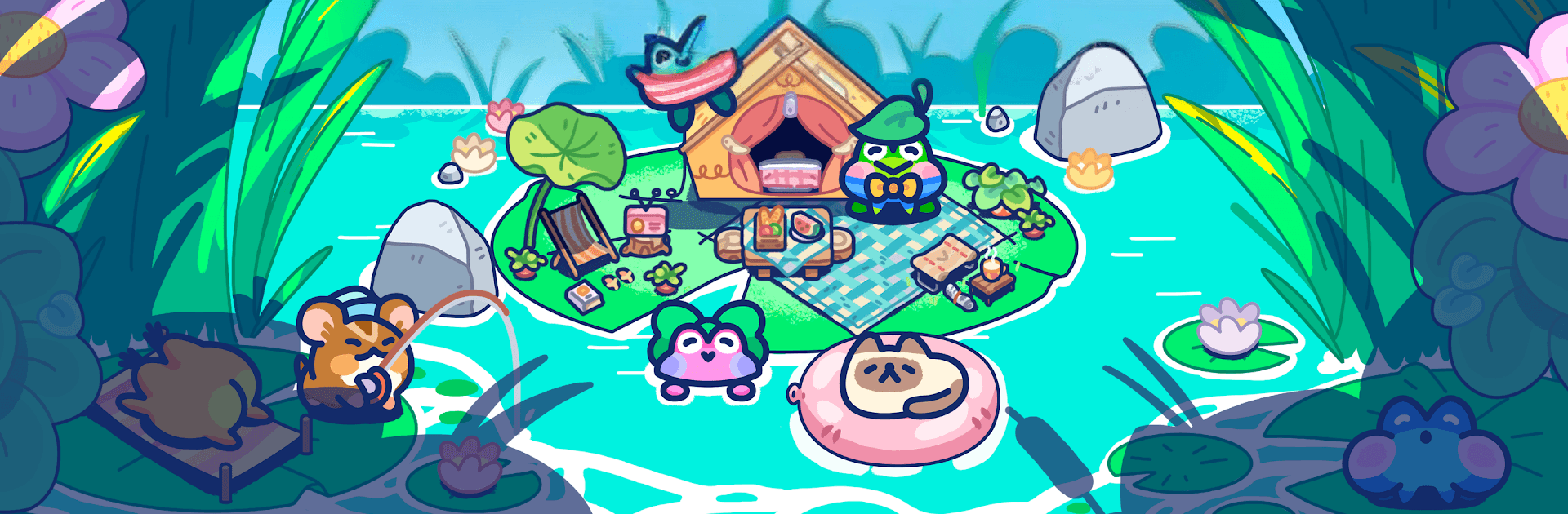


Explore a whole new adventure with Pond Pals, a Simulation game created by HyperBeard. Experience great gameplay with BlueStacks, the most popular gaming platform to play Android games on your PC or Mac.
About the Game
Pond Pals is a cozy Simulation from HyperBeard about helping a shy little frog named Aaron turn his quiet pond into a charming glamping hideaway. You’re the calm, capable friend who designs the space, welcomes guests, and keeps the vibe easygoing. It’s gentle, thoughtful, and a great pick when you want something low-pressure to tinker with. Prefer a bigger screen? It also plays comfortably on PC through BlueStacks.
Game Features
- Build a lakeside retreat: Arrange tents, lanterns, docks, and cute decor to shape a glampsite that feels uniquely yours.
- Meet quirky visitors: Attract frogs with distinct tastes—chatty foodies, sleepy sunbathers, early-bird fishers, and more—each with little preferences to learn.
- Cook and craft: Whip up simple meals, brew that oddly delightful mushroom juice, and stock treats that keep guests smiling.
- Host chill activities: Set up fishing spots, cozy campfires, and mellow hangouts so everyone has something relaxing to do.
- Upgrade as you go: Improve tents, expand the grounds, and unlock new areas piece by piece—no rush, just steady progress.
- Stories with heart: Discover small character moments as Aaron opens up and your guests share bite-size tales about their day.
- Easy, soothing pacing: Designed for winding down—check in, make a few thoughtful tweaks, and watch the pond come to life.
- Deep customization: Mix colors, furniture, and layouts to nail the exact mood you want, from rustic hideout to whimsical getaway.
Slay your opponents with your epic moves. Play it your way on BlueStacks and dominate the battlefield.