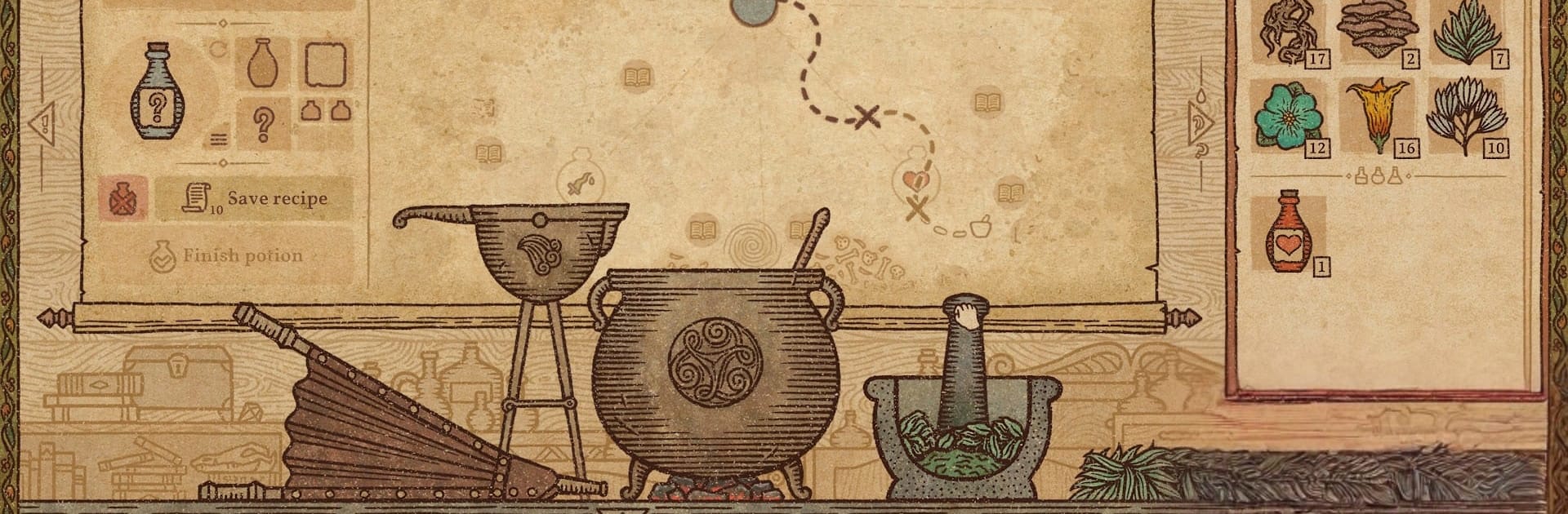


Bring your A-game to Potion Craft, the Simulation game sensation from tinyBuild. Give your gameplay the much-needed boost with precise game controls, high FPS graphics, and top-tier features on your PC or Mac with BlueStacks.
About the Game
Potion Craft is a hands-on alchemy Simulation where you run a small potion shop from mortar to storefront. You’ll crush herbs, heat the cauldron, and test weird concoctions while townsfolk show up with problems you might actually fix… if your recipe doesn’t go sideways. It plays great on mobile and feels right at home on PC with BlueStacks.
Game Features
- Hands-on brewing: Grind ingredients, pour bases, stoke the coals, and stir until the mixture behaves. Water, oil, or something stranger—each base changes how your potion travels and turns out.
- Map-driven recipes: Plot careful routes on the Alchemy Map to stack effects, skirt hazards, and discover new outcomes. Accidentally made a poisonous “cure”? That one’s on you.
- Run the shop: Hear customer stories, choose what to sell, set prices, and manage your reputation. Your decisions shape who returns, who complains, and who starts knocking with bigger requests.
- Consequences that matter: Favor certain guilds, befriend—or annoy—important locals, and watch your influence grow. Helpful, greedy, or a little chaotic, your style sticks.
- Stock or cultivate: Buy rare ingredients from traveling merchants and haggle to save coin, or grow your own stash to keep experiments flowing without breaking the bank.
- Bottle artistry: Design the look of your best sellers with custom shapes, labels, icons, colors, and names. Neatly line them up on shelves—or toss them around if that’s your vibe.
Start your journey now. Download the game on BlueStacks, invite your friends, and march on a new adventure.