魔女の雑貨店ローズ
魔女の雑貨店ローズ

魔女の雑貨店ローズ

Simulation

| CyberX Games

Play on PC with BlueStacks or from our cloud

  • Overview
  • Game Features
  • How to Play

Page Modified On: January 16, 2026

Play 魔女の雑貨店ローズ on PC or Mac

魔女の雑貨店ローズ brings the Simulation genre to life, and throws up exciting challenges for gamers. Developed by CyberX Games, this Android game is best experienced on BlueStacks, the World’s #1 app player for PC and Mac users.

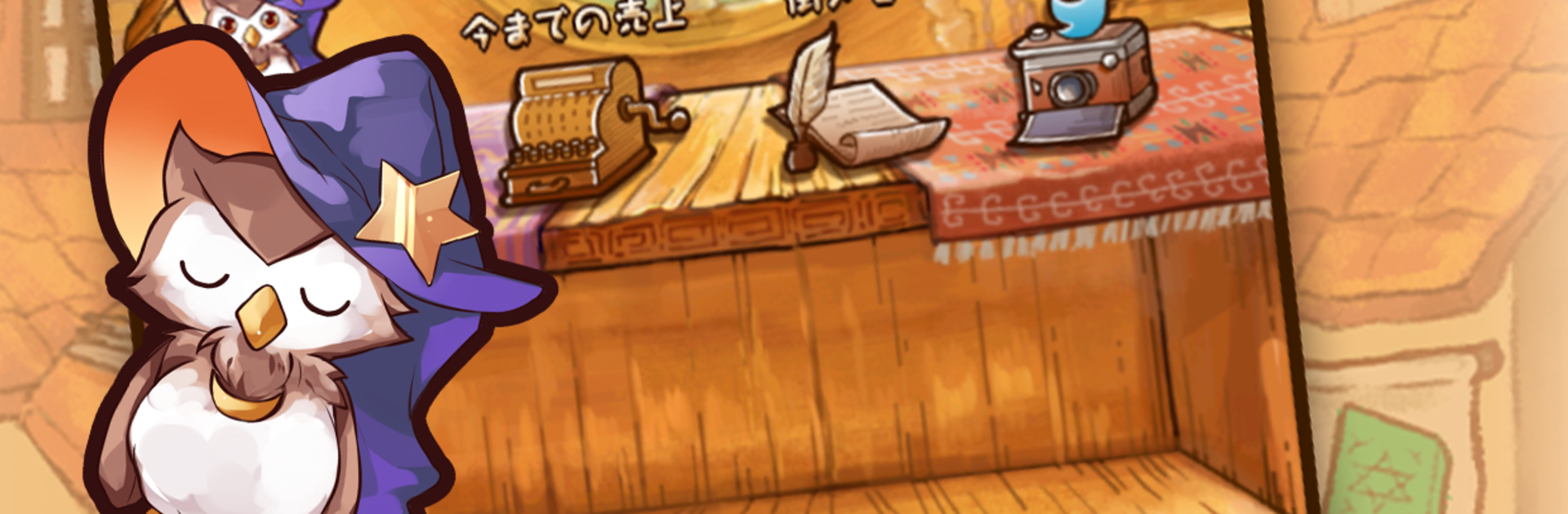
This one is a cozy shop game where a young witch steps into a city after the famed great witch is gone, and inherits a messy little general store. The place feels lived in, shelves half empty, a kid peeking through the door asking about witch cookies, that sort of tone. It leans more heartwarming than dramatic. The whole goal is to rebuild the shop, earn some coin, and make the town trust the new witch again.

Moment to moment, players gather ingredients from forests and lakes, then mix recipes to craft cute charms, snacks, and small magical goods. The loop is simple and calm. If a component is missing, the shopping street sells ingredients and new recipes, and upgrades make the shop run smoother with bigger storage and better harvest tools. What stands out is how demand shifts with the town’s chatter. Listen to what people are talking about, then stock items that match the trend, and the shelves clear out fast. It nudges planning without pressure.

The art is soft and rosy with a lot of warm color, and the pacing suits short sessions between other stuff. Fans of cute items, light management, and gentle collecting will get the appeal. On PC with BlueStacks, mouse clicks make crafting and menu hopping easy, and running it in a small window while doing something else works fine. It is relaxed, a little whimsical, and all about turning a dusty witch shop into the place everyone visits first.

Start your journey now. Download the game on BlueStacks, invite your friends, and march on a new adventure.


Game Features

Enhancements

  • Macros
  • Multi Instance
  • Multi Instance Sync
  • Script
  • Enhancements
Macros

Macros

Automate the predictable in 魔女の雑貨店ローズ and transform your gameplay with Macros. Get access to inventive Macros in the BlueStacks Macro Community
Multi Instance

Multi Instance

Play 魔女の雑貨店ローズ on one window. And chat with your friend on the other. Press CTRL + Shift + 8 to open the Multi-Instance Manager. And start creating fresh instances or clone an existing one.
Multi Instance Sync

Multi Instance Sync

Play 魔女の雑貨店ローズ with the power of Multi-Instance Sync. Replicate what you are doing on the main instance on all other instances. Level up faster, play more.
Script

Script

Script your way to gaming glory in 魔女の雑貨店ローズ with BlueStacks Script. Write and run a set of commands to automate repeated tasks. Trigger the command by assigning it to any key.
Read More

How to Download and Play 魔女の雑貨店ローズ on PC or Mac

  • Download and install BlueStacks on your PC or Mac

  • Complete Google sign-in to access the Play Store, or do it later

  • Look for 魔女の雑貨店ローズ in the search bar at the top right corner

  • Click to install 魔女の雑貨店ローズ from the search results

  • Complete Google sign-in (if you skipped step 2) to install 魔女の雑貨店ローズ

  • Click the 魔女の雑貨店ローズ icon on the home screen to start playing

video
Watch Video

Minimum System Requirements

With BlueStacks 5, you can get started on a PC that fulfills the following requirements.

  • Operating System

    Microsoft Windows 7 or above, macOS 11 (Big Sur) or above

  • Processor

    Intel, AMD or Apple Silicon Processor

  • RAM

    at least 4GB

  • HDD

    10GB Free Disk Space

Note:

* You must be an Administrator on your PC. Up to date graphics drivers from Microsoft or the chipset vendor.

魔女の雑貨店ローズ - FAQs

  • How to play 魔女の雑貨店ローズ on Windows PC & Mac?

    Play 魔女の雑貨店ローズ on your PC or Mac by following these simple steps.

    • Click on 'Play 魔女の雑貨店ローズ on PC’ to download BlueStacks
    • Install it and log-in to Google Play Store
    • Launch and play the game.
  • Why is BlueStacks the fastest and safest platform to play games on PC?

    BlueStacks respects your privacy and is always safe and secure to use. It does not carry any malware, spyware, or any sort of additional software that could harm your PC.

    It is engineered to optimize speed and performance for a seamless gaming experience.

  • What are 魔女の雑貨店ローズ PC requirements?

    Minimum requirement to run 魔女の雑貨店ローズ on your PC

    • OS: Microsoft Windows 7 or above MacOS 11 (Big Sur) or above
    • Processor: Intel, AMD or Apple Silicon Processor
    • RAM: Your PC must have at least 4GB of RAM. (Note that having 4GB or more disk space is not a substitute for RAM)
    • HDD: 10GB Free Disk Space.
    • You must be an Administrator on your PC.