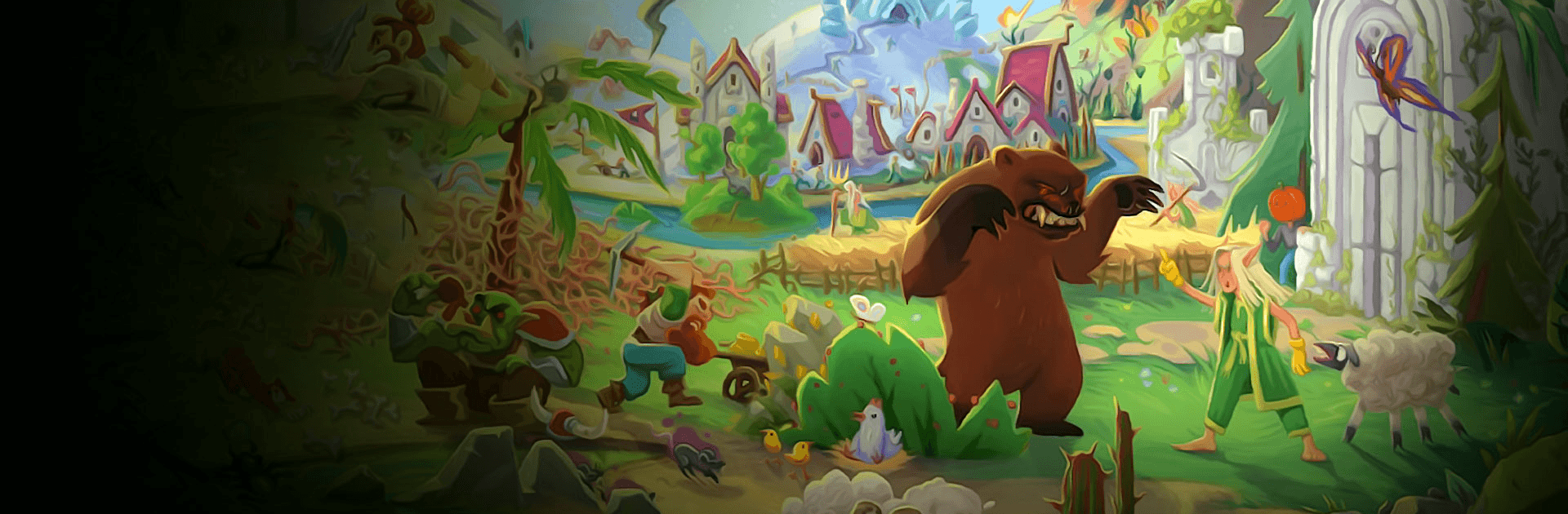
WorldBox - Sandbox God Sim

WorldBox - Sandbox God Sim

Simulation

| Mako Mako

Play on PC with BlueStacks or from our cloud

  • Overview
  • Game Features
  • How to Play

Page Modified On: November 27, 2025

Play WorldBox - Sandbox God Sim on PC or Mac

Join millions to experience WorldBox – Sandbox God Sim, an exciting Simulation game from Mako Mako. With BlueStacks App Player, you are always a step ahead of your opponent, ready to outplay them with faster gameplay and better control with the mouse and keyboard on your PC or Mac.

WorldBox is a big toy box for chaos and creativity. It lets players drop different races into a pixel world, then sit back and watch them figure things out. Humans, elves, dwarves, orcs, plus animals and a few strange creatures, all try to build towns, connect roads, trade a bit, and then eventually fight. The fun is in nudging things along. Give a kingdom some space to grow, or spawn a rival next door and see what happens. On PC with BlueStacks it feels great to zoom around and flick tools, like painting land or placing a mountain where a village used to be. Controls make sense, and the pace is as slow or fast as someone wants.

The tool set is wild. Meteorites punch holes, volcanoes spit lava, acid rain melts the ground, a heat ray cooks whole regions, and a single tornado can ruin years of progress in seconds. There are underground worms, geysers, even cellular automata toys like Conway’s Game of Life and Langton’s ant that can roll across the map and basically erase civilization if left alone. It can be chill city watching, or full disaster sandbox. There is also a basic pixel art builder vibe, with brushes and terrain types for coloring a custom map before letting life loose. Evolution is simple but fun to watch, populations grow, kingdoms split, heroes appear, then history writes itself. No internet required, so it works offline, which suits those quick sessions that somehow last an hour. Players who enjoy poking systems to see cause and effect will get the appeal, and those who want pure creative destruction will find plenty of buttons to press.

Make your gaming sessions memorable with precise controls that give you an edge in close combats and visuals that pop up, bringing every character to life.

Game Features

Enhancements

  • Macros
  • Multi Instance
  • Multi Instance Sync
  • Script
  • Enhancements
Macros

Macros

Automate the predictable in WorldBox - Sandbox God Sim and transform your gameplay with Macros. Get access to inventive Macros in the BlueStacks Macro Community
Multi Instance

Multi Instance

Play WorldBox - Sandbox God Sim on one window. And chat with your friend on the other. Press CTRL + Shift + 8 to open the Multi-Instance Manager. And start creating fresh instances or clone an existing one.
Multi Instance Sync

Multi Instance Sync

Play WorldBox - Sandbox God Sim with the power of Multi-Instance Sync. Replicate what you are doing on the main instance on all other instances. Level up faster, play more.
Script

Script

Script your way to gaming glory in WorldBox - Sandbox God Sim with BlueStacks Script. Write and run a set of commands to automate repeated tasks. Trigger the command by assigning it to any key.
Read More

How to Download and Play WorldBox - Sandbox God Sim on PC or Mac

  • Download and install BlueStacks on your PC or Mac

  • Complete Google sign-in to access the Play Store, or do it later

  • Look for WorldBox - Sandbox God Sim in the search bar at the top right corner

  • Click to install WorldBox - Sandbox God Sim from the search results

  • Complete Google sign-in (if you skipped step 2) to install WorldBox - Sandbox God Sim

  • Click the WorldBox - Sandbox God Sim icon on the home screen to start playing

video
Watch Video

Minimum System Requirements

With BlueStacks 5, you can get started on a PC that fulfills the following requirements.

  • Operating System

    Microsoft Windows 7 or above, macOS 11 (Big Sur) or above

  • Processor

    Intel, AMD or Apple Silicon Processor

  • RAM

    at least 4GB

  • HDD

    10GB Free Disk Space

Note:

* You must be an Administrator on your PC. Up to date graphics drivers from Microsoft or the chipset vendor.

WorldBox - Sandbox God Sim - FAQs

  • How to play WorldBox - Sandbox God Sim on Windows PC & Mac?

    Play WorldBox - Sandbox God Sim on your PC or Mac by following these simple steps.

    • Click on 'Play WorldBox - Sandbox God Sim on PC’ to download BlueStacks
    • Install it and log-in to Google Play Store
    • Launch and play the game.
  • Why is BlueStacks the fastest and safest platform to play games on PC?

    BlueStacks respects your privacy and is always safe and secure to use. It does not carry any malware, spyware, or any sort of additional software that could harm your PC.

    It is engineered to optimize speed and performance for a seamless gaming experience.

  • What are WorldBox - Sandbox God Sim PC requirements?

    Minimum requirement to run WorldBox - Sandbox God Sim on your PC

    • OS: Microsoft Windows 7 or above MacOS 11 (Big Sur) or above
    • Processor: Intel, AMD or Apple Silicon Processor
    • RAM: Your PC must have at least 4GB of RAM. (Note that having 4GB or more disk space is not a substitute for RAM)
    • HDD: 10GB Free Disk Space.
    • You must be an Administrator on your PC.