Rumble Stars Football

Rumble Stars Football

Sports

| HypeHype Inc.

Play on PC with BlueStacks or from our cloud

  • Overview
  • Tips & Tricks
  • Game Features
  • How to Play

Page Modified On: June 12, 2026

Play Rumble Stars Football on PC or Mac

Rumble Stars Football brings the Sports genre to life, and throws up exciting challenges for gamers. Developed by HypeHype Inc., this Android game is best experienced on BlueStacks, the World’s #1 app player for PC and Mac users.

About the Game

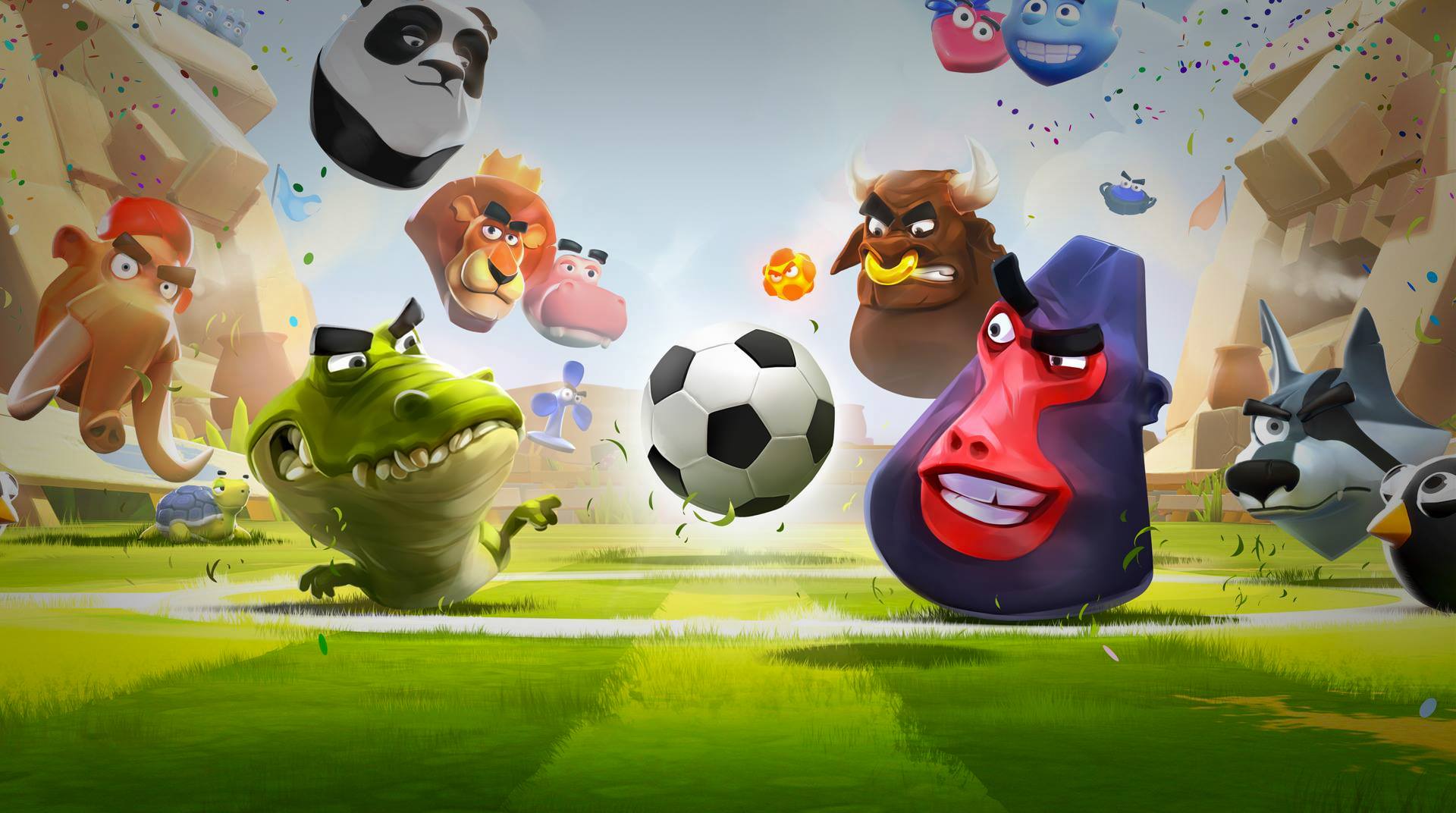
Rumble Stars Football is a fast, cheeky Sports game where your strikers are wild animals and every goal feels like a tiny miracle. You’ll sling characters onto the field, read the chaos, and pull off clever plays in real-time matches that last just long enough to get your heart racing. It’s easy to hop in, but the right timing, angles, and combos make all the difference once the pressure’s on.

Game Features

  • Real-time PvP: Jump into quick 1v1 matches against players worldwide and see whose tactics hold up under pressure.
  • Quirky physics: Shots bounce, curve, and collide in surprising ways, turning smart positioning into must-watch moments.
  • Collect Rumblers: Unlock a roster of animal all-stars—strikers, goalies, playmakers, and troublemakers—each with a unique job.
  • Combo plays: Chain abilities to set up passes, spring traps, and create instant scoring chances.
  • Build your lineup: Mix and match Rumblers to match your style, then tweak the squad to counter tricky opponents.
  • Leagues and divisions: Earn trophies, move through tiers, and prove you belong at the top.
  • Clubs and chat: Team up with others, swap tips, share replays, and push your group higher together.
  • Private matches: Challenge friends or clubmates for quick scrims and bragging rights.
  • Watch and learn: Browse in-game highlights to study sharp plays and new tactics from skilled players.
  • Progress your team: Upgrade your favorites and fine-tune power levels to sharpen your strategy over time.
  • Play on PC: Want a bigger view? Fire it up on BlueStacks and keep those angles crisp.

Start playing Rumble Stars Football on BlueStacks and get a smoother, more comfortable PC or Mac setup.

Game Features

Enhancements

  • Macros
  • Multi Instance
  • Multi Instance Sync
  • Script
  • Enhancements
Macros

Macros

Automate the predictable in Rumble Stars Football and transform your gameplay with Macros. Get access to inventive Macros in the BlueStacks Macro Community
Multi Instance

Multi Instance

Play Rumble Stars Football on one window. And chat with your friend on the other. Press CTRL + Shift + 8 to open the Multi-Instance Manager. And start creating fresh instances or clone an existing one.
Multi Instance Sync

Multi Instance Sync

Play Rumble Stars Football with the power of Multi-Instance Sync. Replicate what you are doing on the main instance on all other instances. Level up faster, play more.
Script

Script

Script your way to gaming glory in Rumble Stars Football with BlueStacks Script. Write and run a set of commands to automate repeated tasks. Trigger the command by assigning it to any key.
Read More

How to Download and Play Rumble Stars Football on PC or Mac

  • Download and install BlueStacks on your PC or Mac

  • Complete Google sign-in to access the Play Store, or do it later

  • Look for Rumble Stars Football in the search bar at the top right corner

  • Click to install Rumble Stars Football from the search results

  • Complete Google sign-in (if you skipped step 2) to install Rumble Stars Football

  • Click the Rumble Stars Football icon on the home screen to start playing

video
Watch Video

Minimum System Requirements

With BlueStacks 5, you can get started on a PC that fulfills the following requirements.

  • Operating System

    Microsoft Windows 7 or above, macOS 11 (Big Sur) or above

  • Processor

    Intel, AMD or Apple Silicon Processor

  • RAM

    at least 4GB

  • HDD

    10GB Free Disk Space

Note:

* You must be an Administrator on your PC. Up to date graphics drivers from Microsoft or the chipset vendor.

Rumble Stars Football - FAQs

  • How to play Rumble Stars Football on Windows PC & Mac?

    Play Rumble Stars Football on your PC or Mac by following these simple steps.

    • Click on 'Play Rumble Stars Football on PC’ to download BlueStacks
    • Install it and log-in to Google Play Store
    • Launch and play the game.
  • Why is BlueStacks the fastest and safest platform to play games on PC?

    BlueStacks respects your privacy and is always safe and secure to use. It does not carry any malware, spyware, or any sort of additional software that could harm your PC.

    It is engineered to optimize speed and performance for a seamless gaming experience.

  • What are Rumble Stars Football PC requirements?

    Minimum requirement to run Rumble Stars Football on your PC

    • OS: Microsoft Windows 7 or above MacOS 11 (Big Sur) or above
    • Processor: Intel, AMD or Apple Silicon Processor
    • RAM: Your PC must have at least 4GB of RAM. (Note that having 4GB or more disk space is not a substitute for RAM)
    • HDD: 10GB Free Disk Space.
    • You must be an Administrator on your PC.