Backpack Stars
Backpack Stars

Backpack Stars

Strategy

| NOODLE GAMES LIMITED

Play on PC with BlueStacks or from our cloud

  • Overview
  • Game Features
  • How to Play

Page Modified On: August 20, 2026

Play Backpack Stars on PC or Mac

Backpack Stars by NOODLE GAMES LIMITED has plenty to keep you busy. BlueStacks lets you play it on PC or Mac with more screen space, better control, and fewer mobile limits.

About the Game

Backpack Stars is a Strategy game that turns inventory management into the whole show. You’re not swinging the sword yourself—you’re packing the bag that decides how each fight plays out. It’s quick to learn, surprisingly deep, and pretty addictive if you like tinkering with builds. Prefer playing on a bigger screen? It runs smoothly on BlueStacks without getting in your way.

Game Features

  • Slot-by-Slot Planning: Every space in your backpack counts, so arrange gear to shape your build before the next wave even starts.
  • Smart Merges: Combine matching weapons, shields, and trinkets to forge stronger pieces and clear room for the good stuff.
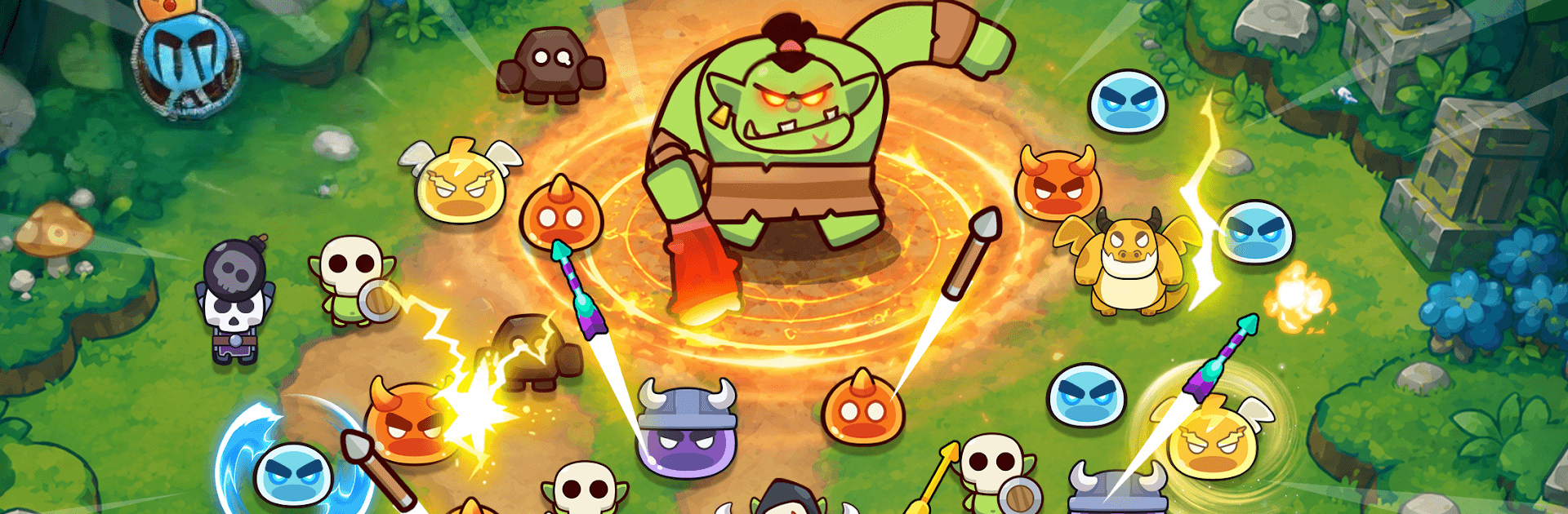
  • Auto Battles, Real Outcomes: Once the round begins, your setup goes to work—watch your loadout slice, blast, and burn through enemies.
  • On-the-Fly Perks: Pick from roguelike buffs after waves and pivot your approach when a new combo shows promise.
  • Boss Checks: Survive escalating waves, then face chunky boss fights that test whether your layout really works.
  • Evolving Loot Loop: Earn rewards, unlock new shop options, and expand what’s possible with each run.
  • Tactical Shop Refreshes: Reroll the shop, snag key items, and time your buys to complete that perfect build.
  • Synergy Hunting: Stack effects—faster shots, sturdier blocks, elemental tricks—to turn a neat bag into a nasty engine.
  • Compact to Colossal Builds: Start with a cramped kit and, piece by piece, craft a backpack that feels like a tiny war room.

Ready to top the leaderboard? We bet you do. Let precise controls and sharp visuals optimized on BlueStacks lead you to victory.


Game Features

Enhancements

  • Macros
  • Multi Instance
  • Multi Instance Sync
  • Eco Mode
  • Enhancements
Macros

Macros

Skip the boring parts of a game. Play Backpack Stars with Macros and get the edge. Simply record a sequence of commands and execute them at any moment.
Multi Instance

Multi Instance

Why limit to one game on your phone when you can play many on your PC? Open multiple instances of Backpack Stars at once with Multi-Instance. Leverage the power of different accounts by doing more.
Multi Instance Sync

Multi Instance Sync

Get the best out of Backpack Stars with Multi-Instance Sync. Play the game from different accounts and build your own empire. Use Multi-instance sync to repeat the action in the main BlueStacks instance on all other instances.
Eco Mode

Eco Mode

Find the rarest heroes by making multiple summons in Backpack Stars. And while you are at it, reduce your PC’s resource consumption with the Eco Mode. Farm efficiently. Get the best results.
Read More

How to Download and Play Backpack Stars on PC or Mac

  • Download and install BlueStacks on your PC or Mac

  • Complete Google sign-in to access the Play Store, or do it later

  • Look for Backpack Stars in the search bar at the top right corner

  • Click to install Backpack Stars from the search results

  • Complete Google sign-in (if you skipped step 2) to install Backpack Stars

  • Click the Backpack Stars icon on the home screen to start playing

video
Watch Video

Minimum System Requirements

With BlueStacks 5, you can get started on a PC that fulfills the following requirements.

  • Operating System

    Microsoft Windows 7 or above, macOS 11 (Big Sur) or above

  • Processor

    Intel, AMD or Apple Silicon Processor

  • RAM

    at least 4GB

  • HDD

    10GB Free Disk Space

Note:

* You must be an Administrator on your PC. Up to date graphics drivers from Microsoft or the chipset vendor.

Backpack Stars - FAQs

  • How to play Backpack Stars on Windows PC & Mac?

    Play Backpack Stars on your PC or Mac by following these simple steps.

    • Click on 'Play Backpack Stars on PC’ to download BlueStacks
    • Install it and log-in to Google Play Store
    • Launch and play the game.
  • Why is BlueStacks the fastest and safest platform to play games on PC?

    BlueStacks respects your privacy and is always safe and secure to use. It does not carry any malware, spyware, or any sort of additional software that could harm your PC.

    It is engineered to optimize speed and performance for a seamless gaming experience.

  • What are Backpack Stars PC requirements?

    Minimum requirement to run Backpack Stars on your PC

    • OS: Microsoft Windows 7 or above MacOS 11 (Big Sur) or above
    • Processor: Intel, AMD or Apple Silicon Processor
    • RAM: Your PC must have at least 4GB of RAM. (Note that having 4GB or more disk space is not a substitute for RAM)
    • HDD: 10GB Free Disk Space.
    • You must be an Administrator on your PC.