Dawnfolk
Dawnfolk

Dawnfolk

Strategy

| Short Circuit Studio

Play on PC with BlueStacks or from our cloud

Click here to Pre-Register for Dawnfolk
  • Overview
  • Features
  • How to Play

Page Modified On: June 18, 2026

Play Dawnfolk on PC or Mac

Play Dawnfolk by Short Circuit Studio on PC or Mac with BlueStacks. Use a bigger screen, mouse and keyboard controls, and smoother performance while you play.

About the Game

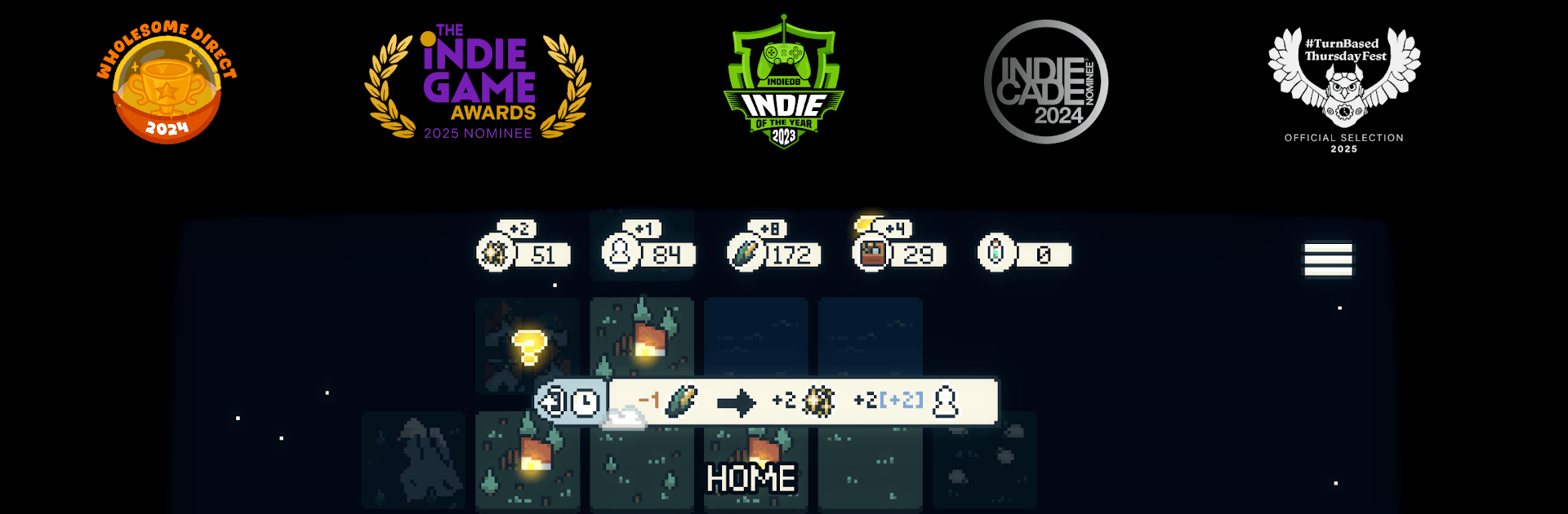
Dawnfolk is a Strategy game about bringing a fallen kingdom back to life, one careful choice at a time. With Lueur—a fiery little guide at your side—you’ll push back the gloom, gather resources, and turn a scrappy camp into a thriving city. It’s calm, smart, and easy to slip into, whether you have ten minutes or an evening.

Game Features

  • Light as your ally: Lueur reveals hidden paths, keeps danger at bay, and helps you reclaim land swallowed by darkness.
  • Relaxed strategy, real depth: Gentle pacing meets meaningful decisions, so you can think things through without feeling rushed.
  • Quick starts, satisfying runs: Go from tents to a bustling city in well under an hour, without slogging through long tutorials or cluttered menus.
  • Macro meets micro: Build and manage your settlement, then hop into bite-sized skill challenges inspired by farming sims and RPGs to earn extra resources.
  • Multiple ways to play: Switch between real-time and turn-based modes, and tune difficulty to match your mood.
  • Learn by exploring: The world doesn’t explain everything—poke around, try ideas, and uncover systems at your own pace.
  • Minimalist, not bare-bones: Clean, focused mechanics deliver plenty of depth without overwhelming you.
  • Your choices shape the story: Buildings spark evolving events, and your approach—gentle or pragmatic—changes how your people grow.
  • PC-friendly option: Prefer a bigger screen and steady performance? You can play on BlueStacks and keep the strategy crisp and comfortable.

Ready to top the leaderboard? We bet you do. Let precise controls and sharp visuals optimized on BlueStacks lead you to victory.


Features

  • Macros

    Skip the boring parts of a game. Play Dawnfolk with Macros and get the edge. Simply record a sequence of commands and execute them at any moment.

  • Multi Instance

    Why limit to one game on your phone when you can play many on your PC? Open multiple instances of Dawnfolk at once with Multi-Instance. Leverage the power of different accounts by doing more.

  • Multi Instance Sync

    Get the best out of Dawnfolk with Multi-Instance Sync. Play the game from different accounts and build your own empire. Use Multi-instance sync to repeat the action in the main BlueStacks instance on all other instances.

  • Eco Mode

    Find the rarest heroes by making multiple summons in Dawnfolk. And while you are at it, reduce your PC’s resource consumption with the Eco Mode. Farm efficiently. Get the best results.

How to Download and Play Dawnfolk on PC or Mac

  • Download and install BlueStacks on your PC or Mac

  • Complete Google sign-in to access the Play Store, or do it later

  • Look for Dawnfolk in the search bar at the top right corner

  • Click to install Dawnfolk from the search results

  • Complete Google sign-in (if you skipped step 2) to install Dawnfolk

  • Click the Dawnfolk icon on the home screen to start playing

video
Watch Video

Minimum System Requirements

With BlueStacks 5, you can get started on a PC that fulfills the following requirements.

  • Operating System

    Microsoft Windows 7 or above, macOS 11 (Big Sur) or above

  • Processor

    Intel, AMD or Apple Silicon Processor

  • RAM

    at least 4GB

  • HDD

    10GB Free Disk Space

Note:

* You must be an Administrator on your PC. Up to date graphics drivers from Microsoft or the chipset vendor.

Exclusive Gaming Content. And More.

Get the latest updates on the BlueStacks Blog.

See More
Dawnfolk

Be among the first to play Dawnfolk on PC

Get notified when the Game launches

Dawnfolk - FAQs

  • How to play Dawnfolk on Windows PC & Mac?

    Play Dawnfolk on your PC or Mac by following these simple steps.

    • Click on 'Play Dawnfolk on PC’ to download BlueStacks
    • Install it and log-in to Google Play Store
    • Launch and play the game.
  • Why is BlueStacks the fastest and safest platform to play games on PC?

    BlueStacks respects your privacy and is always safe and secure to use. It does not carry any malware, spyware, or any sort of additional software that could harm your PC.

    It is engineered to optimize speed and performance for a seamless gaming experience.

  • What are Dawnfolk PC requirements?

    Minimum requirement to run Dawnfolk on your PC

    • OS: Microsoft Windows 7 or above MacOS 11 (Big Sur) or above
    • Processor: Intel, AMD or Apple Silicon Processor
    • RAM: Your PC must have at least 4GB of RAM. (Note that having 4GB or more disk space is not a substitute for RAM)
    • HDD: 10GB Free Disk Space.
    • You must be an Administrator on your PC.