Drop Miner: Tower Defense

Drop Miner: Tower Defense

Strategy

| Unico Studio

Play on PC with BlueStacks or from our cloud

  • Overview
  • Game Features
  • How to Play

Page Modified On: April 24, 2026

Play Drop Miner: Tower Defense on PC or Mac

Explore a whole new adventure with Drop Miner: Tower Defense, a Strategy game created by Unico Studio. Experience great gameplay with BlueStacks, the most popular gaming platform to play Android games on your PC or Mac.

About the Game

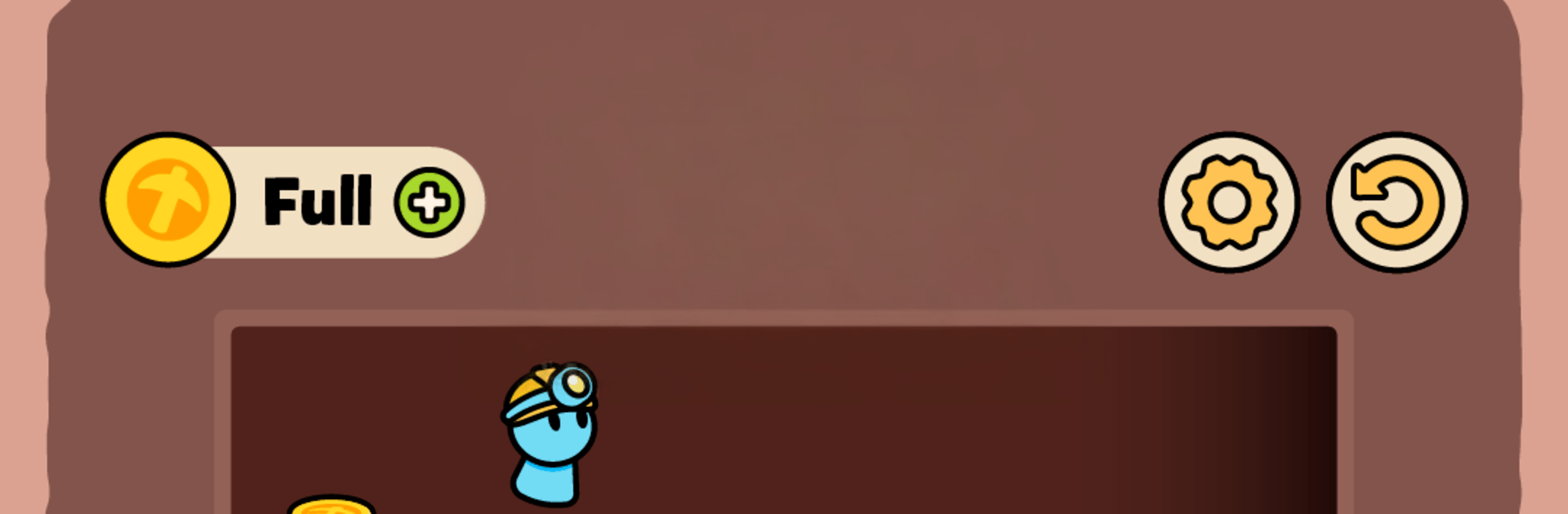
Drop Miner: Tower Defense takes classic tower defense and flips it into a timing-and-routing brain teaser. You’re juggling two jobs at once: sneaking miners to safety and buying precious seconds before enemies swarm your last stash of gold. When the clock hits zero, every miner you saved jumps into a chaotic brawl to protect the pile—so your early choices really pay off.

Game Features

  • Gold on the line: Your treasure is the final objective. Keep enemies busy, funnel miners to safety, and set up a strong endgame around the gold.
  • Route-planning puzzles: Plot smart paths through elevators, moving platforms, ladders, ropes, and tricky holes that change how each stage plays.
  • Delay and disrupt: Slow waves with clever detours and split-second timing. A single wrong move can open the floodgates.
  • Auto-battle showdown: Survive the timer and your rescued crew automatically fights it out, turning your planning into an all-out clash.
  • Gadgets and gizmos: Locks and keys, generators, bombs, portals, scissors, magnets—each level adds a new toy or twist to master.
  • Power plays: Freeze time, launch miners with a propeller, or yank them to safety with a magnet when things get messy.
  • Simple taps, deep Strategy: Easy controls with room for sharp decisions, tight timing, and satisfying “that worked!” moments.
  • Always something new: Stages keep introducing fresh mechanics and combinations, so strategies evolve as you go.
  • Play your way: Prefer a bigger screen and precise clicks? Running it on BlueStacks feels great for planning clean routes and quick reactions.
  • From Unico Studio: A fresh Strategy experience that blends pathing, defense, and timing into one clever package.

Start your journey now. Download the game on BlueStacks, invite your friends, and march on a new adventure.


Game Features

Enhancements

  • Macros
  • Multi Instance
  • Multi Instance Sync
  • Eco Mode
  • Enhancements
Macros

Macros

Skip the boring parts of a game. Play Drop Miner: Tower Defense with Macros and get the edge. Simply record a sequence of commands and execute them at any moment.
Multi Instance

Multi Instance

Why limit to one game on your phone when you can play many on your PC? Open multiple instances of Drop Miner: Tower Defense at once with Multi-Instance. Leverage the power of different accounts by doing more.
Multi Instance Sync

Multi Instance Sync

Get the best out of Drop Miner: Tower Defense with Multi-Instance Sync. Play the game from different accounts and build your own empire. Use Multi-instance sync to repeat the action in the main BlueStacks instance on all other instances.
Eco Mode

Eco Mode

Find the rarest heroes by making multiple summons in Drop Miner: Tower Defense. And while you are at it, reduce your PC’s resource consumption with the Eco Mode. Farm efficiently. Get the best results.
Read More

How to Download and Play Drop Miner: Tower Defense on PC or Mac

  • Download and install BlueStacks on your PC or Mac

  • Complete Google sign-in to access the Play Store, or do it later

  • Look for Drop Miner: Tower Defense in the search bar at the top right corner

  • Click to install Drop Miner: Tower Defense from the search results

  • Complete Google sign-in (if you skipped step 2) to install Drop Miner: Tower Defense

  • Click the Drop Miner: Tower Defense icon on the home screen to start playing

video
Watch Video

Minimum System Requirements

With BlueStacks 5, you can get started on a PC that fulfills the following requirements.

  • Operating System

    Microsoft Windows 7 or above, macOS 11 (Big Sur) or above

  • Processor

    Intel, AMD or Apple Silicon Processor

  • RAM

    at least 4GB

  • HDD

    10GB Free Disk Space

Note:

* You must be an Administrator on your PC. Up to date graphics drivers from Microsoft or the chipset vendor.

Drop Miner: Tower Defense - FAQs

  • How to play Drop Miner: Tower Defense on Windows PC & Mac?

    Play Drop Miner: Tower Defense on your PC or Mac by following these simple steps.

    • Click on 'Play Drop Miner: Tower Defense on PC’ to download BlueStacks
    • Install it and log-in to Google Play Store
    • Launch and play the game.
  • Why is BlueStacks the fastest and safest platform to play games on PC?

    BlueStacks respects your privacy and is always safe and secure to use. It does not carry any malware, spyware, or any sort of additional software that could harm your PC.

    It is engineered to optimize speed and performance for a seamless gaming experience.

  • What are Drop Miner: Tower Defense PC requirements?

    Minimum requirement to run Drop Miner: Tower Defense on your PC

    • OS: Microsoft Windows 7 or above MacOS 11 (Big Sur) or above
    • Processor: Intel, AMD or Apple Silicon Processor
    • RAM: Your PC must have at least 4GB of RAM. (Note that having 4GB or more disk space is not a substitute for RAM)
    • HDD: 10GB Free Disk Space.
    • You must be an Administrator on your PC.