Final Front: Z
Final Front: Z

Final Front: Z

Strategy

| CamelStudio

Play on PC with BlueStacks or from our cloud

  • Overview
  • Game Features
  • How to Play

Page Modified On: May 05, 2026

Play Final Front: Z on PC or Mac

Bring your A-game to Final Front: Z, the Strategy game sensation from CamelStudio. Give your gameplay the much-needed boost with precise game controls, high FPS graphics, and top-tier features on your PC or Mac with BlueStacks.

About the Game

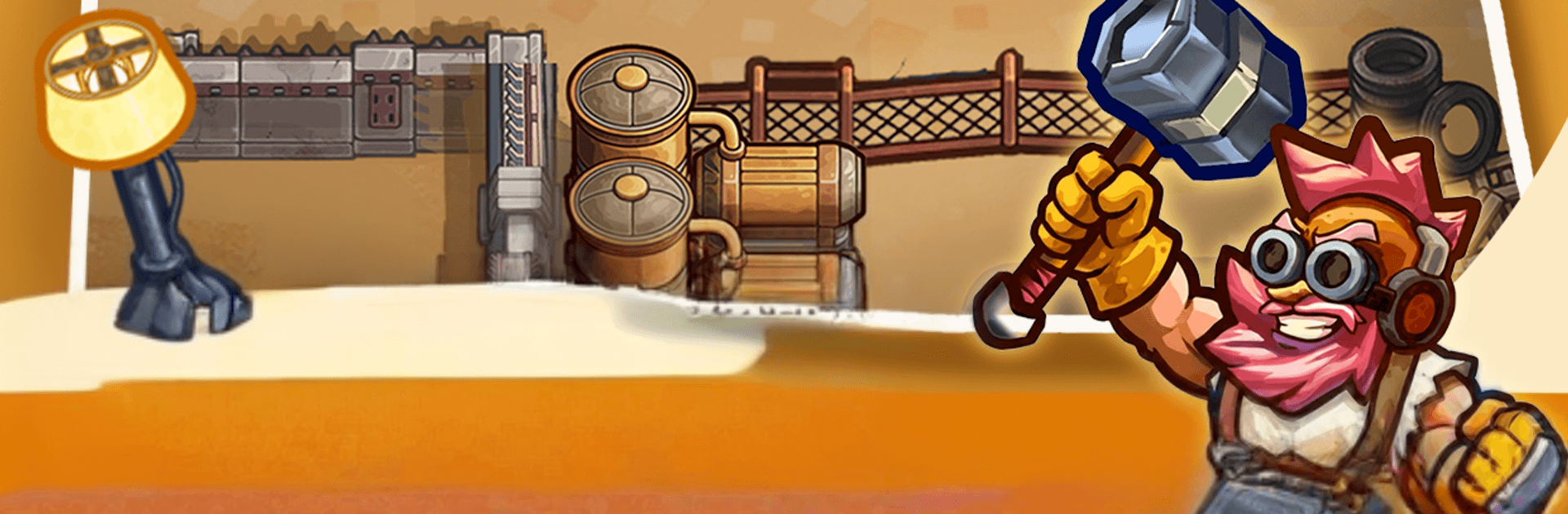
Final Front: Z is a Strategy game from CamelStudio that throws you into a world wrecked by twin meteor impacts and a brutal decay virus. You’re the commander calling the shots—gather survivors, rebuild a fortress from the bones of civilization, and bring heavy firepower back online. Expect tense expeditions, gritty base management, and big battles where planning matters as much as firepower.

Game Features

  • Rebuild the fortress: Scavenge the ruins for materials, restore critical structures, and set up purification plants, weapon workshops, and automated defense turrets.
  • Tech and crafting: Push your base’s tech levels to unlock antibodies against the decay virus, EMP cannons, nano armor, and other lifesaving apocalyptic gear.
  • Heroes and squads: Recruit unique heroes, train them up, and build custom teams with skills that combo well under pressure.
  • Deep scavenging runs: Venture into infected zones to recover lost research data and rare supply caches that keep your war machine running.
  • R&D recovery: Fight through zombie-choked labs to reclaim design blueprints and kick your weapon production into high gear.
  • Meteor-crater secrets: Scout the crater’s edge to unravel how the virus began—and what it’ll take to stop it for good.
  • Alliance power: Join forces with other commanders, donate resources, unlock shared tech trees, and coordinate defenses when the horde pushes hard.
  • Real-time PvP and territory: Battle for strategic forts and resource nodes to grow your safe zone and starve enemies of supplies.
  • Colossal boss fights: Rally the alliance to topple towering mutant threats that can flatten unprepared squads.
  • PC-friendly option: Prefer keyboard and mouse? It runs smoothly on PC with BlueStacks for crisp control during hectic fights.

Slay your opponents with your epic moves. Play it your way on BlueStacks and dominate the battlefield.


Game Features

Enhancements

  • Macros
  • Multi Instance
  • Multi Instance Sync
  • Eco Mode
  • Enhancements
Macros

Macros

Skip the boring parts of a game. Play Final Front: Z with Macros and get the edge. Simply record a sequence of commands and execute them at any moment.
Multi Instance

Multi Instance

Why limit to one game on your phone when you can play many on your PC? Open multiple instances of Final Front: Z at once with Multi-Instance. Leverage the power of different accounts by doing more.
Multi Instance Sync

Multi Instance Sync

Get the best out of Final Front: Z with Multi-Instance Sync. Play the game from different accounts and build your own empire. Use Multi-instance sync to repeat the action in the main BlueStacks instance on all other instances.
Eco Mode

Eco Mode

Find the rarest heroes by making multiple summons in Final Front: Z. And while you are at it, reduce your PC’s resource consumption with the Eco Mode. Farm efficiently. Get the best results.
Read More

How to Download and Play Final Front: Z on PC or Mac

  • Download and install BlueStacks on your PC or Mac

  • Complete Google sign-in to access the Play Store, or do it later

  • Look for Final Front: Z in the search bar at the top right corner

  • Click to install Final Front: Z from the search results

  • Complete Google sign-in (if you skipped step 2) to install Final Front: Z

  • Click the Final Front: Z icon on the home screen to start playing

video
Watch Video

Minimum System Requirements

With BlueStacks 5, you can get started on a PC that fulfills the following requirements.

  • Operating System

    Microsoft Windows 7 or above, macOS 11 (Big Sur) or above

  • Processor

    Intel, AMD or Apple Silicon Processor

  • RAM

    at least 4GB

  • HDD

    10GB Free Disk Space

Note:

* You must be an Administrator on your PC. Up to date graphics drivers from Microsoft or the chipset vendor.

Final Front: Z - FAQs

  • How to play Final Front: Z on Windows PC & Mac?

    Play Final Front: Z on your PC or Mac by following these simple steps.

    • Click on 'Play Final Front: Z on PC’ to download BlueStacks
    • Install it and log-in to Google Play Store
    • Launch and play the game.
  • Why is BlueStacks the fastest and safest platform to play games on PC?

    BlueStacks respects your privacy and is always safe and secure to use. It does not carry any malware, spyware, or any sort of additional software that could harm your PC.

    It is engineered to optimize speed and performance for a seamless gaming experience.

  • What are Final Front: Z PC requirements?

    Minimum requirement to run Final Front: Z on your PC

    • OS: Microsoft Windows 7 or above MacOS 11 (Big Sur) or above
    • Processor: Intel, AMD or Apple Silicon Processor
    • RAM: Your PC must have at least 4GB of RAM. (Note that having 4GB or more disk space is not a substitute for RAM)
    • HDD: 10GB Free Disk Space.
    • You must be an Administrator on your PC.