Match Fighters
Match Fighters

Match Fighters

Strategy

| Unico Studio

Play on PC with BlueStacks or from our cloud

  • Overview
  • Game Features
  • How to Play

Page Modified On: August 31, 2026

Play Match Fighters on PC or Mac

Match Fighters brings the Strategy genre to life, and throws up exciting challenges for gamers. Developed by Unico Studio, this Android game is best experienced on BlueStacks, the World’s #1 app player for PC and Mac users.

About the Game

Match Fighters blends thoughtful Strategy with fast, wave-clearing action. You’ll merge pieces on a grid to assemble a custom squad, then watch them charge into battle while you nudge the odds with well-timed boosts. It’s easy to learn, rewards smart planning, and feels great in quick sessions or longer streaks. Prefer playing on a PC setup? It runs smoothly on BlueStacks without getting in the way.

Game Features

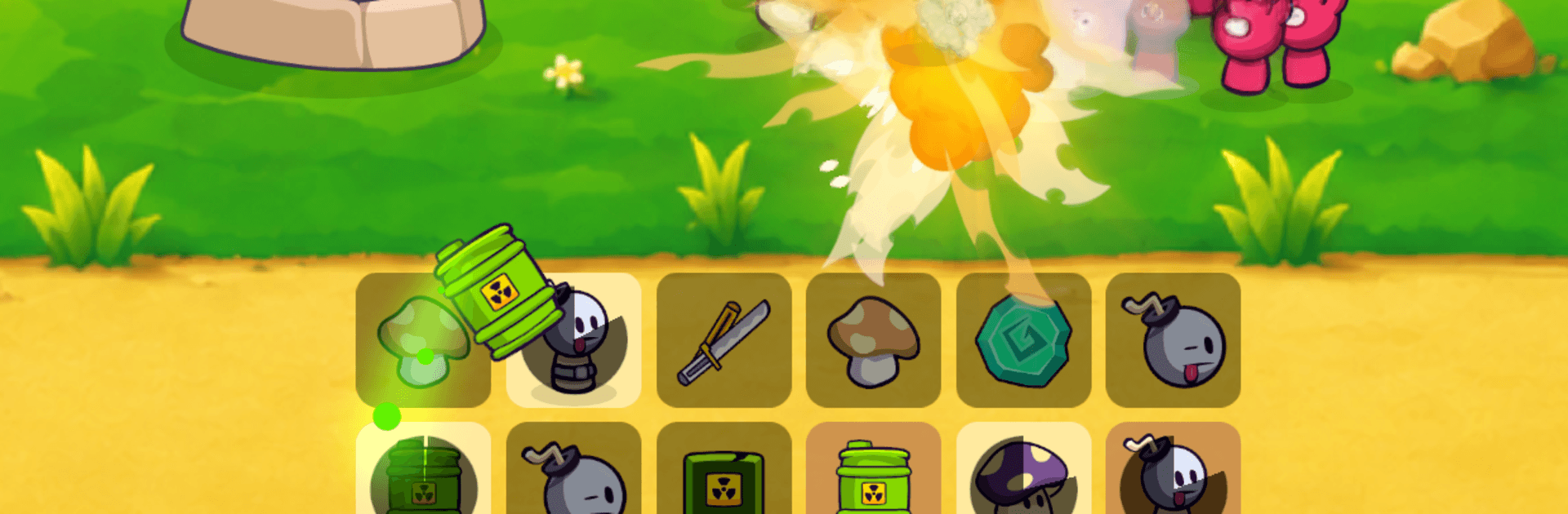
  • Smart Merging, Big Payoffs: Slide and combine matching pieces to forge stronger units; line up threes, stretch to fours and fives, or craft T/L shapes to unlock rare heroes with flashy skills.
  • Auto Battles You Set Up: Build the team, hit start, and watch your lineup go to work against incoming waves while you focus on timing boosts and reading the field.
  • Six Playstyles to Mix: Field a balanced crew with a footman, sword-swinging warrior, knockback-friendly tank, pinpoint archer, area-burst wizard, and a reckless bomber for crowd control.
  • Dragon Companions: Hatch and grow Fire, Poison, and Ice dragons that join the fray—splashing flames, laying toxic zones, or chilling enemies to a crawl.
  • Evolving Tower: Upgrade your stronghold from simple defense to an active threat with faster shots, area blasts, and knockback tricks that bail you out when lanes get messy.
  • Clutch Boosts: Drop a temporary turret for extra damage, pop a shield to keep the squad alive, or snag an extra move when your board needs one more merge.
  • Between-Round Cards: Pick upgrade cards after each wave—raining arrows, sneaky assassins, frosty slams, explosive strikes, and more—to tune each run your way.
  • Fresh Runs Every Time: Randomized upgrades and escalating waves keep things unpredictable, so your best build today might not be the best one tomorrow.
  • Boss Fights With Personality: Square up against themed bosses with quirks to learn and punish—icy slows, fiery bursts, forest tricks, and other nasty surprises.
  • Compete for Bragging Rights: Chase spots on global and local leaderboards, perfecting routes and merges to edge past rival runs.
  • Offline-Friendly Play: Set up your team and battle wherever you are, no connection required.

Start your journey now. Download the game on BlueStacks, invite your friends, and march on a new adventure.


Game Features

Enhancements

  • Macros
  • Multi Instance
  • Multi Instance Sync
  • Eco Mode
  • Enhancements
Macros

Macros

Skip the boring parts of a game. Play Match Fighters with Macros and get the edge. Simply record a sequence of commands and execute them at any moment.
Multi Instance

Multi Instance

Why limit to one game on your phone when you can play many on your PC? Open multiple instances of Match Fighters at once with Multi-Instance. Leverage the power of different accounts by doing more.
Multi Instance Sync

Multi Instance Sync

Get the best out of Match Fighters with Multi-Instance Sync. Play the game from different accounts and build your own empire. Use Multi-instance sync to repeat the action in the main BlueStacks instance on all other instances.
Eco Mode

Eco Mode

Find the rarest heroes by making multiple summons in Match Fighters. And while you are at it, reduce your PC’s resource consumption with the Eco Mode. Farm efficiently. Get the best results.
Read More

How to Download and Play Match Fighters on PC or Mac

  • Download and install BlueStacks on your PC or Mac

  • Complete Google sign-in to access the Play Store, or do it later

  • Look for Match Fighters in the search bar at the top right corner

  • Click to install Match Fighters from the search results

  • Complete Google sign-in (if you skipped step 2) to install Match Fighters

  • Click the Match Fighters icon on the home screen to start playing

video
Watch Video

Minimum System Requirements

With BlueStacks 5, you can get started on a PC that fulfills the following requirements.

  • Operating System

    Microsoft Windows 7 or above, macOS 11 (Big Sur) or above

  • Processor

    Intel, AMD or Apple Silicon Processor

  • RAM

    at least 4GB

  • HDD

    10GB Free Disk Space

Note:

* You must be an Administrator on your PC. Up to date graphics drivers from Microsoft or the chipset vendor.

Match Fighters - FAQs

  • How to play Match Fighters on Windows PC & Mac?

    Play Match Fighters on your PC or Mac by following these simple steps.

    • Click on 'Play Match Fighters on PC’ to download BlueStacks
    • Install it and log-in to Google Play Store
    • Launch and play the game.
  • Why is BlueStacks the fastest and safest platform to play games on PC?

    BlueStacks respects your privacy and is always safe and secure to use. It does not carry any malware, spyware, or any sort of additional software that could harm your PC.

    It is engineered to optimize speed and performance for a seamless gaming experience.

  • What are Match Fighters PC requirements?

    Minimum requirement to run Match Fighters on your PC

    • OS: Microsoft Windows 7 or above MacOS 11 (Big Sur) or above
    • Processor: Intel, AMD or Apple Silicon Processor
    • RAM: Your PC must have at least 4GB of RAM. (Note that having 4GB or more disk space is not a substitute for RAM)
    • HDD: 10GB Free Disk Space.
    • You must be an Administrator on your PC.