Papa's Mocharia To Go!

Papa's Mocharia To Go!

Strategy

| Flipline Studios

Play on PC with BlueStacks or from our cloud

  • Overview
  • Game Features
  • How to Play

Page Modified On: October 07, 2026

Play Papa's Mocharia To Go! on PC or Mac

Explore a whole new adventure with Papa’s Mocharia To Go!, a Strategy game created by Flipline Studios. Experience great gameplay with BlueStacks, the most popular gaming platform to play Android games on your PC or Mac.

About the Game

Papa’s Mocharia To Go! hands you the apron at a bustling coffee shop where every order is a little performance. You’re the barista and the unexpected star of a year-long documentary, timing espresso shots, layering silky milk, and pairing each drink with a fresh cannoli. It’s a comfy Strategy experience with plenty of moving parts, and yes, it plays nicely on BlueStacks.

Game Features

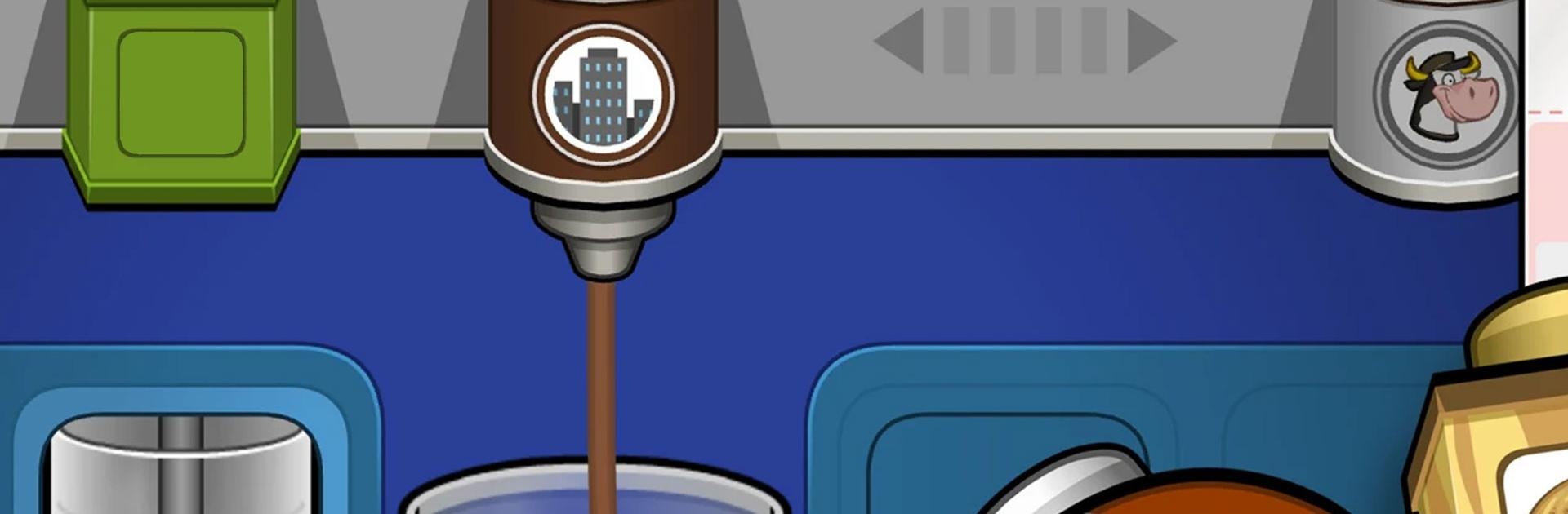
  • Papaccinos, Your Way: Pull rich espresso, steam and froth milk, then stack syrups, powders, and creams to build picture-perfect layered drinks—whips and drizzles included.
  • Cannoli on the Side: Pick a shell, pipe in velvety cream with the right nozzles, and top it off for a sweet bite that matches the drink.
  • Seasonal Menus That Evolve: As the calendar turns, new holidays arrive with fresh syrups, shakers, dairy, and cannoli shells, inspiring festive orders from regulars and newcomers alike.
  • Lights, Camera, Latte: With a documentary crew watching, timing and presentation matter—nail those layers and earn higher scores on camera.
  • Daily Specials and Perks: Collect unique recipes from customers, feature one as the Daily Special, and master it to snag tasty bonuses and prizes.
  • Create Your Barista: Play as Allan or Akari, or design your own character. Mix colors, swap outfits, and show off seasonal looks with millions of combinations.
  • Call-Ins and Delivery: Some guests prefer ordering from home—take call-ins, assign a Driver, and keep tickets flowing while you brew.
  • Stickers with Benefits: Complete quirky tasks to earn Stickers; hit each customer’s trio of favorites to unlock a fresh outfit just for them.
  • Dress the Lobby: Deck out the café with themed furniture that matches the season so customers feel cozy while they wait.
  • A Full House of Flavor: Serve 135 customers with distinct tastes and unlock 124 ingredients across ranks, plus 40 Specials to master along the way.

Start playing Papa’s Mocharia To Go! on BlueStacks and get a smoother, more comfortable PC or Mac setup.


Game Features

Enhancements

  • Macros
  • Multi Instance
  • Multi Instance Sync
  • Eco Mode
  • Enhancements
Macros

Macros

Skip the boring parts of a game. Play Papa's Mocharia To Go! with Macros and get the edge. Simply record a sequence of commands and execute them at any moment.
Multi Instance

Multi Instance

Why limit to one game on your phone when you can play many on your PC? Open multiple instances of Papa's Mocharia To Go! at once with Multi-Instance. Leverage the power of different accounts by doing more.
Multi Instance Sync

Multi Instance Sync

Get the best out of Papa's Mocharia To Go! with Multi-Instance Sync. Play the game from different accounts and build your own empire. Use Multi-instance sync to repeat the action in the main BlueStacks instance on all other instances.
Eco Mode

Eco Mode

Find the rarest heroes by making multiple summons in Papa's Mocharia To Go!. And while you are at it, reduce your PC’s resource consumption with the Eco Mode. Farm efficiently. Get the best results.
Read More

How to Download and Play Papa's Mocharia To Go! on PC or Mac

  • Download and install BlueStacks on your PC or Mac

  • Complete Google sign-in to access the Play Store, or do it later

  • Look for Papa's Mocharia To Go! in the search bar at the top right corner

  • Click to install Papa's Mocharia To Go! from the search results

  • Complete Google sign-in (if you skipped step 2) to install Papa's Mocharia To Go!

  • Click the Papa's Mocharia To Go! icon on the home screen to start playing

video
Watch Video

Minimum System Requirements

With BlueStacks 5, you can get started on a PC that fulfills the following requirements.

  • Operating System

    Microsoft Windows 7 or above, macOS 11 (Big Sur) or above

  • Processor

    Intel, AMD or Apple Silicon Processor

  • RAM

    at least 4GB

  • HDD

    10GB Free Disk Space

Note:

* You must be an Administrator on your PC. Up to date graphics drivers from Microsoft or the chipset vendor.

Papa's Mocharia To Go! - FAQs

  • How to play Papa's Mocharia To Go! on Windows PC & Mac?

    Play Papa's Mocharia To Go! on your PC or Mac by following these simple steps.

    • Click on 'Play Papa's Mocharia To Go! on PC’ to download BlueStacks
    • Install it and log-in to Google Play Store
    • Launch and play the game.
  • Why is BlueStacks the fastest and safest platform to play games on PC?

    BlueStacks respects your privacy and is always safe and secure to use. It does not carry any malware, spyware, or any sort of additional software that could harm your PC.

    It is engineered to optimize speed and performance for a seamless gaming experience.

  • What are Papa's Mocharia To Go! PC requirements?

    Minimum requirement to run Papa's Mocharia To Go! on your PC

    • OS: Microsoft Windows 7 or above MacOS 11 (Big Sur) or above
    • Processor: Intel, AMD or Apple Silicon Processor
    • RAM: Your PC must have at least 4GB of RAM. (Note that having 4GB or more disk space is not a substitute for RAM)
    • HDD: 10GB Free Disk Space.
    • You must be an Administrator on your PC.