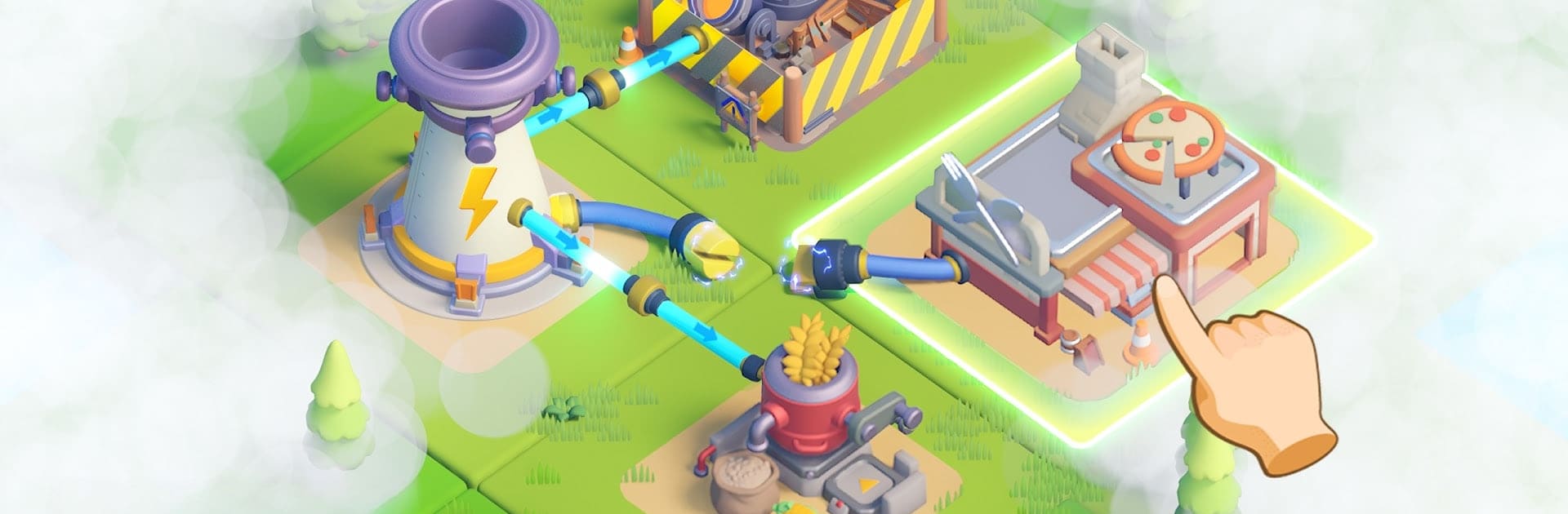
Tiles Survive!
Tiles Survive!

Tiles Survive!

Strategy

| FunPlus International AG

BlueStacks Verified

Play on PC with BlueStacks or from our cloud

  • Overview
  • Tips & Tricks
  • Game Features
  • How to Play

Page Modified On: March 09, 2026

Play Tiles Survive! on PC or Mac

Tiles Survive! is a Strategy game developed by FunPlus International AG. BlueStacks app player is the best platform to play this Android game on your PC or Mac for an immersive gaming experience.

Explore a harsh wilderness with a group of survivors and lead them to conquer challenges! Collect essential resources in the wild and use them to strengthen your shelter. You can also build structures to expand your territory and accommodate more survivors.

What’s New?

Dire Dispatch introduces Mega Mode, which can be unlocked by achieving certain goals to enhance efficiency. This new feature includes Mega Refresh, which allows users to refresh all idle shipments instantly and receive S-rank tasks. Additionally, Mega Dispatch provides the ability to automatically assign heroes and send multiple shipments at once.

About the Game

Tiles Survive! puts you in a world where every choice you make shapes the future. It gives you control over resource collection and management to make sure that the survivors have access to basic needs. The game lets you recruit heroes with special skills and traits to boost your shelter capabilities.

Gameplay Overview

As the core member of your survivor team, you are tasked with making the decisions. You need to assign each member to different roles, like hunters, chefs, lumberjacks, and more to keep their productivity high. You can also team up with your friends to go up against common threats.

Game Features

  • Dynamic maps
  • Fluid game controls
  • Intuitive user interface 

How to Play? 

Download Tiles Survive! for free from the Google Play Store using the BlueStacks app player.

Game Features

Enhancements

  • Macros
  • Multi Instance
  • Multi Instance Sync
  • Eco Mode
  • Enhancements
Macros

Macros

Skip the boring parts of a game. Play Tiles Survive! with Macros and get the edge. Simply record a sequence of commands and execute them at any moment.
Multi Instance

Multi Instance

Why limit to one game on your phone when you can play many on your PC? Open multiple instances of Tiles Survive! at once with Multi-Instance. Leverage the power of different accounts by doing more.
Multi Instance Sync

Multi Instance Sync

Get the best out of Tiles Survive! with Multi-Instance Sync. Play the game from different accounts and build your own empire. Use Multi-instance sync to repeat the action in the main BlueStacks instance on all other instances.
Eco Mode

Eco Mode

Find the rarest heroes by making multiple summons in Tiles Survive!. And while you are at it, reduce your PC’s resource consumption with the Eco Mode. Farm efficiently. Get the best results.
Read More

How to Download and Play Tiles Survive! on PC or Mac

  • Download and install BlueStacks on your PC or Mac

  • Complete Google sign-in to access the Play Store, or do it later

  • Look for Tiles Survive! in the search bar at the top right corner

  • Click to install Tiles Survive! from the search results

  • Complete Google sign-in (if you skipped step 2) to install Tiles Survive!

  • Click the Tiles Survive! icon on the home screen to start playing

video
Watch Video

Minimum System Requirements

With BlueStacks 5, you can get started on a PC that fulfills the following requirements.

  • Operating System

    Microsoft Windows 7 or above, macOS 11 (Big Sur) or above

  • Processor

    Intel, AMD or Apple Silicon Processor

  • RAM

    at least 4GB

  • HDD

    10GB Free Disk Space

Note:

* You must be an Administrator on your PC. Up to date graphics drivers from Microsoft or the chipset vendor.

Tiles Survive! - FAQs

  • How to play Tiles Survive! on Windows PC & Mac?

    Play Tiles Survive! on your PC or Mac by following these simple steps.

    • Click on 'Play Tiles Survive! on PC’ to download BlueStacks
    • Install it and log-in to Google Play Store
    • Launch and play the game.
  • Why is BlueStacks the fastest and safest platform to play games on PC?

    BlueStacks respects your privacy and is always safe and secure to use. It does not carry any malware, spyware, or any sort of additional software that could harm your PC.

    It is engineered to optimize speed and performance for a seamless gaming experience.

  • What are Tiles Survive! PC requirements?

    Minimum requirement to run Tiles Survive! on your PC

    • OS: Microsoft Windows 7 or above MacOS 11 (Big Sur) or above
    • Processor: Intel, AMD or Apple Silicon Processor
    • RAM: Your PC must have at least 4GB of RAM. (Note that having 4GB or more disk space is not a substitute for RAM)
    • HDD: 10GB Free Disk Space.
    • You must be an Administrator on your PC.