World War Clash: Strategy Game

World War Clash: Strategy Game

Strategy

| Hypemasters, Inc.

Play on PC with BlueStacks or from our cloud

  • Overview
  • Game Features
  • How to Play

Page Modified On: December 09, 2025

Play World War Clash: Strategy Game on PC or Mac

World War Clash: Strategy Game brings the Strategy genre to life, and throws up exciting challenges for gamers. Developed by Hypemasters, Inc., this Android game is best experienced on BlueStacks, the World’s #1 app player for PC and Mac users.

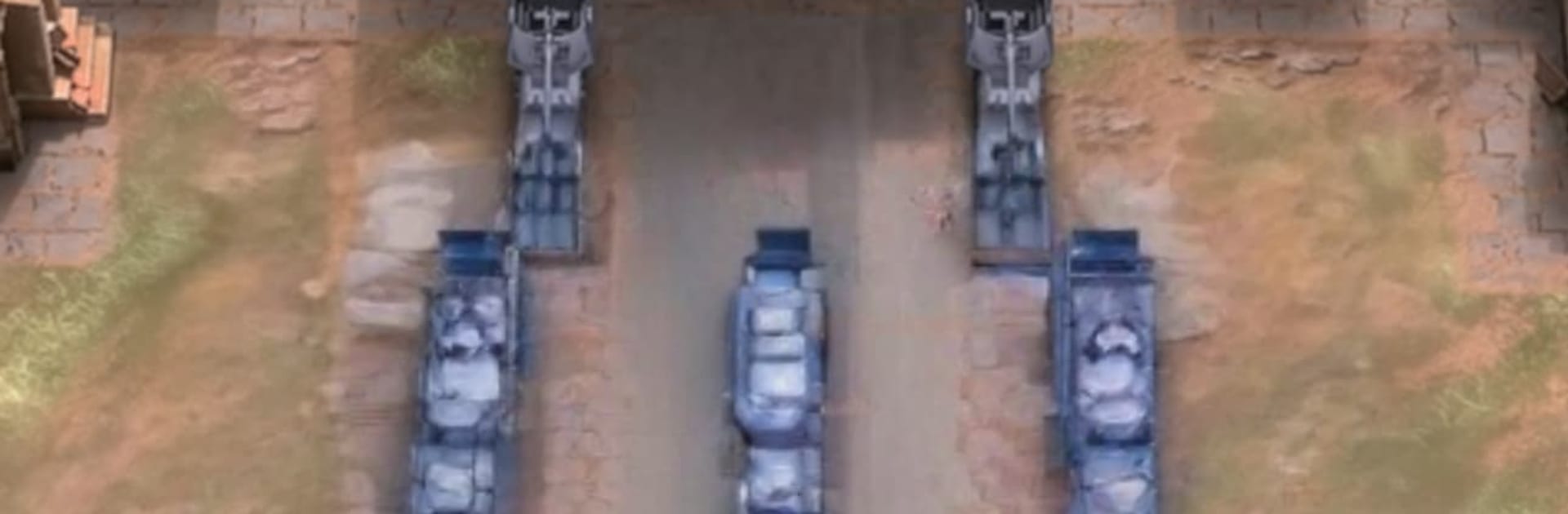
World War Clash is a quick, scrappy real-time strategy game with a neat merge twist. Instead of building a huge base or waiting on timers, players drag matching units together to pop out stronger versions on the fly. Tanks into beefier tanks, snipers into better snipers, that sort of thing. Matches are short, a few minutes tops, so it rewards smart positioning and timing more than long grinds. Drop armor up front, tuck snipers behind cover, use helicopters to dart around flanks, and save a merge or two for the moment someone rolls in a missile truck. The arenas feel modern and punchy, with sandstorms, city blocks, explosions that make sense, and just enough effects to read the fight without clutter. Progression is about collecting unit types and figuring out a lineup that suits a style, then pushing ranked PvP for rewards and bragging rights. There are daily tasks and seasonal events sprinkled in, nothing too heavy, just enough to keep a reason to queue.

On PC with BlueStacks the game feels a bit cleaner to control. The mouse makes the drag-to-merge stuff fast, and moving around the battlefield is smooth even when things get busy. It is the kind of RTS that lets players get into the action fast, make a few smart calls, and be back in a new match before the last explosion settles.

Ready to top the leaderboard? We bet you do. Let precise controls and sharp visuals optimized on BlueStacks lead you to victory.

Game Features

Enhancements

  • Macros
  • Multi Instance
  • Multi Instance Sync
  • Eco Mode
  • Enhancements
Macros

Macros

Skip the boring parts of a game. Play World War Clash: Strategy Game with Macros and get the edge. Simply record a sequence of commands and execute them at any moment.
Multi Instance

Multi Instance

Why limit to one game on your phone when you can play many on your PC? Open multiple instances of World War Clash: Strategy Game at once with Multi-Instance. Leverage the power of different accounts by doing more.
Multi Instance Sync

Multi Instance Sync

Get the best out of World War Clash: Strategy Game with Multi-Instance Sync. Play the game from different accounts and build your own empire. Use Multi-instance sync to repeat the action in the main BlueStacks instance on all other instances.
Eco Mode

Eco Mode

Find the rarest heroes by making multiple summons in World War Clash: Strategy Game. And while you are at it, reduce your PC’s resource consumption with the Eco Mode. Farm efficiently. Get the best results.
Read More

How to Download and Play World War Clash: Strategy Game on PC or Mac

  • Download and install BlueStacks on your PC or Mac

  • Complete Google sign-in to access the Play Store, or do it later

  • Look for World War Clash: Strategy Game in the search bar at the top right corner

  • Click to install World War Clash: Strategy Game from the search results

  • Complete Google sign-in (if you skipped step 2) to install World War Clash: Strategy Game

  • Click the World War Clash: Strategy Game icon on the home screen to start playing

video
Watch Video

Minimum System Requirements

With BlueStacks 5, you can get started on a PC that fulfills the following requirements.

  • Operating System

    Microsoft Windows 7 or above, macOS 11 (Big Sur) or above

  • Processor

    Intel, AMD or Apple Silicon Processor

  • RAM

    at least 4GB

  • HDD

    10GB Free Disk Space

Note:

* You must be an Administrator on your PC. Up to date graphics drivers from Microsoft or the chipset vendor.

World War Clash: Strategy Game - FAQs

  • How to play World War Clash: Strategy Game on Windows PC & Mac?

    Play World War Clash: Strategy Game on your PC or Mac by following these simple steps.

    • Click on 'Play World War Clash: Strategy Game on PC’ to download BlueStacks
    • Install it and log-in to Google Play Store
    • Launch and play the game.
  • Why is BlueStacks the fastest and safest platform to play games on PC?

    BlueStacks respects your privacy and is always safe and secure to use. It does not carry any malware, spyware, or any sort of additional software that could harm your PC.

    It is engineered to optimize speed and performance for a seamless gaming experience.

  • What are World War Clash: Strategy Game PC requirements?

    Minimum requirement to run World War Clash: Strategy Game on your PC

    • OS: Microsoft Windows 7 or above MacOS 11 (Big Sur) or above
    • Processor: Intel, AMD or Apple Silicon Processor
    • RAM: Your PC must have at least 4GB of RAM. (Note that having 4GB or more disk space is not a substitute for RAM)
    • HDD: 10GB Free Disk Space.
    • You must be an Administrator on your PC.