
ARTA: AI Art & Photo Generator

ARTA: AI Art & Photo Generator

Tools

| AIBY Inc.

Play on PC with BlueStacks or from our cloud

  • Overview
  • How to Download

Page Modified On: January 13, 2026

Run ARTA: AI Art & Photo Generator on PC or Mac

Why limit yourself to your small screen on the phone? Run ARTA: AI Art & Photo Generator, an app by AIBY Inc., best experienced on your PC or Mac with BlueStacks, the world’s #1 Android emulator.

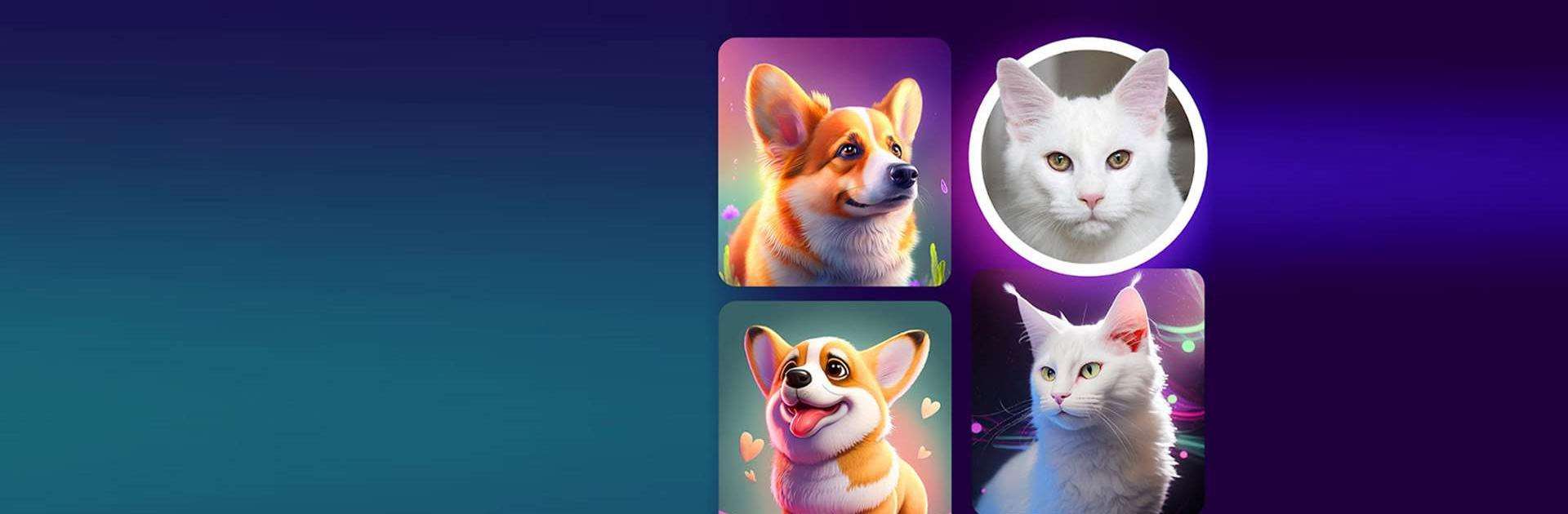
ARTA is basically an AI art studio that lets someone turn ideas into pictures without a lot of setup. Type a prompt, pick a look, and it starts drawing in seconds. It handles silly stuff like a barbecue on Mars or cats doing a tea ceremony, and it can go from cute anime and manga style to clean photorealistic results. The fun part is nudging it with extra details, changing the style, and seeing how the image shifts with each run.

There is also an option to feed it a starting photo, so if someone knows the layout or pose they want, the app will remix that into different artwork. The avatar tool is easy too. Upload a few selfies and it turns out stylized portraits in a bunch of themes, from comic-like filters to sci fi hero looks. When ideas run dry, the built in gallery is a nice kick of inspiration, since it shows what other people managed to coax out of the model.

On PC with BlueStacks, it feels smoother to write longer prompts, compare variants side by side, and save the good ones. Results are not perfect every time, so a few retries or prompt tweaks help, especially for small details like hands or text. It generates fast most of the time, and the workflow is simple enough that someone who is new to AI art can pick it up in an evening.

Eager to take your app experience to the next level? Start right away by downloading BlueStacks on your PC or Mac.


How to Download and Run ARTA: AI Art & Photo Generator on PC or Mac

  • Download and install BlueStacks on your PC or Mac

  • Complete Google sign-in to access the Play Store, or do it later

  • Look for ARTA: AI Art & Photo Generator in the search bar at the top right corner

  • Click to install ARTA: AI Art & Photo Generator from the search results

  • Complete Google sign-in (if you skipped step 2) to install ARTA: AI Art & Photo Generator

  • Click the ARTA: AI Art & Photo Generator icon on the home screen to start playing

video
Watch Video

Minimum System Requirements

With BlueStacks 5, you can get started on a PC that fulfills the following requirements.

  • Operating System

    Microsoft Windows 7 or above, macOS 11 (Big Sur) or above

  • Processor

    Intel, AMD or Apple Silicon Processor

  • RAM

    at least 4GB

  • HDD

    10GB Free Disk Space

Note:

* You must be an Administrator on your PC. Up to date graphics drivers from Microsoft or the chipset vendor.

ARTA: AI Art & Photo Generator - FAQs

  • How to Run ARTA: AI Art & Photo Generator on Windows PC & Mac?

    Run ARTA: AI Art & Photo Generator on your PC or Mac by following these simple steps.

    • Click on ‘Download ARTA: AI Art & Photo Generator on PC’ to download BlueStacks
    • Install it and log-in to Google Play Store
    • Launch and run the app.
  • Why is BlueStacks the fastest and safest platform to play games on PC?

    BlueStacks respects your privacy and is always safe and secure to use. It does not carry any malware, spyware, or any sort of additional software that could harm your PC.

    It is engineered to optimize speed and performance for a seamless gaming experience.

  • What are ARTA: AI Art & Photo Generator PC requirements?

    Minimum requirement to run ARTA: AI Art & Photo Generator on your PC

    • OS: Microsoft Windows 7 and above:
    • Processor: Intel or AMD Processor:
    • RAM: Your PC must have at least 2GB of RAM. (Note that having 2GB or more disk space is not a substitute for RAM):
    • HDD: 5GB Free Disk Space.
    • You must be an Administrator on your PC.



