
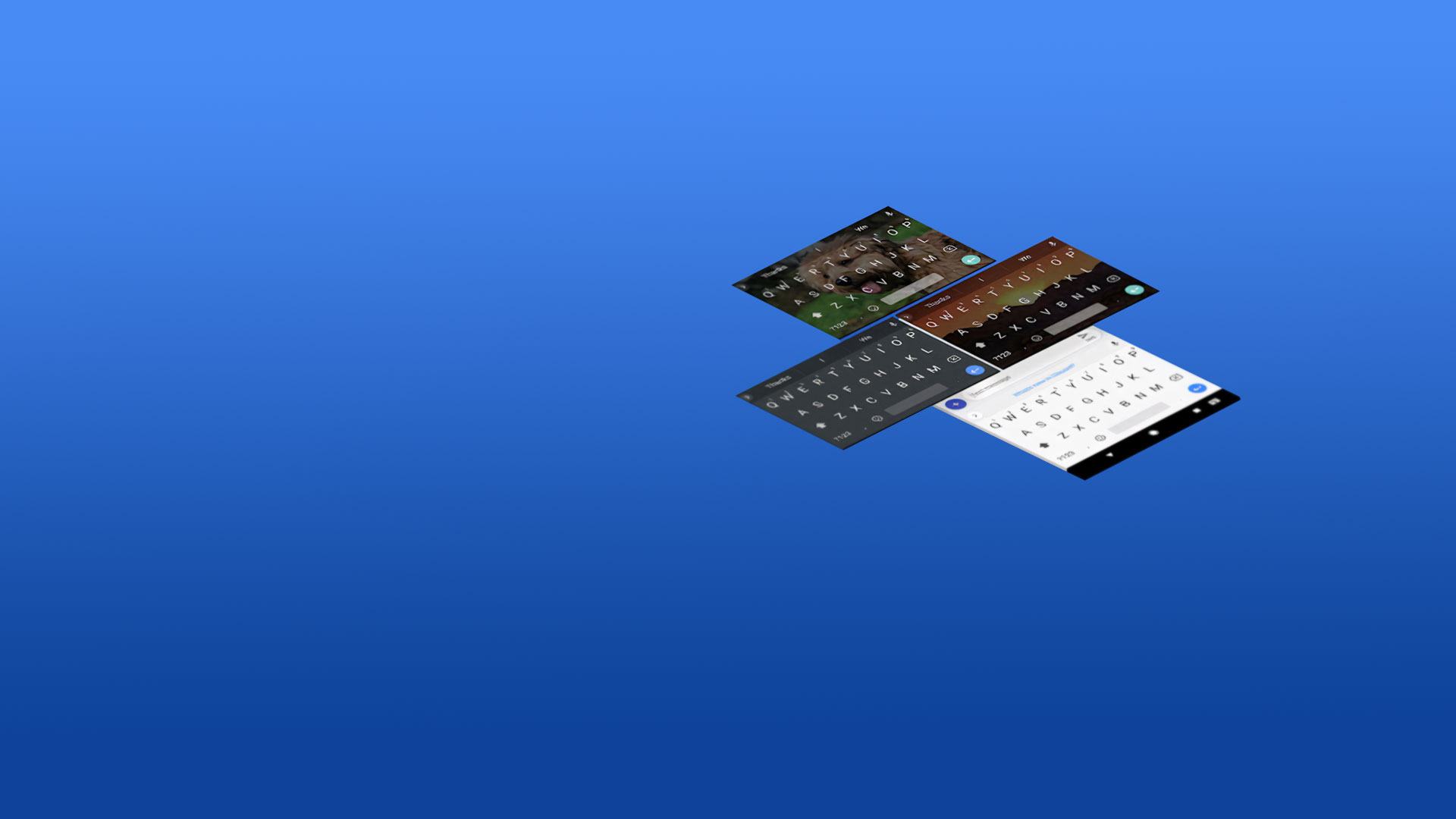
Gboard - the Google Keyboard

Gboard - the Google Keyboard

Tools

| Google LLC

Play on PC with BlueStacks or from our cloud

  • Overview
  • How to Download

Page Modified On: June 10, 2026

Run Gboard - the Google Keyboard on PC or Mac

Get freedom from your phone’s obvious limitations. Use Gboard – the Google Keyboard, made by Google LLC, a Tools app on your PC or Mac with BlueStacks, and level up your experience.

About the App

Gboard – the Google Keyboard is the fast, smart keyboard that makes everyday typing feel easy. It’s great for quick texts, long emails, and everything in between—packed with handy shortcuts and clever suggestions that actually help. Use it on your phone or tablet, and even keep that familiar feel when you’re typing from your computer with BlueStacks.

App Features

  • Swipe Typing: Zip through words by gliding your finger across the keys—way faster than tapping one letter at a time.
  • Voice Typing: Don’t feel like typing? Speak naturally and watch your words appear, perfect for when you’re on the move.
  • Handwriting Input: Prefer writing by hand? Scribble in cursive or print and let the keyboard do the rest.
  • Emoji and GIF Search: Find the exact emoji or GIF you’re thinking of in seconds, then drop it into your conversation.
  • Multilingual Smarts: Type in multiple languages without switching keyboards—autocorrect and suggestions adapt to the languages you enable.
  • Built-in Translate: Translate as you type, right from the keyboard, so you can chat with anyone without breaking your flow.
  • Wear OS Ready: Type, swipe, or dictate from your watch, complete with quick emoji access for those tiny-but-mighty replies.
  • Gesture Controls: Move the cursor by sliding on the space bar, and quickly erase chunks of text with a left swipe from the delete key.
  • Quick Access Tools: Turn on a dedicated number row, show symbol hints with long-press shortcuts, and switch to one-handed mode on big screens.
  • Themes You’ll Like: Pick a look that fits your style—go minimal, add borders, or choose a colorful theme.
  • Massive Language Support: Works with hundreds of language varieties, so you can chat the way you speak.

Note: Some features (like handwriting, emoji search, and GIF search) may not be available on Android Go devices.

BlueStacks gives you the much-needed freedom to experience your favorite apps on a bigger screen. Get it now.


How to Download and Run Gboard - the Google Keyboard on PC or Mac

  • Download and install BlueStacks on your PC or Mac

  • Complete Google sign-in to access the Play Store, or do it later

  • Look for Gboard - the Google Keyboard in the search bar at the top right corner

  • Click to install Gboard - the Google Keyboard from the search results

  • Complete Google sign-in (if you skipped step 2) to install Gboard - the Google Keyboard

  • Click the Gboard - the Google Keyboard icon on the home screen to start playing

video
Watch Video

Minimum System Requirements

With BlueStacks 5, you can get started on a PC that fulfills the following requirements.

  • Operating System

    Microsoft Windows 7 or above, macOS 11 (Big Sur) or above

  • Processor

    Intel, AMD or Apple Silicon Processor

  • RAM

    at least 4GB

  • HDD

    10GB Free Disk Space

Note:

* You must be an Administrator on your PC. Up to date graphics drivers from Microsoft or the chipset vendor.

Gboard - the Google Keyboard - FAQs

  • How to Run Gboard - the Google Keyboard on Windows PC & Mac?

    Run Gboard - the Google Keyboard on your PC or Mac by following these simple steps.

    • Click on ‘Download Gboard - the Google Keyboard on PC’ to download BlueStacks
    • Install it and log-in to Google Play Store
    • Launch and run the app.
  • Why is BlueStacks the fastest and safest platform to play games on PC?

    BlueStacks respects your privacy and is always safe and secure to use. It does not carry any malware, spyware, or any sort of additional software that could harm your PC.

    It is engineered to optimize speed and performance for a seamless gaming experience.

  • What are Gboard - the Google Keyboard PC requirements?

    Minimum requirement to run Gboard - the Google Keyboard on your PC

    • OS: Microsoft Windows 7 and above:
    • Processor: Intel or AMD Processor:
    • RAM: Your PC must have at least 2GB of RAM. (Note that having 2GB or more disk space is not a substitute for RAM):
    • HDD: 5GB Free Disk Space.
    • You must be an Administrator on your PC.



