
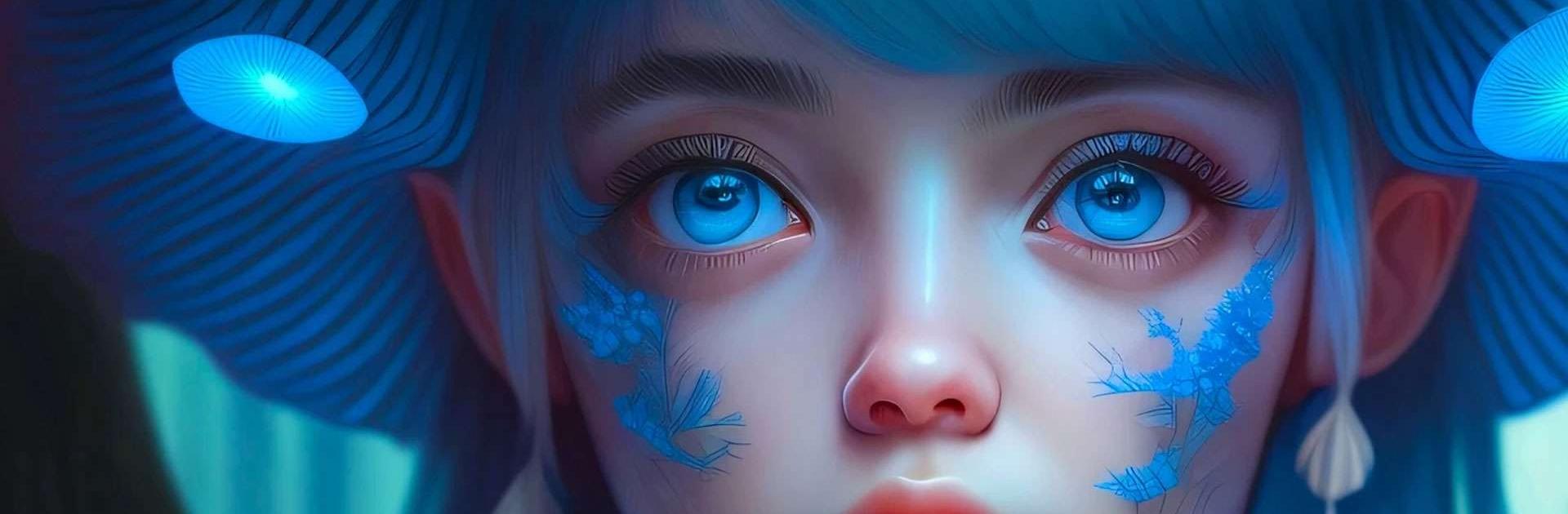
ImagineArt: AI Image Generator

ImagineArt: AI Image Generator

Tools

| ImagineArt

Play on PC with BlueStacks or from our cloud

  • Overview
  • How to Download

Page Modified On: January 13, 2026

Run ImagineArt: AI Image Generator on PC or Mac

Multitask effortlessly on your PC or Mac as you try out AI Image Generator: ImagineArt, a Art & Design app by ImagineArt on BlueStacks.

ImagineArt feels like a quick studio that sits on the screen and turns plain ideas into pictures without fuss. Someone types a simple prompt and it spits out several options in different looks, from clean logo shapes to photo style portraits to anime and cartoon art. Sliders for size, colors, and effects make tweaks fast, and it is easy to re-run a prompt until the result clicks. Running it on a PC with BlueStacks helps a lot, since a bigger display and a mouse make moving text, picking fonts, and nudging elements less fiddly.

What stands out is how the templates speed things up. A person can pick a flyer, poster, social post, t shirt layout, even a tattoo mockup, then swap objects or text with simple instructions like replace the cat, make the title bigger, turn the hat blue. The edit tools are practical rather than fancy. Generative fill removes or inserts stuff cleanly, upscaling to 4K or 8K keeps details sharp, and resizing for stories, banners, or wallpapers takes seconds. The logo maker is solid for quick brand drafts, with layouts, fonts, shapes, and effects that do not feel overwhelming. Results will not be perfect every single time, but it is fast to iterate and land on something usable. Sharing exports for Instagram, TikTok, or a store listing is straightforward, and the overall flow encourages trying one more idea, then one more, then another, which is kinda the fun of it.

Ready to experience AI Image Generator: ImagineArt on a bigger screen, in all its glory? Download BlueStacks now.


How to Download and Run ImagineArt: AI Image Generator on PC or Mac

  • Download and install BlueStacks on your PC or Mac

  • Complete Google sign-in to access the Play Store, or do it later

  • Look for ImagineArt: AI Image Generator in the search bar at the top right corner

  • Click to install ImagineArt: AI Image Generator from the search results

  • Complete Google sign-in (if you skipped step 2) to install ImagineArt: AI Image Generator

  • Click the ImagineArt: AI Image Generator icon on the home screen to start playing

video
Watch Video

Minimum System Requirements

With BlueStacks 5, you can get started on a PC that fulfills the following requirements.

  • Operating System

    Microsoft Windows 7 or above, macOS 11 (Big Sur) or above

  • Processor

    Intel, AMD or Apple Silicon Processor

  • RAM

    at least 4GB

  • HDD

    10GB Free Disk Space

Note:

* You must be an Administrator on your PC. Up to date graphics drivers from Microsoft or the chipset vendor.

ImagineArt: AI Image Generator - FAQs

  • How to Run ImagineArt: AI Image Generator on Windows PC & Mac?

    Run ImagineArt: AI Image Generator on your PC or Mac by following these simple steps.

    • Click on ‘Download ImagineArt: AI Image Generator on PC’ to download BlueStacks
    • Install it and log-in to Google Play Store
    • Launch and run the app.
  • Why is BlueStacks the fastest and safest platform to play games on PC?

    BlueStacks respects your privacy and is always safe and secure to use. It does not carry any malware, spyware, or any sort of additional software that could harm your PC.

    It is engineered to optimize speed and performance for a seamless gaming experience.

  • What are ImagineArt: AI Image Generator PC requirements?

    Minimum requirement to run ImagineArt: AI Image Generator on your PC

    • OS: Microsoft Windows 7 and above:
    • Processor: Intel or AMD Processor:
    • RAM: Your PC must have at least 2GB of RAM. (Note that having 2GB or more disk space is not a substitute for RAM):
    • HDD: 5GB Free Disk Space.
    • You must be an Administrator on your PC.



