



Let BlueStacks turn your PC, Mac, or laptop into the perfect home for Prisma3D – Animation, Modeling, a fun Tools app from Prisma3D.
About the App
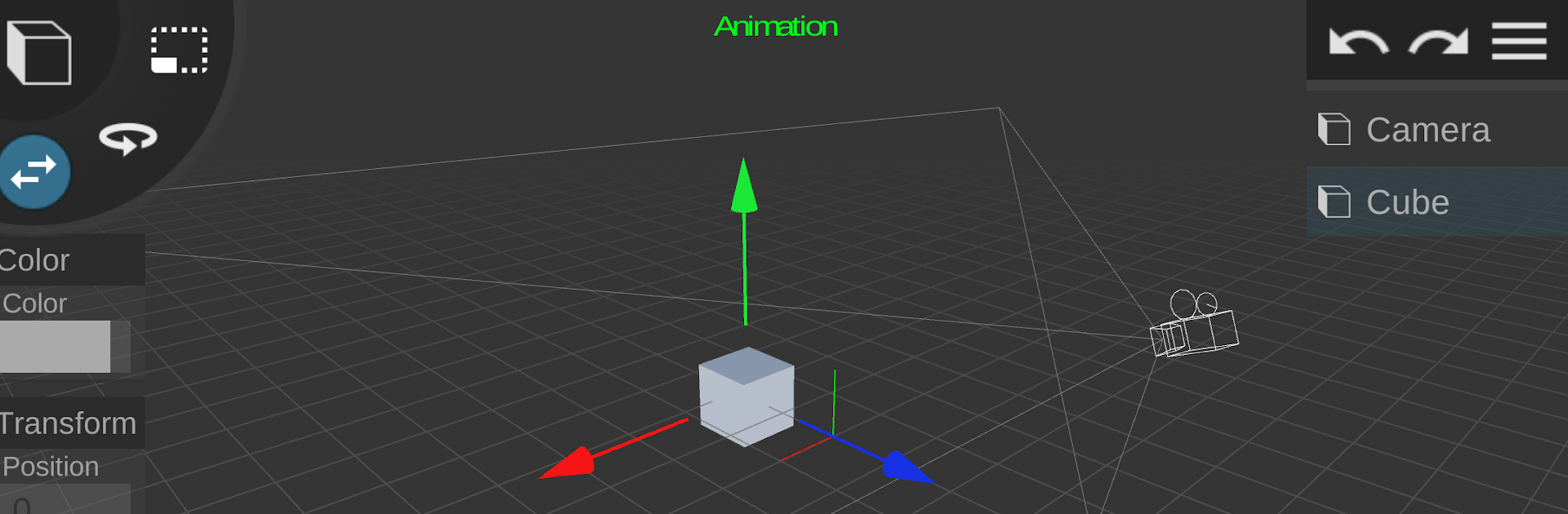
Prisma3D – Animation, Modeling is a Tools app built for anyone who wants to create 3D art without getting lost in complicated software. Sketch a model, rig a character, set up lights and cameras, then animate and render—everything’s in one place and surprisingly approachable. Prefer a bigger workspace? You can run it on BlueStacks for a comfortable, desktop-style setup.
App Features
- Full 3D Modeling Suite: Build scenes with primitives, custom meshes, and editable objects, then group, duplicate, and organize everything to keep complex projects tidy.
- Sculpting and Drawing: Shape models with intuitive sculpt tools and sketch details directly on your objects for quick concepting or fine-tuned tweaks.
- 3D Vector Editing: Create clean, controllable forms with vector-based curves that convert into geometry, perfect for icons, props, and stylized assets.
- Textures and Materials: Paint textures, assign colors, and adjust materials so surfaces look the way you imagined—from matte clay to glossy metal.
- 3D Text and Logos: Generate 3D typography for intros, logos, and titles, complete with depth, bevels, and lighting-ready geometry.
- Cameras and Lights: Place multiple cameras and lights, adjust angles and intensity, and preview your scene exactly how it’ll render.
- Timeline and Keyframes: Animate positions, rotations, scales, and more with a familiar timeline and keyframing workflow that stays out of your way.
- Rigging and Skinning: Bind meshes to skeletons so characters bend naturally, then pose, keyframe, and refine with smooth deformations.
- Motion Graphics and VFX: Add movement, transitions, and visual flair to create slick intros, stingers, and short animated clips.
- Fast Rendering and Export: Render videos quickly and share to your favorite platforms without extra steps or confusing export screens.
- Import/Export Formats: Bring in and send out assets using popular 3D file types like OBJ, FBX, GLTF, STL, and PLY for an easy pipeline with other tools.
Big screen. Bigger performance. Use BlueStacks on your PC or Mac to run your favorite apps.





