

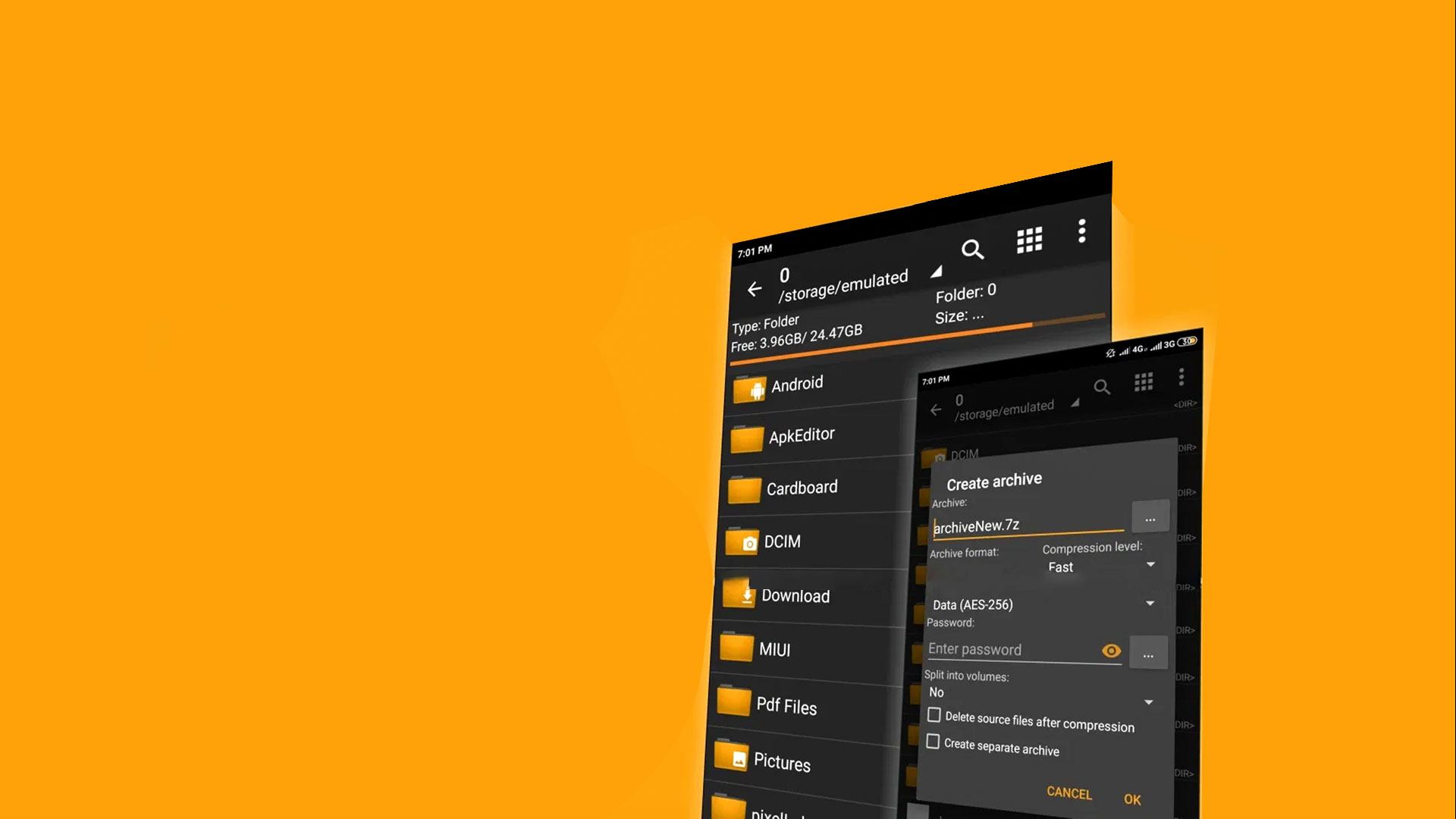


Multitask effortlessly on your PC or Mac as you try out ZArchiver, a Tools app by ZDevs on BlueStacks.
About the App
ZArchiver makes handling compressed files feel easy, not tedious. It’s a clean, capable way to create, open, edit, and manage archives and even app backups, all without getting in your way. Genre: Tools. Prefer working with a keyboard and bigger workspace? ZArchiver also runs smoothly on BlueStacks.
App Features
- Broad format support: Create popular archive types like 7z, zip, tar, gz, xz, zst, and lz4, and open a huge range including rar/rar5, iso, cab, deb, rpm, dmg, wim, and more.
- Edit archives in place: Add or remove files inside archives (zip, 7z, tar, apk, and others) without unpacking everything first.
- Password protection: Secure your archives with a password so only the right people can open them.
- Split and multi-part files: Work with split volumes such as 7z.001, z01, and part1.rar, with creation and extraction support where applicable.
- Partial extraction: Need only one folder or a couple of files? Pull out exactly what you want, fast.
- Backup friendly: Save app backups as archives and restore items like APK and OBB directly from them.
- Preview before extracting: Peek inside archives to see contents without committing to a full extract.
- Open from other apps: Handle archive files launched from email or your favorite file manager without extra steps.
- Direct open for small items: On newer Android versions, open small archives directly without creating temporary copies.
- Multithreaded performance: Take advantage of multiple cores for faster compression and decompression.
- International filenames: Full UTF-8/UTF-16 support keeps filenames with accents and non-Latin scripts intact.
- Offline by design: No internet permission means your files stay local and private.
BlueStacks brings your apps to life on a bigger screen—seamless and straightforward.





