

Let BlueStacks turn your PC, Mac, or laptop into the perfect home for VN: Photo & Video Editor, a fun Video Players & Editors app from Ubiquiti Labs, LLC.
About the App
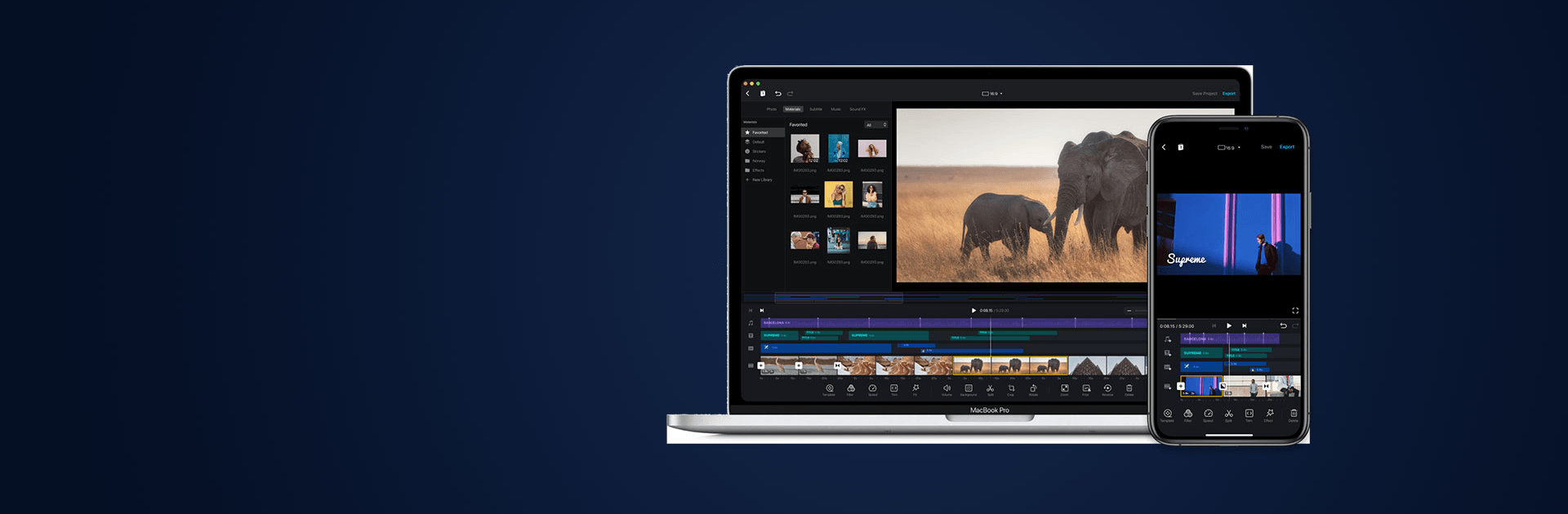
VN: Photo & Video Editor makes editing feel fast, fun, and totally under your control. Whether you’re cutting a quick TikTok, polishing a YouTube Short, or building a collage from a weekend trip, it gives you pro-level tools without the headache. It’s a favorite in the Video Players & Editors genre for good reason—clean timeline, smart automation, and exports that look sharp. Prefer a bigger workspace? Run it on your PC or Mac with BlueStacks for extra room to fine-tune.
App Features
- AI creative kit
-
Boost photo clarity, turn text prompts into images, and even generate video clips to jumpstart your edit.
-
Smart captions and voice
-
Auto-create subtitles in multiple languages, style them fast, or use text-to-speech when you don’t want to record.
-
One-tap background removal
-
Cut out subjects in photos or videos instantly to swap scenes or layer creative compositions.
-
Smoother slow motion
-
AI frame interpolation keeps motion buttery even when you push speed changes hard.
-
Precision timeline editing
-
Trim with near frame-by-frame accuracy, merge clips cleanly, and zoom way in for exact cuts.
-
Multi-layer control
-
Stack overlays, stickers, text, and images; use masks and keyframes to animate everything just the way you like.
-
Music, beats, and speed ramps
-
Add tracks or voice-overs, mark beats, and shape speed with curves for stylish ramps.
-
Quick-create tools
-
BeatsClips and AutoCut sync edits to music in seconds; Story mode organizes your clips first; Teleprompter keeps talking-head videos smooth.
-
Looks and transitions
-
Cinematic filters, LUT support, and polished transitions make edits feel studio-ready.
-
Templates for every platform
-
Build your own reusable templates or grab ones sized for Reels, Stories, posts, thumbnails, and more.
-
Photo editor and collage maker
-
Adjust, filter, and decorate photos; stitch layouts and customize backgrounds, text, and stickers.
-
Easy import and assets
-
Bring media in via Wi‑Fi or ZIP and browse a built-in library of fonts, stickers, filters, and LUTs.
-
Share and secure exports
- Render up to 4K/60fps, protect drafts with passwords and expirations, and send straight to your favorite social apps.
BlueStacks brings your apps to life on a bigger screen—seamless and straightforward.