Top 10 Android Games to Play on PC

- Genshin Impact
- Honkai: Star Rail
- Call of Duty: Mobile
- Roblox
- Farlight 84
- Vampire Survivors
- Subway Surfers
- Another Eden
- Crashlands 2
- Prince of Persia
Playing Android games on PC lets you enjoy higher frame rates, sharper visuals, and more precise controls than on a phone. Modern Android games increasingly offer console-level visuals and complex control schemes that benefit from keyboard, mouse, or controller input on PC. An emulator environment also removes battery and thermal limits, so you can keep titles like Genshin Impact or Honkai: Star Rail running at stable settings during long sessions.
This list highlights eight excellent free games and two premium titles that unlock the full experience with a single purchase, combining fresh critical hits with classics that still perform strongly in charts and recommendations.
1. Genshin Impact – Open-World Action RPG
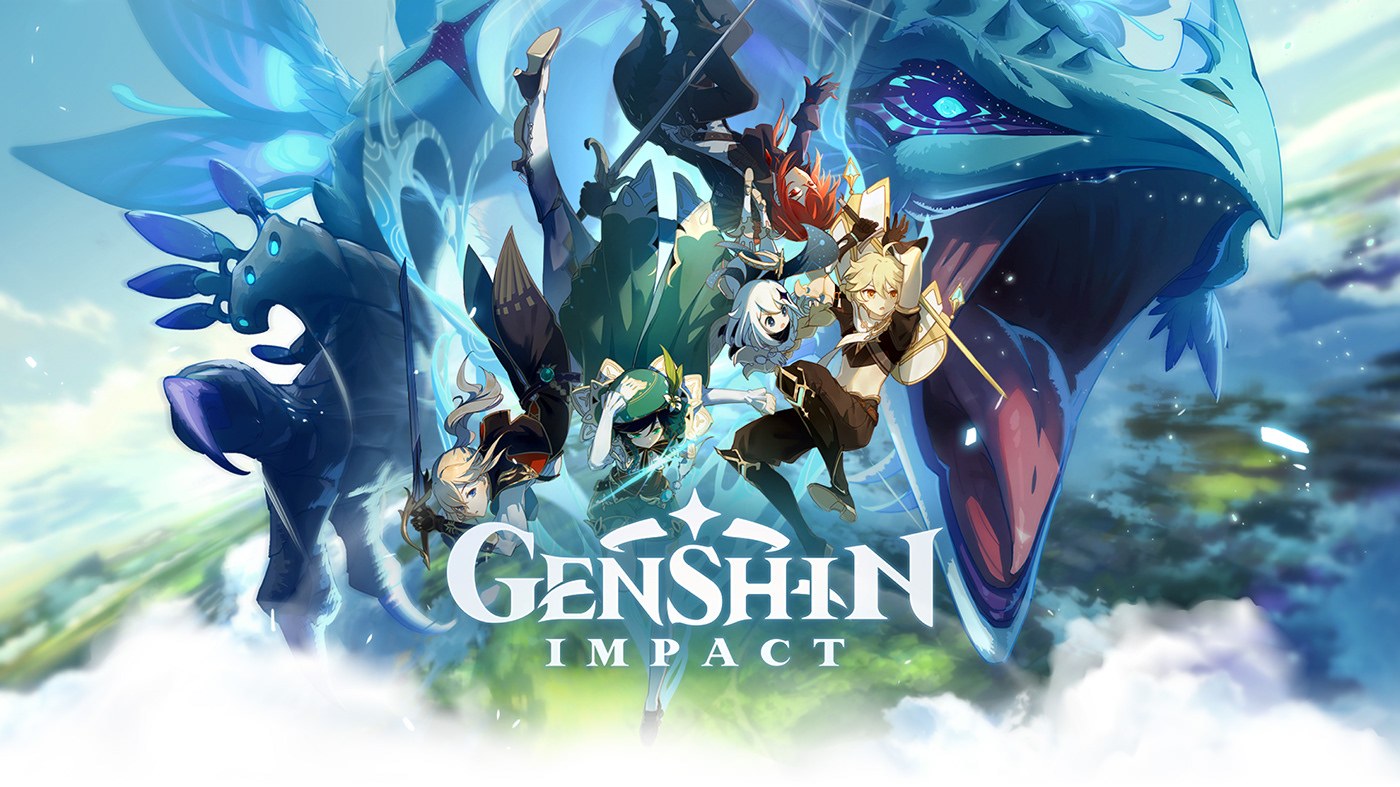
Genshin Impact remains one of the most acclaimed free mobile games, offering a vast open world, elemental combat, and regular major updates with new regions and characters. The full story and world exploration are available for free, with monetization focused on optional character and weapon banners.
On PC, the combination of keyboard movement, mouse camera control, and keybound skills makes combat and platforming smoother than on pure touch controls. The larger display helps with reading enemy telegraphs, navigating vertical spaces, and enjoying the game’s detailed environments and character animations.
Play Genshin Impact on PC with BlueStacks!
2. Honkai: Star Rail – Turn-Based Space Fantasy
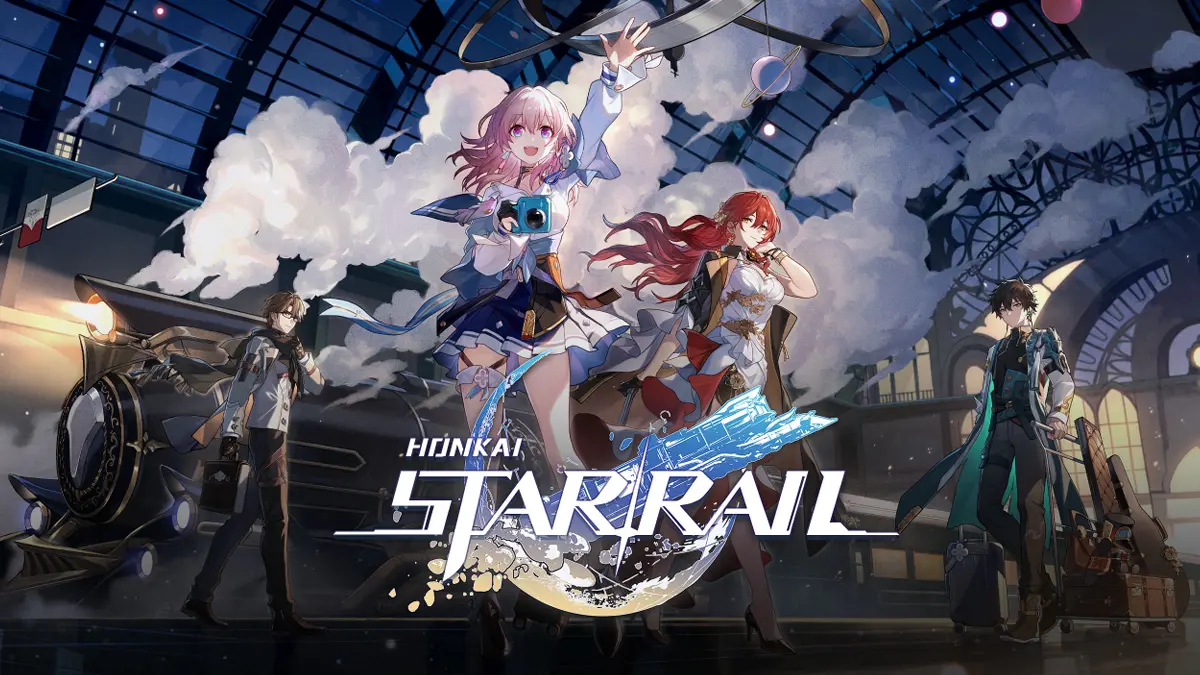
Honkai: Star Rail has earned strong critical reception for its turn-based combat, character writing, and high production values. All main story content, planets, and core endgame modes are accessible without payments, with gacha systems dedicated to expanding your roster.
Running the game on PC makes team management and relic optimization far more comfortable, thanks to quick menu navigation with mouse and keyboard. Turn-based battles also feel snappier as you chain skills and ultimates using keybinds, while high-resolution screens showcase the cinematic attack cut-ins and environments.
Play Honkai: Star Rail on PC with BlueStacks!
3. Call of Duty: Mobile – Competitive Multiplayer FPS
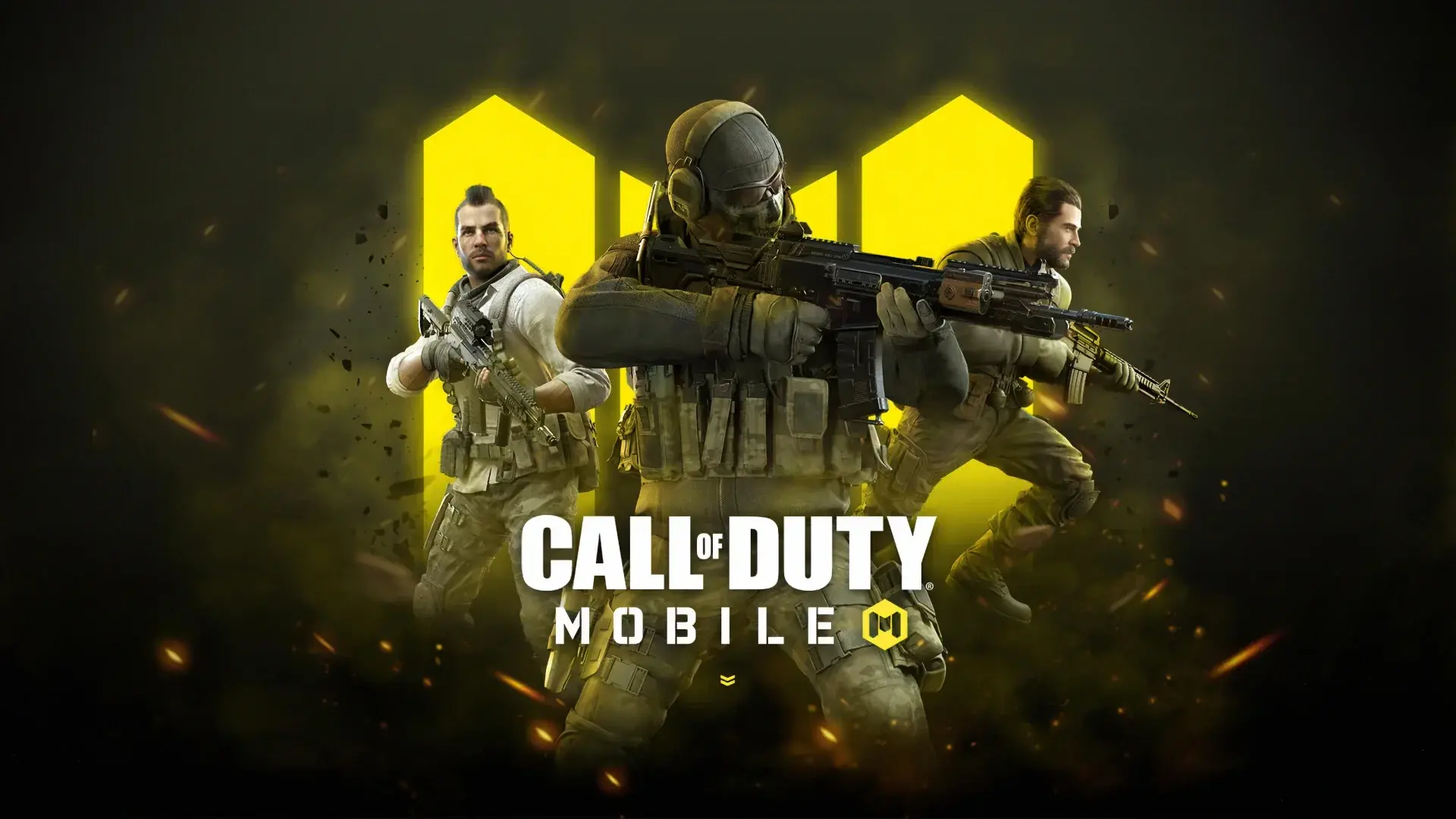
Call of Duty: Mobile consistently ranks among the most played and downloaded mobile games worldwide, with 5v5 multiplayer, battle royale, and limited-time modes. Its core PvP and BR experiences are fully free, with monetization focused on cosmetic skins and battle passes.
On PC, using mouse and keyboard for aiming, movement, and quick weapon swaps gives you much finer control than touch aiming, particularly in ranked modes. Stable frame rates and a wider field of view also make it easier to react to flanks, track enemies at long range, and play extended sessions without performance drops.
Play Call of Duty: Mobile on BlueStacks!
4. Roblox – Massive User-Generated Platform
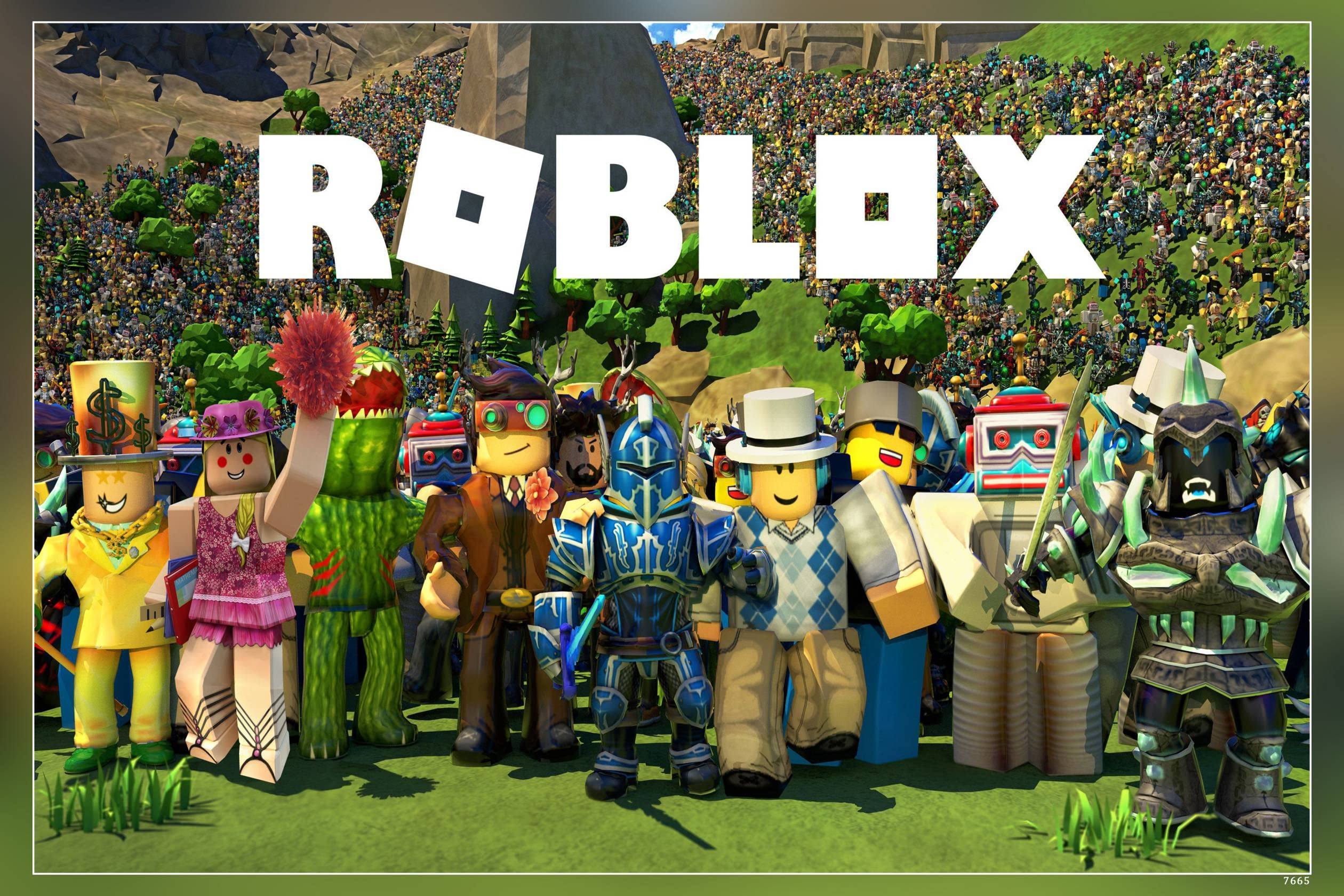
Roblox functions as a platform for millions of user-created games spanning genres like shooters, role-playing, simulators, horror, and obstacle courses. Access to the vast majority of experiences is free, and you can spend optional Robux on cosmetics or game-specific unlocks.
On PC, playing the Android version in an emulator lets you keep the mobile UI while gaining the precision of keyboard and mouse across different game types. A larger screen also improves visibility in detailed worlds and UI-heavy experiences, particularly in role-playing hubs or complex simulators.
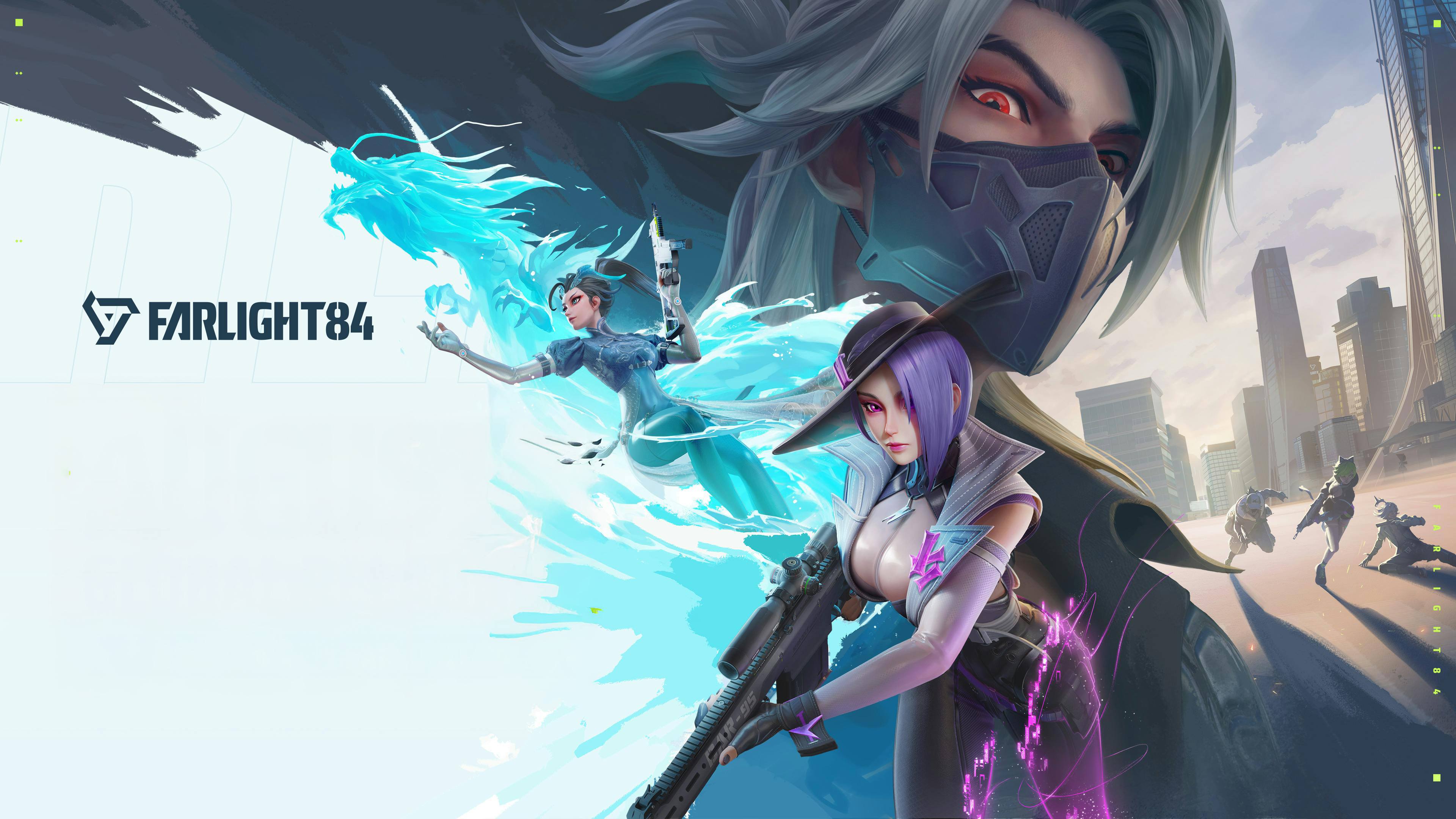
5. Farlight 84 – Hero-Based Battle Royale
Farlight 84 is a fast-paced battle royale that combines hero-style characters, jetpacks, and vehicles in vibrant, futuristic maps. Its free-to-play model grants access to the core BR experience and hero roster, with cosmetic purchases and optional passes funding ongoing updates.
Playing on PC significantly enhances the experience, as accurate mouse aiming and responsive movement controls are crucial in its highly mobile firefights. The expanded field of view and stable performance also make it easier to manage vertical engagements and third-party encounters around dense structures.
Play Farlight 84 on BlueStacks!
6. Vampire Survivors – Addictive Bullet Heaven
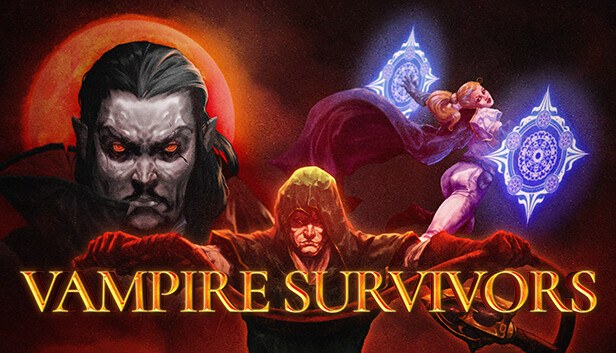
Vampire Survivors became a surprise global hit for its minimalist controls and explosive build variety, and its Android version offers the full gameplay loop for free. You move a character through an endless horde, collecting upgrades that synergize into screen-filling attacks over the course of each run.
On PC, precise movement with keyboard or gamepad and clear visibility of projectiles on a large display help you survive into the later minutes of a run. Managing upgrade choices and tracking synergy evolutions also feels more comfortable with a mouse when navigating the evolving HUD.
Play Vampire Survivors on BlueStacks!
7. Subway Surfers – Evergreen Endless Runner
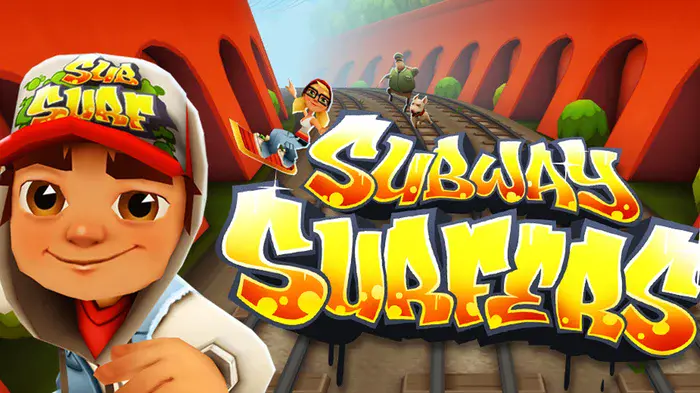
Subway Surfers has remained one of the most downloaded games on Google Play for years and still appears high in recent “most played” and “most installed” rankings. Its simple endless runner design, ongoing world tour updates, and collectible characters keep it relevant even in 2026.
On PC, mapping lane changes and jumps to keyboard keys delivers very consistent input timing, which is crucial as speed increases and obstacles appear more frequently. The larger viewing area helps you spot incoming trains, barriers, and coin lines earlier, making high-score attempts more manageable.
Play Subway Surfers on BlueStacks!
8. Another Eden: The Cat Beyond Time and Space – Single-Player JRPG
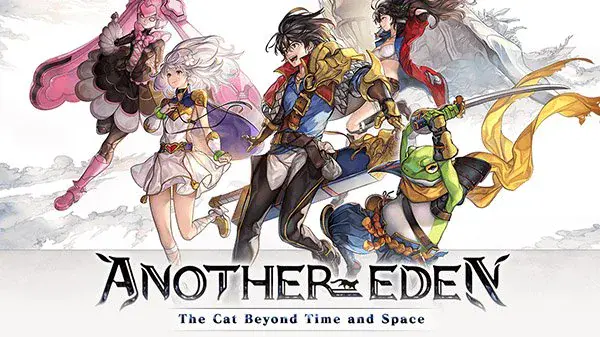
Another Eden is a single-player JRPG from key staff behind classic console titles, known for its time-travel narrative and traditional turn-based combat. It is fully playable for free, with the entire main story and large amounts of side content accessible without mandatory payments, while monetization focuses on optional character draws.
On PC, the game’s emphasis on story and exploration benefits from a clearer view of maps and UI, as well as comfortable keyboard or controller support for long reading sessions. Menu-driven combat and party management also feel smoother when handled with mouse navigation on a larger screen.
Play Another Eden on BlueStacks!
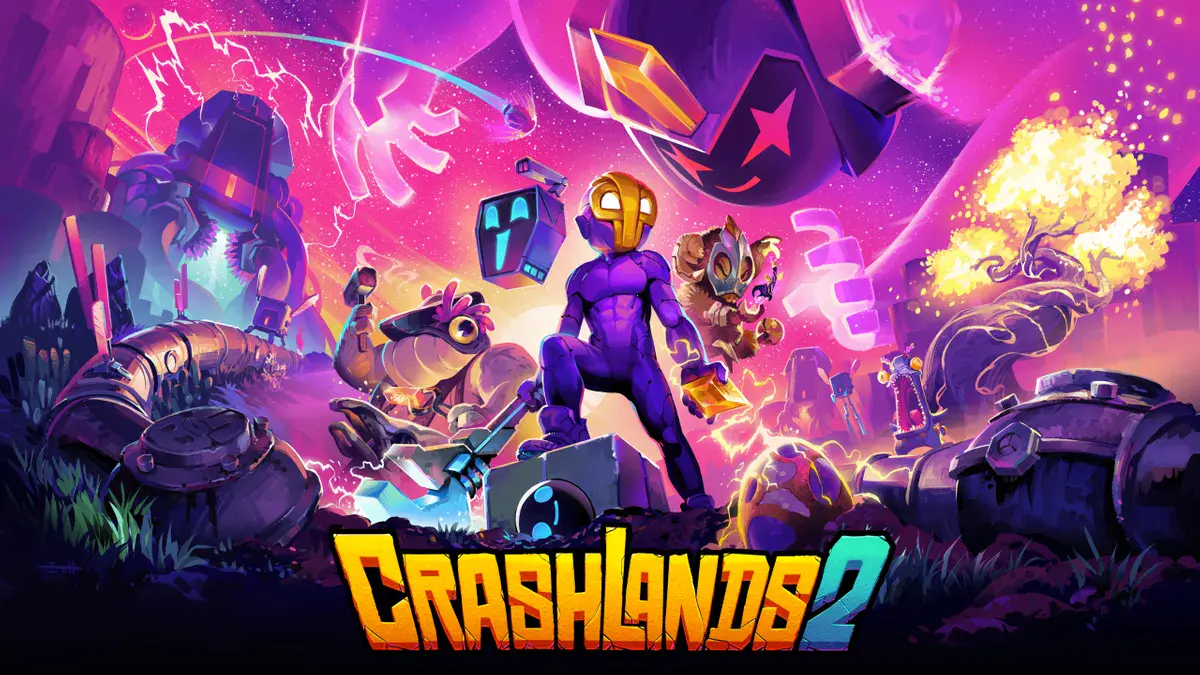
9. Crashlands 2 – Story-Rich Crafting Adventure ($9.99)
Crashlands 2 is a premium survival and crafting RPG that continues the humor and narrative-driven design of the original with new planets, creatures, and systems. On Android, it uses a one-time purchase model: a payment of $9.99 unlocks the full game, without episodic paywalls for completing the story or exploring the content.
PC play suits Crashlands 2 particularly well, because building bases, organizing inventories, and crafting complex items are faster with precise mouse input. Long sessions exploring multiple biomes and fighting bosses also benefit from desktop-class performance and cooling.
Play Crashlands 2 on BlueStacks!
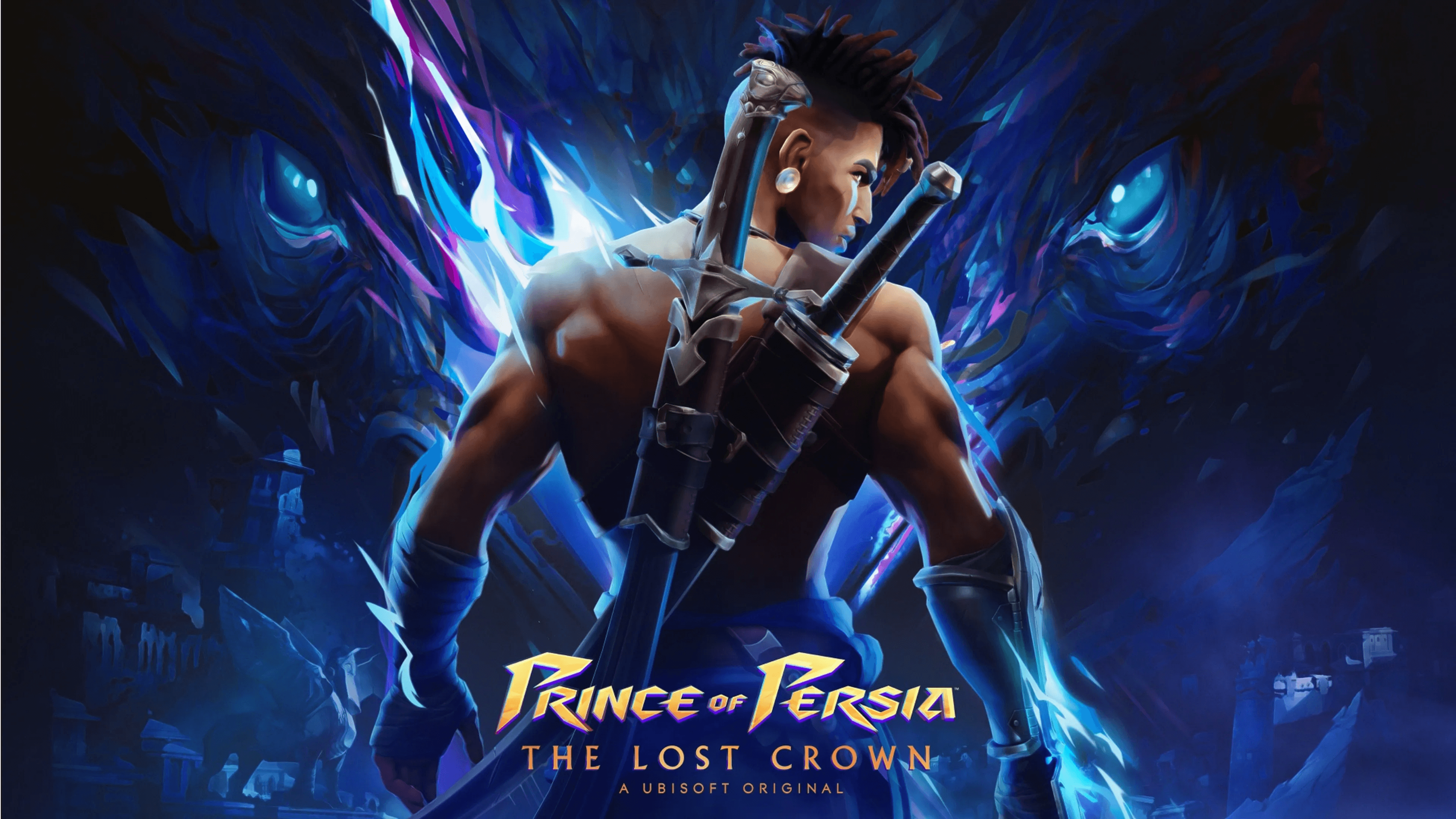
10. Prince of Persia: The Lost Crown (Mobile) – Precision Metroidvania ($10)
The mobile release of Prince of Persia: The Lost Crown adapts Ubisoft’s critically praised action-platformer to touch devices while retaining its tight combat and platforming design. On Android and iOS, players can try an initial segment for free, then unlock the full campaign with a single in-app purchase that has been advertised at around $10 in many regions during the launch promotion period.
In an emulator on PC, the game plays much closer to its console and PC counterparts, with controllers or keyboard providing the responsiveness needed for complex platforming sections and precise parries. A larger display also improves the readability of environmental hazards and multi-layered platform layouts typical of Metroidvania design.
Play Prince of Persia: The Lost Crown on BlueStacks!
These ten Android games are especially well suited to PC play, whether you prefer open-world exploration, turn-based strategy, competitive shooters, or narrative JRPGs. Running them through an emulator on your desktop unlocks their full potential with smoother performance, more precise controls, and a more comfortable way to enjoy long gaming sessions. For the best gaming experience, play these Android games on BlueStacks!