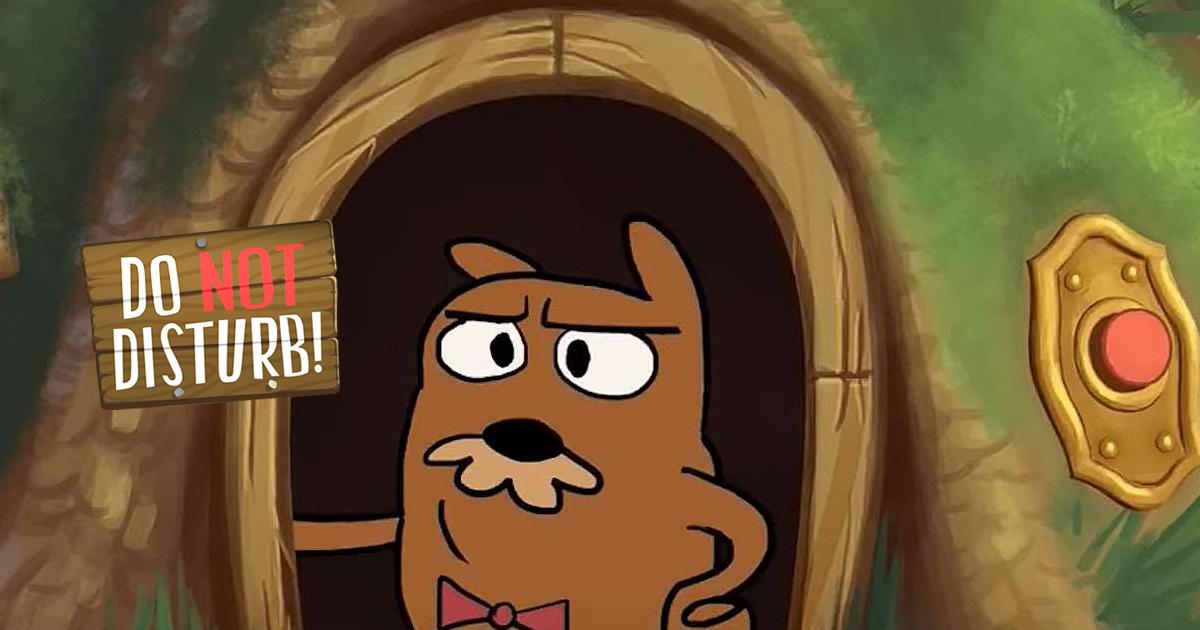
How to Install and Play Do Not Disturb Funny Prankster on PC with BlueStacks
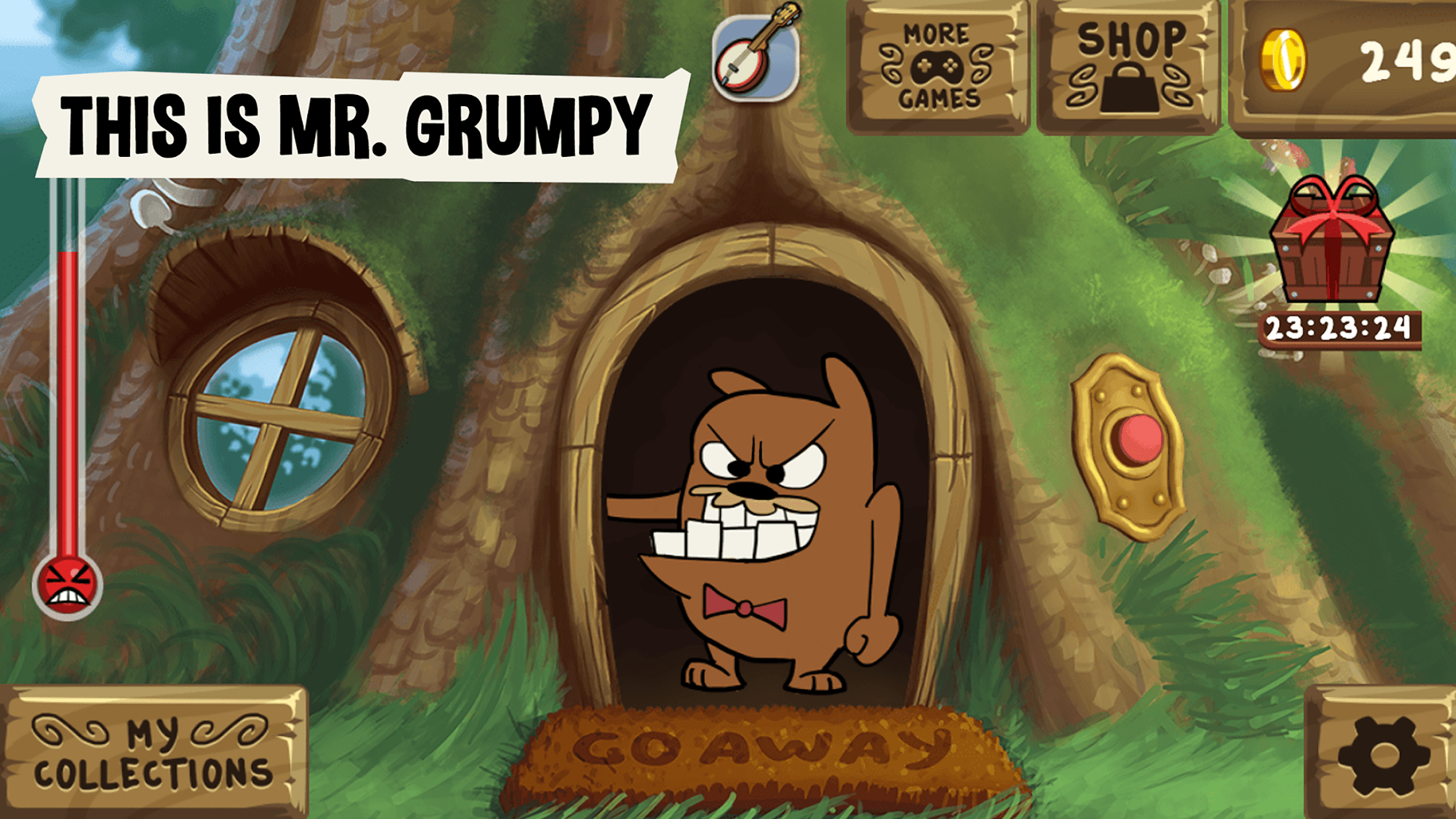
Mr. Grumpy wants some peace and quiet. Your job is to interrupt it! Do Not Disturb Funny Prankster is a casual game from Tapps Games where you bother a grumpy marmot and watch his funny reactions. Knock on his door, ring the doorbell, and tap the windows to see what happens.
Each tap adds to the Annoy-o-Meter. Fill it up, and you’ll earn a souvenir for your collection. With simple tapping controls and cartoon humor, the game is easy to pick up whenever you feel like causing a little virtual trouble. You can also compare your finds with friends and see which souvenirs they’ve collected.
How to Install Do Not Disturb Funny Prankster on PC
- Visit the game’s page and select “Play Do Not Disturb Funny Prankster on PC.”
- Find the downloaded installer in your browser’s downloads section and open it.
- Follow the setup instructions to install BlueStacks, then launch it on your PC.
- Sign in to the Google Play Store, install Do Not Disturb Funny Prankster, and start your first prank.
How to Install Do Not Disturb Funny Prankster on Mac with BlueStacks Air
- Head to the game’s page and click “Play Do Not Disturb Funny Prankster on Mac” to download the installer.
- Double-click the BlueStacksInstaller.pkg file and follow the installation wizard.
- Open BlueStacks Air from Launchpad or your Applications folder. Sign in with your Google account to access the Play Store.
- Search for Do Not Disturb Funny Prankster in the Play Store and install it.
- Launch the game and pay Mr. Grumpy a visit.
Already Have BlueStacks? Start Here
- Open the game’s page and click “Do Not Disturb Funny Prankster on PC.”
- Launch your installed version of BlueStacks on your PC or Mac.
- Find and install the game through the BlueStacks Store or Google Play Store.
- Open Do Not Disturb Funny Prankster to start playing.
Minimum System Requirements
Check these requirements before installing. Windows PCs and Macs need different amounts of memory and storage:
- OS: Windows 10 or later for current BlueStacks 5 versions; macOS 11 Big Sur or later for BlueStacks Air.
- Processor: Intel or AMD on Windows; Apple Silicon M1–M4 on Mac.
- RAM: At least 4GB on Windows or 8GB on Mac.
- Storage: At least 5GB of free space on Windows or 12GB on Mac.
- Permissions: Administrator access on your PC.
- Graphics drivers: Windows users should have current drivers from Microsoft or their graphics hardware provider.
Windows 7 and 8 support is limited to BlueStacks 5.21.300 and earlier.
If you enjoy collecting things and discovering silly animations, this game gives you a straightforward reason to keep experimenting. Try different interactions, watch Mr. Grumpy’s responses, and work toward another souvenir. It suits a short break, and a friend or sibling can watch along as you compare your favorite reactions.
Playing Do Not Disturb Funny Prankster on PC or Mac with BlueStacks gives those cartoon moments more room on a bigger screen. Use your mouse for taps and set up keyboard shortcuts for supported actions to make playing at your desk more comfortable.